


Think your logs are fine because they print messages? Think again.
Out-of-the-box Python often gives you only the message; no timestamp, level, or context, and that wastes debugging time.
This post shows how to use logging.Formatter, basicConfig, handlers, JSON formatters, colorized console output, and custom Formatter subclasses to get logs that are useful for both local debugging and centralized ingestion.
You’ll get quick examples, common pitfalls, and simple rules to keep sensitive data and noisy traces out of production logs.
Core Concepts of Python Log Message Formatting

import logging

# Quick setup with basicConfig
logging.basicConfig(
    level=logging.DEBUG,
    format="%(asctime)s %(levelname)s %(message)s"
)

logging.info("Application started")
Python’s logging.Formatter controls which fields appear in each log line and how they’re arranged. Create a logger without specifying a formatter and Python defaults to bare "%(message)s". You get only the message content. No timestamp, no level, no context. That’s often too minimal for real debugging.
Using logging.basicConfig(format="...") applies a richer default that adds log level and logger name. Skip the format argument entirely and basicConfig still adds level prefixes like "WARNING:root:This is a warning" instead of the bare message. The default logger name is "root", and the default example level shown in most tutorials is "WARNING".
A typical format string looks like "%(asctime)s - %(levelname)s - %(name)s - %(message)s". Each %(...)s placeholder pulls a field from the LogRecord object Python creates for every log event. You can mix and match placeholders to build the output you need.
The five most essential LogRecord attributes developers use:
asctimefor timestamp when the log was createdlevelnamefor log level (DEBUG, INFO, WARNING, ERROR, CRITICAL)namefor logger namemessagefor the formatted log messagefilenamefor source file that emitted the log
Python Logging Formatter Configuration Techniques

basicConfig is the fastest way to set a format across all root handlers. Call it once at startup with level and format arguments, and every log statement inherits that layout. It’s perfect for quick scripts or debugging sessions where you don’t need per-destination control.
For more control, create handlers explicitly and attach formatters to each one. A StreamHandler sends logs to the console, while a FileHandler writes to disk. Each handler can have its own Formatter instance. Console output can be colorized and compact while file logs stay plain and detailed.
Here’s how to attach formatters to multiple handlers:
- Create a logger and set its level to
DEBUGto capture everything. - Instantiate a
logging.Formatterwith your format string. - Create a
StreamHandlerfor console output and callhandler.setFormatter(formatter). - Repeat for a
FileHandlerorTimedRotatingFileHandler, optionally using a different format string. - Add both handlers to the logger with
logger.addHandler(handler). - Emit log messages. Each handler formats and outputs independently.
Python Logging Formatter Format String Syntax and Patterns

Python’s logging module uses percent style format syntax. Each placeholder starts with %, wraps an attribute name in parentheses, and ends with a type code like s for string or d for integer. For example, %(asctime)s inserts the timestamp, %(levelname)s inserts the level name, and %(lineno)d inserts the line number as an integer.
| Format String | When to Use It |
|---|---|
%(message)s |
Minimal local dev console, no metadata |
%(asctime)s - %(levelname)s - %(message)s |
Readable console with timestamp and level |
%(asctime)s %(levelname)8s [%(filename)s:%(lineno)d] %(message)s |
Detailed file logs with source location and aligned levels |
{"time":"%(asctime)s","level":"%(levelname)s","msg":"%(message)s"} |
Structured JSON for centralized ingestion (though JSONFormatter is better) |
Avoid double formatting by using the logger’s built-in interpolation. Write logger.debug("User %s logged in", user_id) instead of logger.debug(f"User {user_id} logged in"). The percent style approach defers string construction until the log is actually emitted, saving cycles when the level is filtered out.
Structured Logging Formatters in Python
Structured logging emits each log as a JSON object instead of a plain text line. Install python-json-logger with pip install python-json-logger, then replace logging.Formatter with pythonjsonlogger.jsonlogger.JsonFormatter. Every log becomes a key value dictionary, making it trivial for log aggregators to parse fields, filter by level or timestamp, and correlate events.
JSON logs work especially well in production and distributed systems. Instead of parsing unstructured text with regex, observability platforms can index each field and let you search by {"level":"ERROR","request_id":"abc123"} in milliseconds. Use ISO 8601 timestamps in your JSON formatter to ensure consistent ordering across time zones and services.
Five advantages of JSON logging:
- Machine readable, no regex or custom parsers needed
- Searchable by any field instantly
- Consistent schema where every log has the same top level keys
- Ingestion compatibility works out of the box with centralized systems
- Metadata richness lets you embed context like user ID, trace ID, environment without string formatting
Creating a Custom Python Logging Formatter Class

Overriding format and formatTime
Subclass logging.Formatter and override the format(self, record) method to inject extra fields, reorder output, or normalize timestamps. Inside format, you have access to the full LogRecord object, which carries attributes like record.pathname, record.funcName, and record.created. You can add computed fields, pull environment variables, or reformat the message before returning the final string.
Override formatTime(self, record, datefmt=None) to control timestamp rendering. By default, Python uses "%Y-%m-%d %H:%M:%S" plus milliseconds. If you want ISO 8601 with timezone, pass datefmt="%Y-%m-%dT%H:%M:%S%z" or compute it manually from record.created. Consistent timestamps matter when merging logs from multiple services or time zones.
Enhancing Exception and Multi-line Output
Override formatException(self, exc_info) to customize how tracebacks appear. The default formatter prints the full stack trace, but you might want to truncate it, redact file paths, or append debugging hints. Call super().formatException(exc_info) to get the standard traceback, then modify the string before returning it.
Multi-line log messages can break parsing if each line doesn’t carry metadata. Prefix every continuation line with spaces or a marker so log shippers recognize it as part of the same event. Some formatters replace newlines with \n literals to keep each log as a single line, which simplifies grep and centralized ingestion. If you’re logging JSON payloads or stack traces, decide whether to embed them as escaped strings or pretty print them for human review during local development.
Python Logging Formatter for Colorized Console Output

Colorized logs make it easier to spot errors and warnings in a terminal. Use raw ANSI escape codes like \033[31m for red or \033[32m for green, wrapping the levelname in your custom formatter. Terminals that support 8 color, 16 color, or 256 color modes will render the codes. Unsupported terminals just print the escape sequences, so test your target environment or offer a plain fallback.
If you don’t want to manage ANSI codes by hand, install colorama (pip install colorama) to handle platform differences, or use a third party library like colorlog that provides a drop in colored formatter. Both approaches require minimal changes. Subclass logging.Formatter, map each log level to a color code, and wrap the level string before returning the formatted record.
Common color mappings per log level:
- DEBUG goes to gray or dim white
- INFO goes to green
- WARNING goes to yellow
- ERROR goes to red
Best Practices for Designing Python Log Formats

Keep production formats clean and consistent. Include timestamp, log level, logger name, and message as a baseline. Add contextual fields like request ID, user ID, service name, and environment to speed troubleshooting when logs are aggregated from multiple instances. Avoid embedding stack traces or multi-line messages in the middle of other fields. Isolate them at the end or in a dedicated field.
Never log sensitive data. Strip passwords, API keys, credit card numbers, and personally identifiable information before they reach the logger. Use a custom formatter to detect and mask fields that match common patterns, or sanitize inputs at the call site. Compliance frameworks like GDPR and HIPAA require you to control what gets written to disk and shipped to third party platforms.
Use different formats for different environments. In local development, a human readable format with colors and compact output helps you scan logs quickly. In staging and production, switch to structured JSON with full metadata and ISO 8601 timestamps so centralized logging tools can parse, search, and alert. Define formatters in a config file or environment variable so you can toggle layouts without changing code.
Five must have production log components:
- Timestamp (ISO 8601 recommended)
- Log level (INFO, WARNING, ERROR, etc.)
- Message content
- Context fields (request ID, user ID, trace ID)
- Environment tag (prod, staging, dev)
Advanced Python Logging Formatter Scenarios
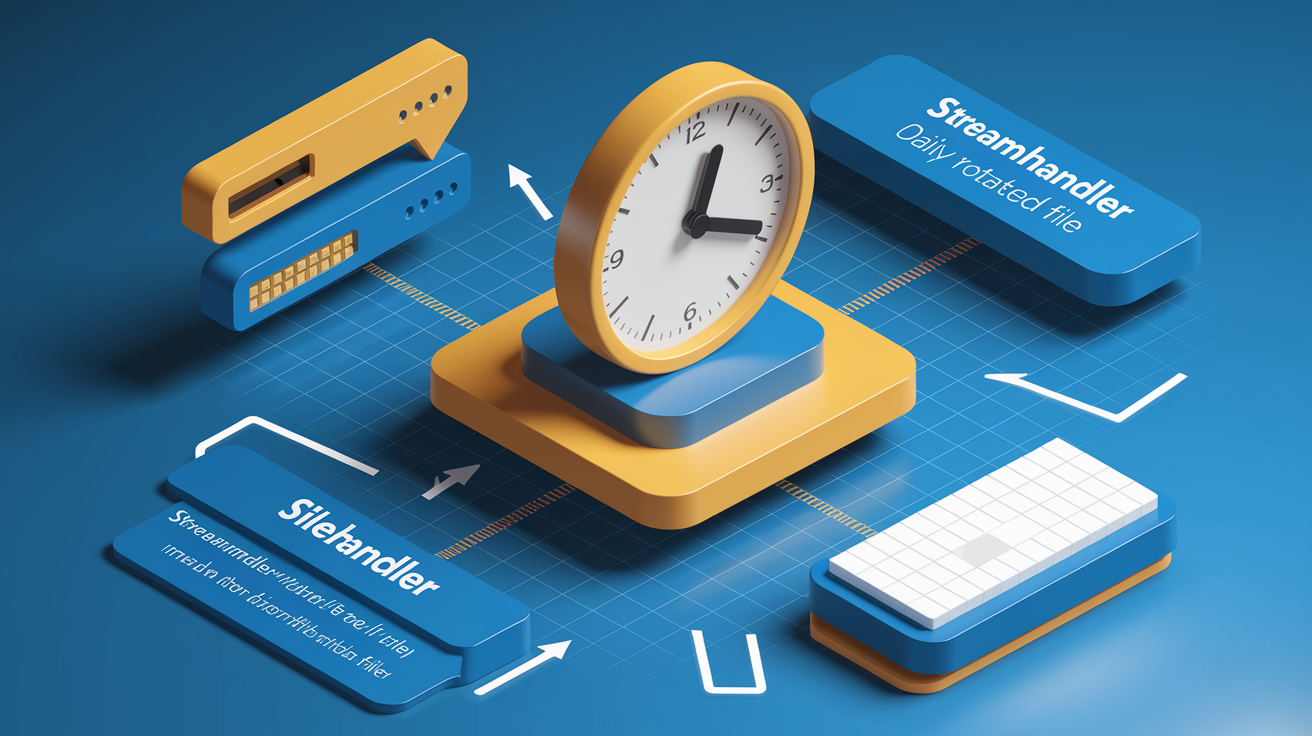
When you attach multiple handlers to one logger, each can have its own formatter. A console handler might use a compact, colorized layout, while a TimedRotatingFileHandler writes detailed plain text to disk with daily rotation. Set handler.setFormatter(formatter) independently for each destination, and the logger routes every record through all handlers, formatting on the fly.
Daily file rotation with TimedRotatingFileHandler creates a new log file at midnight. Use a formatter that includes the date in each line even though the filename already has it. That way, if you merge or search multiple files, every line carries its own timestamp. Include module, function, and line number in file logs to trace errors back to source code without opening a debugger.
| Timestamp Strategy | Format Example | Use Case |
|---|---|---|
| Default | 2023-05-30 14:30:10 |
Local dev, human readable |
| ISO 8601 | 2023-05-30T14:30:10Z |
Production, cross timezone consistency |
| Timezone aware | 2023-05-30T14:30:10-07:00 |
Multi region deployments |
| Microseconds | 2023-05-30T14:30:10.123456Z |
High frequency event correlation |
Final Words
You saw how log formatting decides what shows up in each line, and why the default Formatter prints only the bare message unless you change it.
The post walked through quick setups (basicConfig, handler.setFormatter), format-string patterns, structured JSON with python-json-logger, custom Formatter subclasses, colorized console output, best practices for production fields, and advanced multi-handler/timestamp scenarios.
Pick the simplest approach that fixes your problem: basicConfig for quick debugging, JSON for ingestion, or a custom class for redaction. A consistent python logging formatter will cut noise and speed troubleshooting—keep iterating, you’re on the right track.
FAQ
Q: What is a Python logging formatter and what does it do?
A: A Python logging formatter defines which LogRecord fields appear in each log line and how they’re laid out, controlling timestamps, level, logger name, message, and overall readability or structure.
Q: What is the default Formatter behavior versus using basicConfig?
A: The default Formatter prints only the bare message (%(message)s); basicConfig or a custom Formatter adds fields like asctime and levelname to produce richer, readable log lines.
Q: What placeholders are available and which are most useful?
A: Common placeholders include asctime, levelname, name, filename, lineno and funcName; use them to add timestamps, severity, logger identity, file and line context to every record.
Q: How do I quickly set a formatter using basicConfig?
A: Use logging.basicConfig(format=fmt) or attach logging.Formatter(fmt) to a handler; example fmt = “%(asctime)s %(levelname)s %(message)s” for quick, consistent output, and it sets the root handler format.
Q: How do I attach different formatters to console and file handlers?
A: Attach different formatters by creating handlers, calling handler.setFormatter(logging.Formatter(fmt)), then add handlers to the logger; keep formats short for console, structured for files.
Q: When should I use dictConfig for logging configuration?
A: Use dictConfig when you need reproducible, environment-specific logging setups (multiple handlers, formatters, levels) that can be versioned and loaded at app start.
Q: What is percent-style format syntax and how do I avoid double formatting?
A: Percent-style uses “%(field)s” to pull LogRecord fields; avoid double formatting by passing values to logger methods (logger.debug(“x=%s”, val)) instead of pre-formatting strings.
Q: How do I produce structured JSON logs in Python?
A: Produce structured JSON logs by using a JSONFormatter (python-json-logger) or custom Formatter that emits JSON; pip install python-json-logger and prefer ISO 8601 timestamps for ingestion.
Q: How do I create a custom Formatter subclass?
A: Create a custom Formatter by subclassing logging.Formatter and overriding format() and optionally formatTime/formatException; use record.dict or extras to inject metadata and sanitize fields.
Q: How can I add color to console logs without heavy dependencies?
A: Add color by inserting ANSI escape codes in your Formatter output or use colorama for Windows support; colorlog is a lightweight alternative that wraps formatters for level-based coloring.
Q: What are best practices for log formats and masking sensitive data?
A: Best practices include consistent ISO timestamps, including request IDs and environment tags, centralizing format definitions, and never logging PII—sanitize or redact sensitive fields before formatting.
Q: How do I handle rotating files and timezone-aware timestamps?
A: Handle rotations with TimedRotatingFileHandler or RotatingFileHandler and set a formatter that emits timezone-aware ISO 8601 timestamps; enable microsecond precision when you need finer timing.