


Think your password is strong? Most aren’t, and reused or short passwords are the fastest route to a midnight incident. This tool creates strong, random passwords in seconds: no sign-ups, no downloads, just generate and copy. Read on to learn the exact settings that matter (length, uppercase, numbers, symbols), how strength meters judge entropy, and the simple habits that stop generated passwords from becoming a headache: use a manager and never reuse passwords. Quick, practical, and built for real workflows.
Password Generator Tool
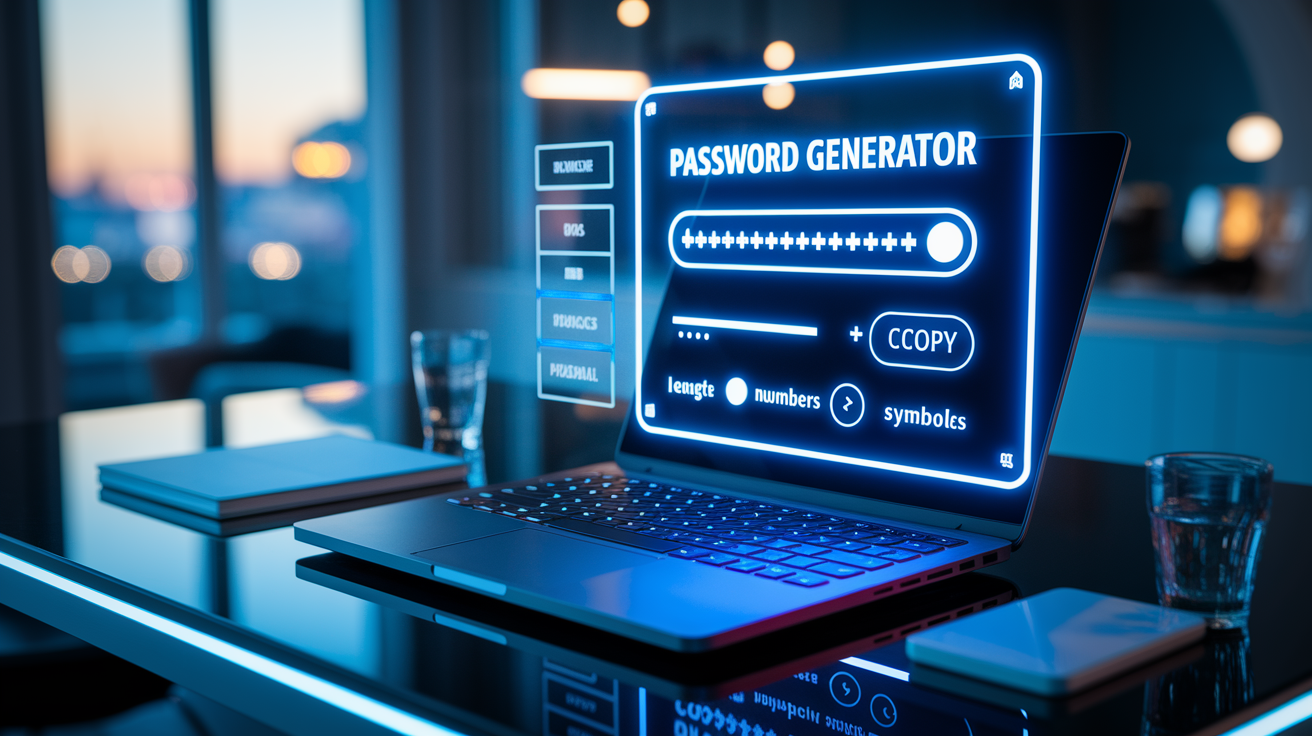
Generate a strong, random password in seconds with the tool below. No sign-ups, no downloads. Just paste your new password into any account, system, or vault.
The generator gives you:
- Password display field showing your newly generated password (plain text or masked).
- Generate button that creates a fresh password each time.
- Copy button for one-click clipboard copying.
- Length selector for precise control over character count (usually 8 to 128 characters).
- Character-type toggles for uppercase letters, lowercase letters, numbers, and special symbols.
- Refresh option to regenerate instantly without resetting your custom settings.
Customization Options for Your Generated Password
You can control every aspect of your password to match specific site requirements or your own security standards. The more you customize, the better you balance memorability with brute-force resistance.
Length settings let you specify exact character counts. Most tools support 8 to 128 characters. Research suggests 16 or more characters provide strong defense against modern cracking methods. Character-set toggles give you granular control over which types of symbols appear:
- Length slider or input field to set exact character count (common defaults: 12 to 20 characters).
- Uppercase letters (A–Z) for added complexity.
- Lowercase letters (a–z) to form the readable base.
- Numbers (0–9) to increase entropy.
- Special characters (!@#$%^&*()+ and others) for maximum randomness.
Each option you enable multiplies the possible combinations an attacker must test. A 16-character password using all four character types offers trillions of permutations. A 12-character password using only lowercase letters can be cracked orders of magnitude faster.
Understanding Password Strength Indicators
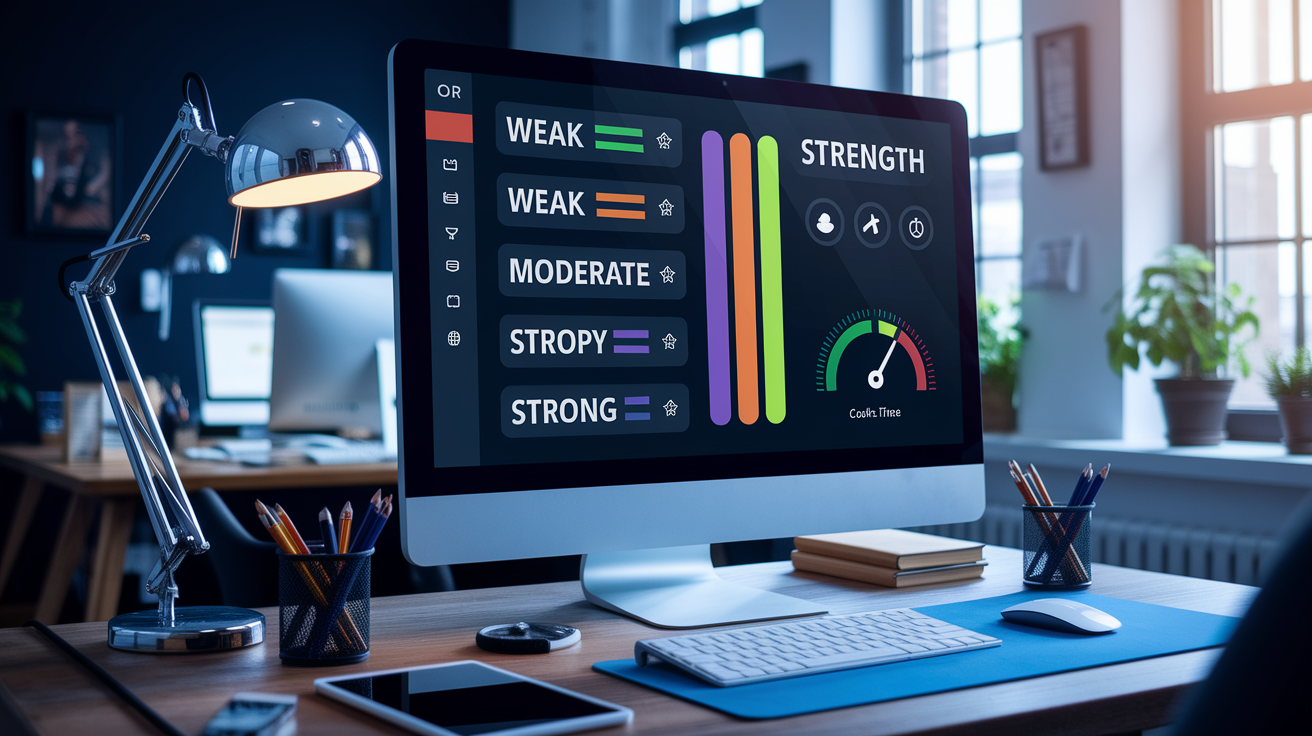
A password strength meter analyzes your generated string in real time and assigns a score. Usually labeled “Weak,” “Moderate,” or “Strong.” These indicators evaluate entropy (randomness), length, and the diversity of character classes you’ve included.
Meters flag predictable patterns like repeated characters, sequential runs (abc, 123), and dictionary words. They also measure how long it would take an attacker using modern GPU-based cracking to guess your password. A 12-character mix of uppercase, lowercase, numbers, and symbols might show “Strong” with an estimated crack time of thousands of years. But a 12-character all-lowercase string could be labeled “Weak” and cracked in minutes. Use the meter to confirm your password meets or exceeds the minimum “Strong” threshold before saving it.
Tips for Creating Safer Passwords
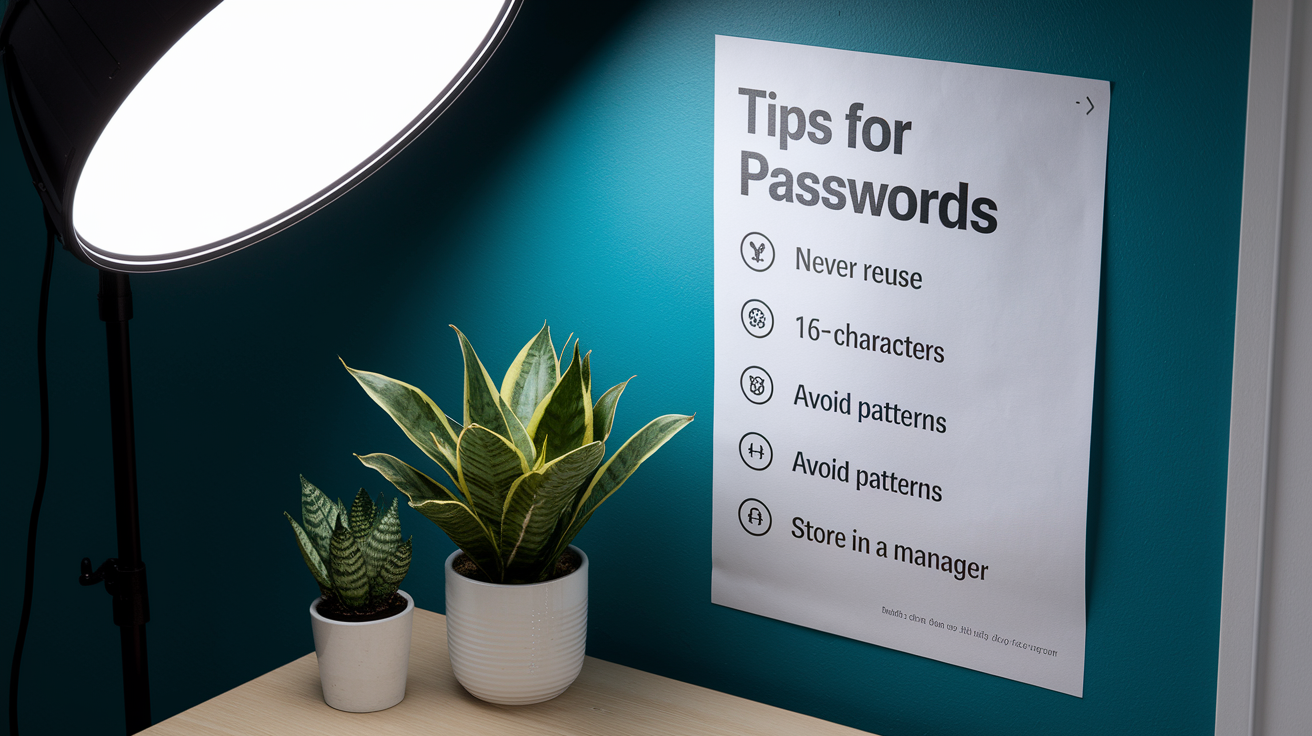
Even the best generator won’t protect you if you reuse the same password across accounts or store it in plain text. Follow these practices to maximize security beyond the initial generation step.
Actionable tips for safer password habits:
- Never reuse passwords across different accounts or services, especially high-value targets like email, banking, or admin consoles.
- Aim for 16+ characters whenever a site or system allows it. Longer passwords exponentially increase crack time.
- Avoid predictable patterns such as “password123,” your name plus birth year, or keyboard walks like “qwerty” and “asdfgh.”
- Store passwords in a dedicated manager (examples: Bitwarden, 1Password, KeePass) rather than browser autofill or sticky notes, and protect the manager with a unique master password.
How This Password Generator Works
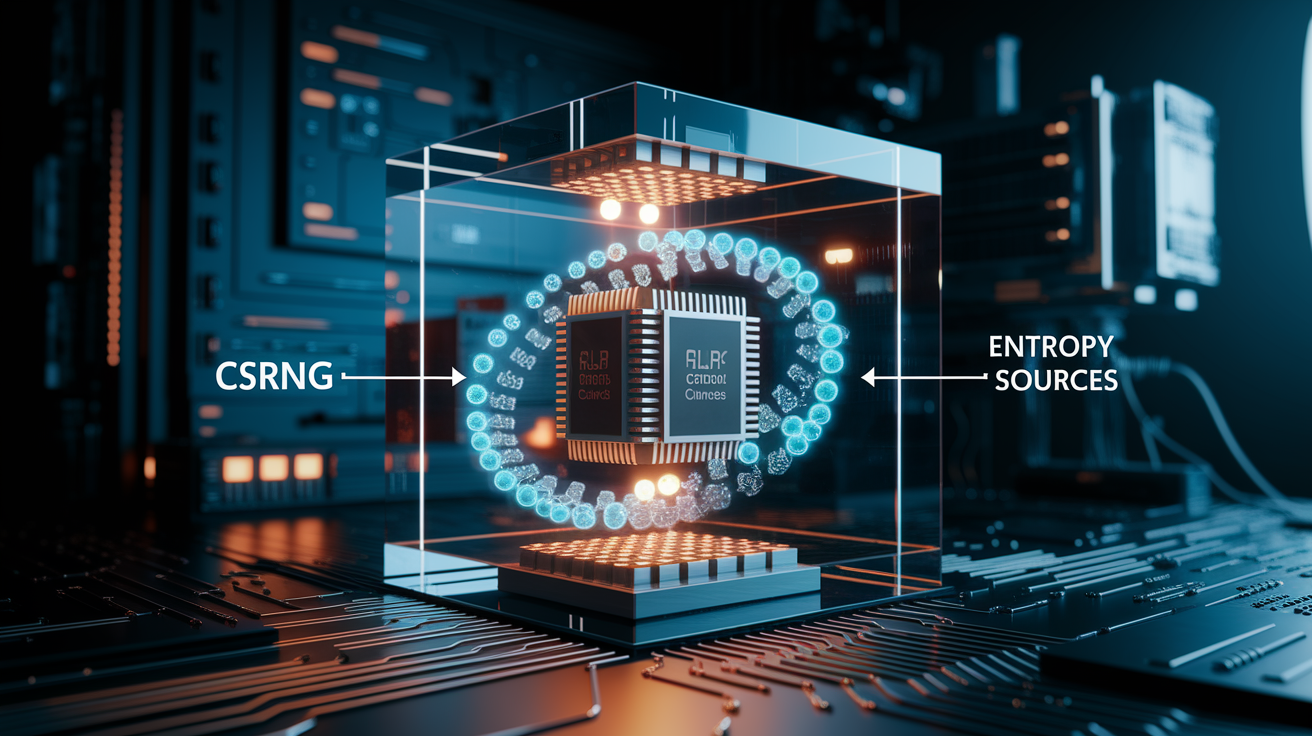
Secure password generators rely on cryptographically strong random number generation (CSRNG) to produce unpredictable character sequences. Unlike simple randomizers that use weak algorithms or date-seeded values, a CSRNG pulls entropy from operating-system sources. Hardware noise, mouse movements, or dedicated entropy pools. So even an attacker who knows the algorithm can’t predict the output.
Client-side generation means your password is created entirely in your browser’s memory and never sent to a remote server. No logs, no storage, no third-party tracking. When you click “Generate,” the tool assembles characters on your device. When you click “Copy,” the string moves to your clipboard without an external API call. This protects privacy and eliminates the risk of interception during transit. Always verify that the generator you choose operates locally and states clearly that it doesn’t store or transmit generated passwords.
Final Words
Open the password generator at the top, pick a length and character mix, then hit generate and copy. That’s the quick flow this post put front and center.
You’ve seen why customization matters, how the strength meter judges entropy and diversity, and practical tips to avoid reuse and predictable patterns. We also covered how secure random generation keeps everything client-side and private.
Try it now with sensible defaults and tweak as needed—stronger passwords are a few clicks away with the password generator.
FAQ
Q: How do I use the password generator tool?
A: Using the password generator tool, pick length and character toggles, click Generate, then Copy or Refresh to get a new password shown in the display field for immediate use.
Q: What password length should I choose?
A: The password length should be 16+ characters for strong protection; shorter lengths are fine for low-risk accounts, but longer randomized passwords cut compromise risk significantly.
Q: Which character types should I include?
A: Including uppercase, lowercase, numbers, and special characters increases entropy; combining these sets avoids predictable patterns and greatly strengthens a password when paired with sufficient length.
Q: How does the password strength indicator work?
A: The password strength indicator evaluates length, character diversity, and estimated entropy; it flags weak or predictable configurations so you can adjust length or character sets before using the password.
Q: Are generated passwords stored or sent to a server?
A: Generated passwords aren’t stored or transmitted when generation runs client-side; client-side generation keeps passwords local and private—verify the page source if you need to confirm where generation occurs.
Q: Can I set custom rules like excluding similar characters?
A: You can set custom rules like excluding similar characters, forcing at least one number or special, or choosing an exact length by using the toggles and length selector.
Q: How do the copy and refresh controls work?
A: The Copy control copies the displayed password to your clipboard for pasting; Refresh generates a new password with current settings, while Generate produces an explicit new result on demand.
Q: Should I use generated passwords or passphrases?
A: Generated randomized passwords (16+ mixed characters) are usually stronger than short passphrases, but long, unique passphrases can be user-friendly and secure if you can reliably store and manage them.