


If you’re still copying .env files by hand, you’re courting disaster.
Secret sprawl and config drift cause outages, leaked keys, and hours lost chasing mismatched values.
This post walks through managing environment variables across multiple environments—dev, staging, prod—using centralized secret stores, CI/CD injection, and lightweight runtime fetching.
You’ll get concrete tools, security rules (RBAC, rotation, audit logs), and automation patterns to stop accidental commits, speed deployments, and keep one container image working everywhere.
No hype—just practical steps you can adopt this week.
Core Principles for Reliable Multi‑Environment Variable Management

When you’re copying .env files around by hand to keep configuration in sync, you’ve already lost. Secret sprawl and drift aren’t just annoying—they crash production services. One missing APIKEY or stale BACKENDENDPOINT can take down your app, and manually syncing values across a dozen microservices burns hours every sprint. The dotenv package gets over 30 million weekly downloads on npm, but only about 10% of organizations worldwide actually use centralized secret managers. Most teams are still exposed to config drift and accidentally committed secrets.
The shift to a hybrid setup changes everything. Instead of jamming every secret into a .env file, you keep one access token there and fetch everything else at runtime from a centralized store. That ratio—one local token, many fetched secrets—gives you the simplicity of dotenv for local work while enabling automatic updates, audit trails, and role-based access in staging and production. At minimum, run three separate configs for dev, staging, and prod, with explicit variable sets for each.
Fail fast or regret it later. When APIKEY is missing, your app should error immediately at startup. Don’t fall back to a dev default. “Error: BACKENDENDPOINT is not defined” is way safer than shipping a container pointing to localhost:2000 in production, which is a real misconfiguration that can wreck user-facing services.
Separate configs per environment. Dev, staging, production—no shared secret files across stages. Store only one token or credential in .env and pull the rest from a secret manager at runtime. Use environment variable prefixes to signal intent, like NEXTPUBLIC for client-safe values and strict server-only naming for credentials. Commit a .env.example or template with placeholder keys, never real secrets. Add .env* to .gitignore. Validate presence and format of critical variables during CI or container startup. Fail loudly on missing values. Automate sync through centralized secret stores, not manual file distribution.
Naming conventions prevent leaks. Clear, consistent patterns—BACKENDENDPOINT for service endpoints, APIKEY for third-party credentials—so anyone reviewing logs or code can instantly see which variables hold sensitive data and which are safe to expose.
Modern Approaches to Environment‑Specific Configuration Patterns

Modern apps separate configuration from code at every layer. You replace hardcoded values with runtime-resolved variables so the same container image runs in dev, staging, or production without rebuilding. This decoupling gives you zero-downtime deployments, safer rollbacks, and easier debugging. Teams can ship a single artifact and inject different credentials depending on where it lands.
The 12-factor config principle is simple: store config in the environment. Read DATABASEURL, APIKEY, and BACKEND_ENDPOINT from process.env or mounted secrets, never from checked-in JSON or hardcoded strings. Docker and orchestrators naturally support this pattern through environment injection, but you have to actively choose when to resolve those values.
Build-Time vs Runtime Resolution
Build-time baking happens during docker build when Dockerfile ARG statements pull values and write them into layers, or when Next.js compiles NEXTPUBLIC variables into client JavaScript. These values get fixed in the image and can’t change at runtime. That means every environment needs its own build or secrets get embedded permanently. Runtime injection—passing values via docker run –env-file .env.production, Kubernetes env blocks, or process.env reads on server startup—lets a single image adapt to any environment without leaking credentials into layer history.
Templated and Automated Configuration Files
When legacy apps or components like Nginx can’t read environment variables directly, teams use configuration templating. A static nginx.conf becomes nginx.conf.template, and envsubst replaces placeholders like ${BACKEND_ENDPOINT} at container start before the server launches. This workaround is common but fragile. Missed substitutions or syntax errors break services silently. The better long-term fix is swapping the component for one that natively reads environment variables, like one team did by replacing Passenger with Puma after discovering that “By default, Nginx removes all environment variables inherited from its parent process.”
Centralized Secrets Management for Cross‑Environment Consistency

Centralized secret managers fix the reliability gap that .env files can’t close. Once your team grows past five engineers or runs more than a handful of services, manually distributing DATABASEPASSWORD and APITOKEN becomes a coordination nightmare. Credentials get out of sync, old tokens linger in forgotten files, and onboarding new developers means sharing credentials over Slack or email. A secret manager stores all sensitive config in one encrypted, auditable system and provides controlled access to apps and engineers.
The recommended hybrid pattern keeps developer ergonomics simple while centralizing security. Store a single Infisical Token or similar access credential in the local .env file, then have the application SDK fetch every other secret at runtime from the manager. The SDK caches secrets and refreshes them periodically, so your app tolerates brief manager outages and picks up rotated credentials automatically. This pushes organizations toward the 99.99% reliability target you can hit with proper setup, way higher than manual file distribution can deliver.
Adoption has been slower than expected despite these benefits. Historically, secret managers imposed steep learning curves, required dedicated infrastructure (self-hosting Vault or paying for AWS Secrets Manager), and offered poor documentation for small teams. Developers trusted the install-and-run simplicity of dotenv but feared vendor lock-in or opaque behavior from closed-source tools. Open-source platforms like Infisical (self-hostable on Fly.io, Render, AWS, or Kubernetes) and HashiCorp Vault reduce that friction. Cloud-native options like AWS Parameter Store and Google Secret Manager integrate seamlessly into existing pipelines.
Role-based access control (RBAC) ensures only authorized services and engineers can read production API_KEY values. Automated rotation replaces static credentials every 30–90 days without manual intervention or service downtime. Encryption at rest and in transit protects secrets from accidental exposure in logs, backups, or network traffic. Audit logs track every secret retrieval so you can investigate leaks or unauthorized access after the fact. Centralized versioning and rollback let operators revert a bad secret change across all environments instantly.
CI/CD Pipeline Techniques for Secure Multi‑Environment Variable Injection
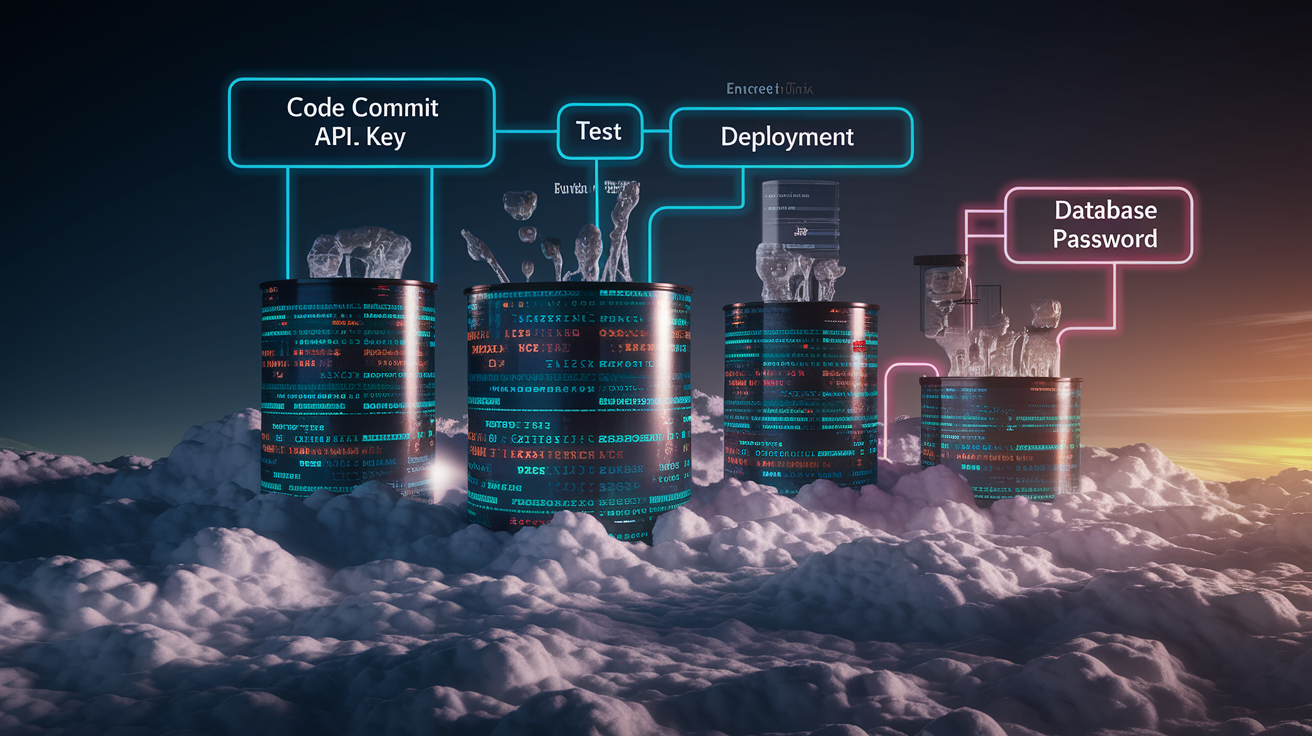
Continuous integration and deployment pipelines need environment-specific secrets at two points: during the build phase (to run integration tests or compile assets) and at deployment time (to inject runtime credentials into containers or serverless functions). Modern CI platforms provide built-in secret stores that encrypt values at rest and mask them in logs, turning what used to be plaintext environment exports into auditable, protected variables.
Most teams maintain three environments—dev, staging, production—and configure separate secret sets in the CI/CD platform for each. GitHub Actions uses repository secrets and environment-specific secrets. GitLab CI offers file variables and protected/masked flags. Jenkins supports credential bindings. At runtime, the pipeline fetches the appropriate set and injects them as environment variables or writes them to a temporary .env file that the container reads on startup. Echo APIKEY=${{ secrets.APIKEY }} >> .env is a common one-liner for generating env files from CI secrets, though it should write to a build artifact directory that never enters version control.
| Platform | Secret Storage | Masking Support | Runtime Injection Pattern |
|---|---|---|---|
| GitHub Actions | Repository & environment secrets, encrypted at rest | Automatic masking in logs | ${{ secrets.KEY }} in env: block or step |
| GitLab CI | Project/group variables, file variables, Vault integration | Protected & masked flags per variable | $VARIABLE in script or variables: key |
| Bitbucket Pipelines | Repository & deployment variables | Secured variables masked in logs | $VARIABLE in step commands or docker run -e |
| Jenkins | Credentials plugin (username/password, secret text, files) | Credential binding masks secrets | withCredentials block binds to env var |
Ephemeral credentials tighten security further. Instead of storing long-lived DATABASE_PASSWORD in CI, integrate with Vault or AWS IAM to issue short-lived tokens that expire after the deployment finishes. This reduces the blast radius if a secret leaks. An attacker gets minutes or hours of access instead of months. Pre-start scripts inside containers can also fetch secrets from a manager immediately before the application starts, ensuring the secrets never touch the CI logs or build artifacts.
Kubernetes and Containerized Workloads: Secrets, ConfigMaps, and Cluster Synchronization
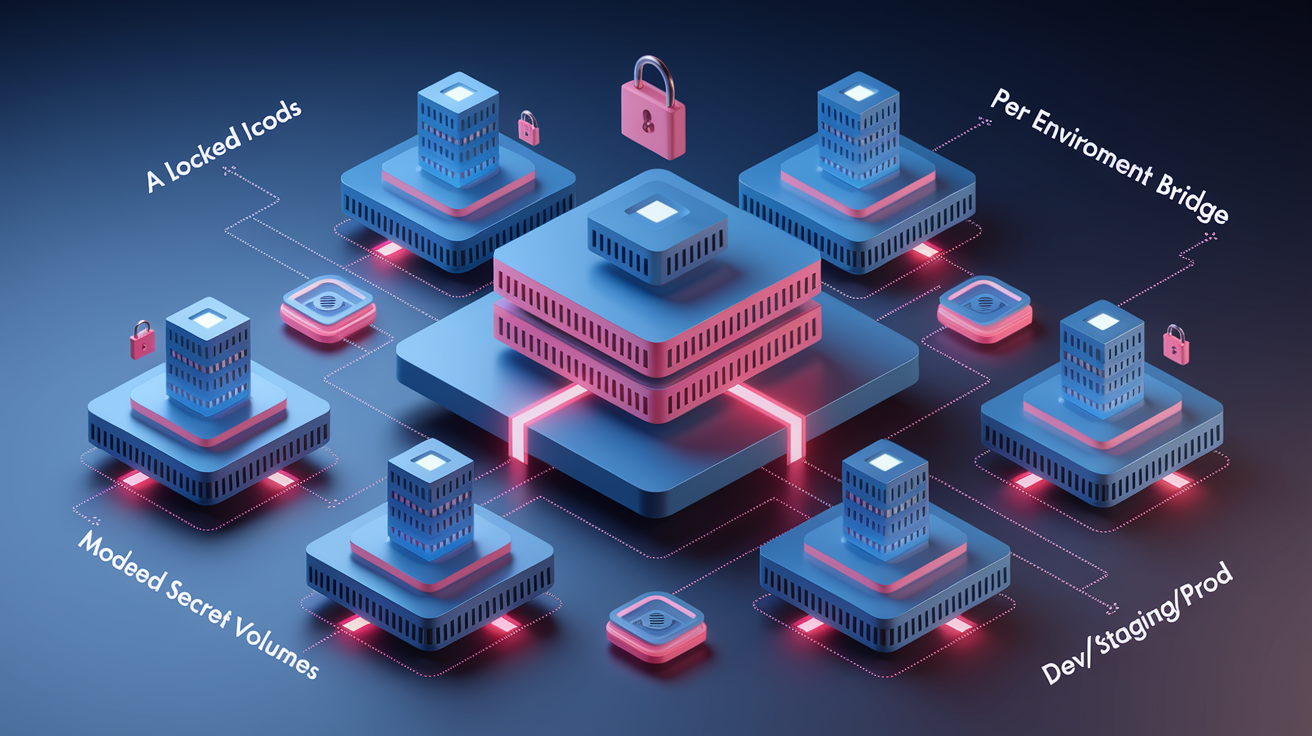
Kubernetes separates non-sensitive config (replica counts, image tags, feature flags) into ConfigMaps and sensitive data (passwords, tokens, certificates) into Secrets. Both are key-value stores that mount into pods as environment variables or files, but Secrets encode values in base64 and support encryption at rest when paired with a KMS provider. The reality is base64 isn’t encryption. It’s trivial to decode. Production clusters should enable encryption and restrict RBAC so only specific service accounts can read Secret objects.
Container images must never bake secrets into layers. When a Dockerfile copies a .env file or writes credentials during docker build, those values persist in the image history and can be extracted by anyone with pull access. Instead, inject secrets at pod creation time via Kubernetes env blocks, envFrom references, or mounted Secret volumes. This keeps images portable and lets the same artifact run in dev (with test credentials) and production (with rotated, high-security tokens) without rebuilding.
Use Kubernetes Secrets for sensitive values and ConfigMaps for public config. Apply least-privilege RBAC so pods read only the secrets they need. Mount secrets as files into /etc/secrets or similar paths when apps expect key files (TLS certs, SSH keys) rather than environment variables. Use External Secrets Operator to sync secrets from Vault, AWS Secrets Manager, or Google Secret Manager into Kubernetes Secrets automatically, creating a bridge between cloud-native stores and cluster workloads. Apply Kustomize overlays or Helm value files per environment to inject environment-specific ConfigMaps and Secrets without duplicating manifests. Monitor for drift by comparing deployed Secret checksums or versions across clusters. Alert when staging and production fall out of sync unexpectedly.
Overlays, Charts, and Operators
Helm charts parameterize Kubernetes manifests with values.yaml files, letting you define a single chart and inject different secrets, endpoints, and replica counts per environment. Kustomize takes a base set of YAML files and applies patches (overlays) for dev, staging, and prod, adding or replacing Secret data without touching the base. External Secrets Operator goes further, polling a secret manager on a schedule and updating Kubernetes Secrets whenever upstream values change, so rotated API keys propagate into running pods without manual kubectl apply. One real challenge is components that strip environment variables. Nginx, by default, removes all inherited variables, forcing workarounds like envsubst templating or switching to application servers (Puma, Unicorn) that respect process.env natively.
Security and Compliance Practices for Sensitive Multi‑Environment Variables

Security starts with never committing real secrets to version control. Even a single accidental git add .env can expose APIKEY or DATABASEPASSWORD forever because Git history is append-only. Automated secret scanning tools (GitHub secret scanning, GitGuardian, truffleHog) catch leaks before they reach the main branch, but the first line of defense is adding .env* to .gitignore and training every developer to use .env.example templates with placeholder values.
Access control must follow least privilege. In a secret manager, production DATABASE_PASSWORD should be readable only by the production deployment role and the on-call engineer rotation, not every developer. RBAC rules, IAM policies, or Vault policies enforce this separation. Audit logs record every read so security teams can investigate suspicious access patterns. Rotation cadence varies by sensitivity. Rotate API tokens every 30 days, database passwords every 90 days, and TLS certificates before expiry. But automation is non-negotiable at scale. Manual rotation for dozens of secrets across three environments guarantees missed deadlines and stale credentials.
Closed-source secret managers introduce trust questions. When a vendor controls the encryption keys and stores your secrets, you’re relying on their security posture and legal guarantees. Open-source alternatives like Vault or self-hosted Infisical let you inspect code, control infrastructure, and avoid vendor lock-in, though they require operational investment. For regulated environments (PCI, HIPAA, GDPR), encryption at rest, in transit, and during processing is mandatory, as are audit trails that prove who accessed which secrets and when.
Scan every commit and container image for leaked secrets. Revoke and rotate any exposed credentials immediately. Enforce multi-factor authentication (MFA) for any human access to secret stores, especially production. Limit secret time-to-live (TTL) where possible, issuing ephemeral database credentials or short-lived OAuth tokens instead of static passwords. Maintain separate secret namespaces or projects per environment to prevent accidental cross-environment reads (dev service can’t access prod secrets). Document rotation policies and automate them with CI jobs or secret-manager features. Never rely on manual calendar reminders. Log and alert on secret access anomalies: unexpected geography, off-hours reads, or revoked token usage.
Version Control, Synchronization, and Drift Prevention for Environment Variables

Config drift happens when staging and production environments evolve independently. Someone updates BACKENDENDPOINT in prod but forgets staging, or a developer adds a new APIKEY locally but never documents it. The result is runtime crashes in staging, failed deploys, and hours of detective work. Preventing drift requires a single source of truth (the secret manager or infrastructure-as-code repo) and automated synchronization so changes propagate consistently.
Store only templates and schemas in Git. Commit .env.example with every required key and a placeholder value—APIKEY=yourapikeyhere, DATABASE_URL=postgres://user:pass@host:5432/db—so new developers and CI pipelines know exactly what variables the app expects. For teams that need secrets in Git (rare, but sometimes required for GitOps), use SOPS or git-crypt to encrypt .env.production before committing, then decrypt at deployment time with a key stored in the CI platform or cluster KMS. This keeps secrets in version control without exposing plaintext, though it adds operational complexity.
Define a .env.example or JSON schema that lists every required variable, its type, and an example or regex pattern. Run a validation step in CI that checks the schema against injected secrets, failing the build if a variable is missing or malformed. Use infrastructure-as-code (Terraform, Pulumi, CloudFormation) to provision secret-manager entries so adding a new environment means running a script, not manual console clicks. Implement drift detection by hashing or checksumming deployed config and comparing across environments. Alert when hashes diverge unexpectedly.
Namespacing per environment inside the secret manager reduces cross-contamination. Create separate projects or paths—infisical/dev, infisical/staging, infisical/prod or AWS Parameter Store hierarchies /myapp/dev/, /myapp/prod/—so services pull only the secrets scoped to their environment. ASCII architecture diagrams stored in the repo help teams visualize dependencies (frontend → backend → database) and track which services share config, making it easier to update BACKEND_ENDPOINT everywhere it’s referenced.
Automation Patterns for Multi‑Environment Secret Delivery

Manual secret distribution doesn’t scale past a handful of services. Automation handles the repetitive work: fetching secrets from a manager, injecting them into containers, rotating credentials, and alerting on failures. This frees engineers to focus on features instead of config logistics. SDKs and client libraries are the first layer. Install infisical-node or aws-sdk and create a client instance that fetches secrets on startup, caches them locally, and refreshes periodically. This client should be a singleton shared across the app to avoid redundant API calls and ensure consistent secret snapshots.
CI/CD pipelines automate injection. Configure GitHub Actions or GitLab CI to pull secrets from Vault or AWS Secrets Manager at the start of a deployment job, write them to environment variables or a temporary .env file, then run the deploy script. Terraform and CloudFormation automate provisioning. Define a secret in code, apply the plan, and the manager creates the entry with generated credentials or references to existing KMS-encrypted values. For databases, use dynamic secrets that issue short-lived credentials on demand. Vault and AWS RDS can generate a new username/password pair per deploy, then revoke it after 24 hours, eliminating long-lived DATABASE_PASSWORD entirely.
SDK-based runtime fetch with local caching minimizes latency and API calls. Configure cache TTL to balance freshness and performance. Pre-deployment scripts call the secret manager API, validate responses, and write environment files before starting the application. Terraform modules or Helm hooks provision secrets as part of infrastructure deployment, ensuring new environments get correct config automatically. Scheduled rotation jobs (cron, AWS Lambda, Kubernetes CronJob) update secrets in the manager and trigger application restarts to pick up new values. Alerting and monitoring for secret-manager API failures, expired credentials, or missing variables integrate into incident response workflows.
Final Words
in the action, we covered the practical parts: separate configs for dev/staging/production, stop relying on .env-only files, name variables like APIKEY and BACKENDENDPOINT clearly, and validate at startup so missing values fail fast.
We walked through build-time vs runtime patterns, central secret stores, CI injection, container best practices, and drift prevention so runtime behavior stays predictable.
Keep iterating. managing environment variables across multiple environments becomes much easier when you centralize secrets, automate delivery, and enforce validation—so deployments break less and teams move faster.
FAQ
Q: What are the core principles for managing environment variables across development, staging, and production?
A: Core principles are separate envs per tier, a single source of truth for values, never commit secrets, use clear names (APIKEY, BACKENDENDPOINT), validate at startup, and fetch sensitive secrets at runtime.
Q: Why do .env-only approaches break down at scale?
A: The .env-only approach breaks down due to secret sprawl, sync friction between teams, and runtime crashes from missing values; dotenv has 30M+ weekly downloads, but secret managers see ~10% adoption.
Q: What naming conventions should we use for environment variables?
A: Use clear, uppercase names with underscores (APIKEY, BACKENDENDPOINT), prefix public-facing vars (NEXTPUBLIC), and namespace per service or environment to avoid collisions and make intent obvious.
Q: How should we validate environment variables and handle missing values?
A: Validate env vars at startup and fail fast: throw an error if required variables are missing rather than silently defaulting, so you catch misconfiguration before reaching runtime.
Q: When should a team adopt a centralized secret manager?
A: A team should adopt a centralized secret manager once you have roughly more than five engineers, frequent secret rotation needs, or multi-environment complexity; expect some onboarding friction but better control and auditability.
Q: What is the recommended hybrid secrets pattern with .env and secret managers?
A: The hybrid pattern stores a single bootstrap token or short-lived credential in .env and fetches actual secrets from a central manager at runtime, reducing leaked data in repos while keeping startup simple.
Q: How do build-time and runtime configuration differ (Next.js and Docker examples)?
A: Build-time configuration bakes values into artifacts (Docker ARG, Next.js build-time vars) and needs rebuilds to change; runtime injection (ENV, docker run –env-file) lets you swap values without rebuilding and avoids leaks.
Q: How should CI/CD pipelines inject and handle secrets securely?
A: CI/CD pipelines should inject secrets at runtime or via pre-start scripts (echo APIKEY=${{ secrets.APIKEY }} >> .env), use ephemeral credentials, and mask secrets in logs to prevent accidental exposure.
Q: How do you manage secrets for Kubernetes and avoid baking them into container images?
A: Manage Kubernetes secrets with native Secrets, External Secrets Operator, Helm or Kustomize; avoid baking secrets into images, use envFrom/env vars, and use envsubst or init containers for safe templating when needed.
Q: What rotation cadence and audit practices are recommended for sensitive variables?
A: Recommended rotation cadence is 30–90 days, maintain audit logs for access and changes, enable emergency revocation procedures, and scan repos and images regularly to catch leaks early.
Q: How do you prevent configuration drift and version variables across environments?
A: Prevent drift by keeping .env.example templates, git-ignoring secret files, using encrypted secrets (SOPS/git-crypt), per-environment namespacing, and a schema-driven checklist to reconcile differences during deployments.
Q: What automation patterns reduce manual secret handling and improve delivery?
A: Use SDK caching with periodic refresh, CI/CD injection, Terraform or provisioning scripts, ephemeral credentials/token exchange, and alerts on rotation failures to automate lifecycle and reduce human error.
Q: How can teams avoid committing secrets to source control?
A: Avoid committing secrets by git-ignoring .env files, providing .env.example, using pre-commit secret scanners, encrypting secrets (SOPS), and enforcing PR checks that block accidental secret commits.