


Still copy-pasting LICENSE files and hoping nothing breaks?
A license file generator turns that ritual into a one-click step: you give a name, year, and choice of license, and it spits a ready-to-commit LICENSE or a signed .lic for commercial use.
This post maps the practical tools and implementation methods – from simple MIT templates to signed AES-encrypted commercial blobs – so you can pick or build the right generator for your workflow, avoid legal gotchas, and ship with a valid license in minutes.
Practical Overview of a License File Generator and How It Works

A license file generator spits out a complete LICENSE file for open-source projects, proprietary software, or commercial products. You paste in your project details, the generator grabs your name, year, and organization, then combines that with the official text of whatever license you picked. You get a preview, copy it, or download the file. Most generators need at least a full name to fill in the copyright holder. Some already default to 2026 as that year gets closer.
Modern generators handle three main license families. Permissive licenses (MIT, Apache 2.0, BSD 2-Clause or 3-Clause) let anyone use, modify, and ship your code with almost no strings attached. Copyleft licenses (GPL v2, GPL v3, MPL 2.0) force derivative work to stay open source under the same terms. Public-domain options (CC0, Unlicense) waive all rights and drop your code into the public domain. That’s seven common types across three buckets, each built for different goals.
If you’re stuck on which license to pick, MIT is the safe bet for most open-source work. It’s short, everyone knows it, and it plays nice with nearly every downstream use case. Save copyleft for projects where you don’t want proprietary forks. Only go public-domain if you truly want zero restrictions and zero attribution.
Every generator asks for these inputs to build a valid LICENSE file:
- Full name or organization name – shows up in the copyright notice
- Year – usually the current year or first publication year
- License type – the template you want (MIT, GPL, Apache, whatever)
- Project or software name – optional but helpful for clarity
- Email or contact info – some licenses suggest this for attribution
- Contributors list – optional field if you have multiple authors
Fill those fields, and the generator assembles the official license text, swaps placeholders with your data, and hands you a plain-text LICENSE file ready to commit.
Understanding Software License Files and Their Structure
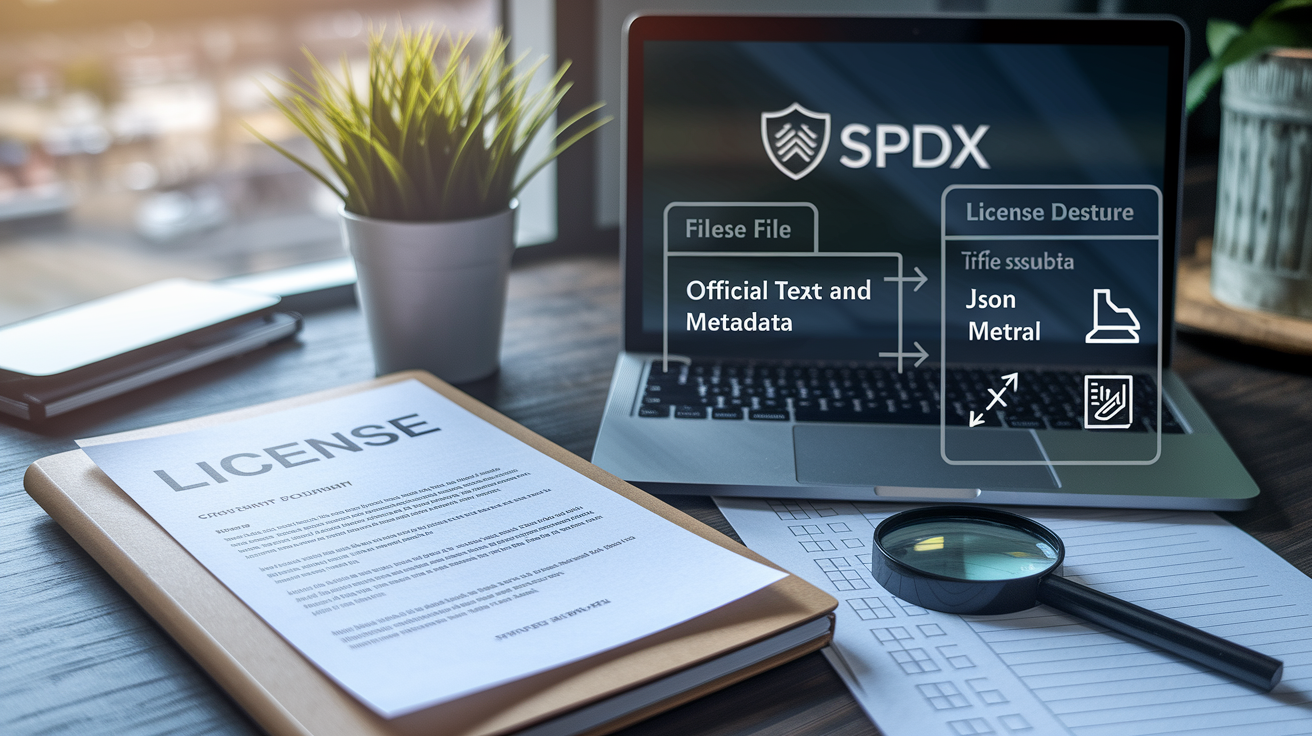
A license file has two parts: the official legal text of your chosen license and a copyright notice with metadata like year and author. Generators use SPDX identifiers (short codes like MIT or Apache-2.0) to pull the right template, so the text matches the published standard word-for-word. When you see “Full name is required,” that’s because the generator needs it to populate the copyright line (usually Copyright (c) [Year] [Name]) at the top. Generators for open-source licenses like MIT produce plain text because repositories and package managers expect a simple LICENSE file in the root.
Commercial and proprietary license generators add structured metadata for enforcement, activation, and auditing. Instead of plain text, these systems often spit out JSON, XML, or encrypted binary blobs. They pack in fields like software name, licensor, licensee, distribution type, derivative-works policy, commercial-use flag, and attribution rules. That extra structure lets activation servers parse the file, verify cryptographic signatures, check expiration timestamps, and enforce seat limits or hardware bindings.
| Format | Typical Use Case | Example Output Elements |
|---|---|---|
| Plain Text | Open-source repos, package manifests | Copyright line, full license body, SPDX tag |
| JSON | API-driven license issuance, web-app activation | licenseType, issuedTo, validUntil, signature |
| XML | Enterprise software, SAML-like license exchange | Licensor, Licensee, PermittedUses, Signature |
| Encrypted Binary | Desktop apps, offline activation with tamper resistance | AES-encrypted payload, RSA signature, hardware fingerprint |
Implementing a License File Generator (Step-by-Step Technical Guide)
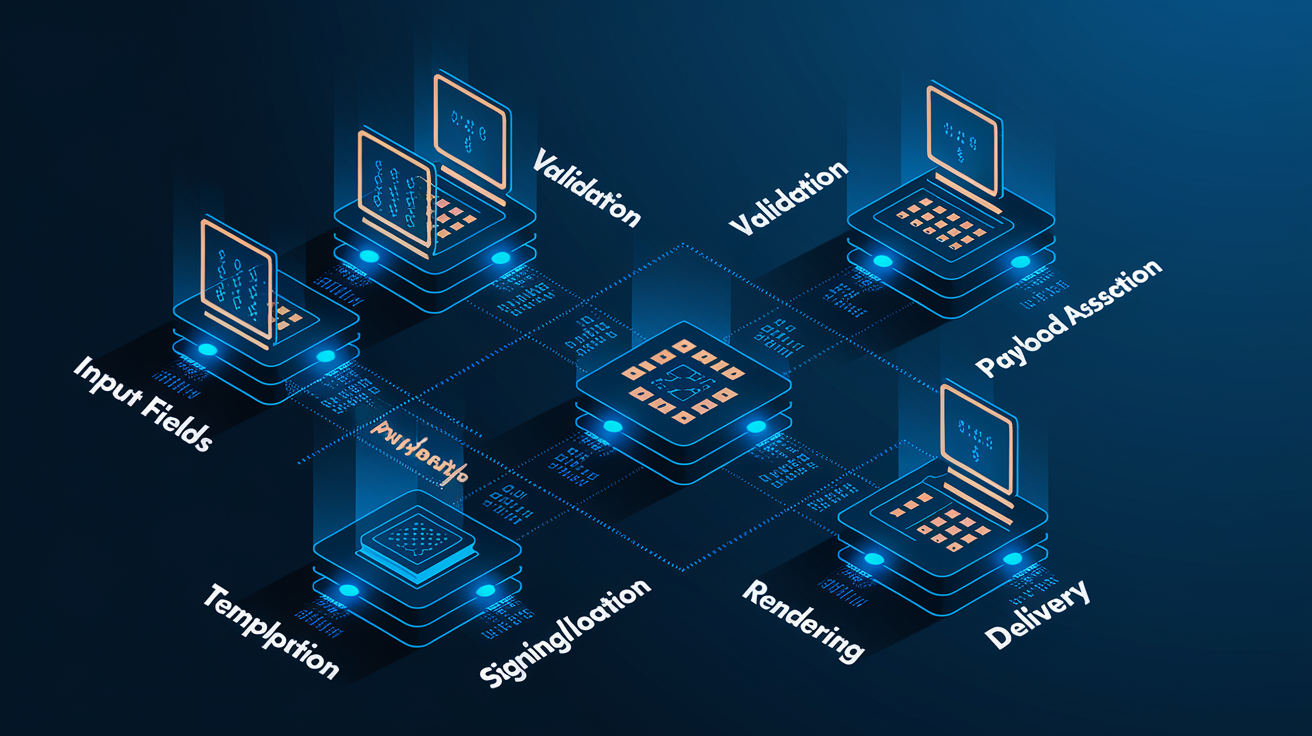
Building a license file generator from scratch is pretty straightforward if you break it into chunks. Collect user input, validate required fields, pick a template, assemble the final payload, optionally sign or encrypt it, render the output, then deliver it via a UI, CLI, or API.
-
Design the input form or CLI prompt. Grab software name, licensor (your name or company), licensee (client or end-user), distribution type (single-user, per-seat, trial, commercial), derivative-works policy (can they modify?), commercial-use flag (can they sell?), and attribution requirements. For open-source generators, you only need full name, year, and license type.
-
Validate required data. Make sure mandatory fields like full name aren’t empty. Reject weird years (like before 1900 or way into the future). If someone picks a copyleft license, maybe warn them about compatibility with permissive dependencies.
-
Select the right template. Store official license texts as static files or string constants, keyed by SPDX identifier. MIT, Apache 2.0, GPL v2, GPL v3, BSD, MPL, CC0, and Unlicense cover most use cases. Load the chosen template.
-
Assemble the payload. Swap placeholders like
[Year],[Fullname], and[Project]with the user’s input. For structured formats (JSON, XML), build an object or document that includes metadata fields and the full license text. -
Add an optional signing or encryption layer. If this is a commercial license, generate a cryptographic signature over the payload using RSA-2048 or ECC-P-256. If you need tamper resistance or confidentiality, encrypt the whole payload with AES-256 and embed the ciphertext in the output file.
-
Render the final LICENSE file. For plain text, concatenate the copyright notice and license body, then write to a file named
LICENSEorLICENSE.txt. For JSON or XML, serialize the structured object. For encrypted binaries, write the ciphertext to a.licor.keyfile. -
Deliver via the chosen interface. A web-based generator shows a preview pane and offers a download button. A CLI tool writes the file straight to disk and prints the path. An API endpoint returns the license payload in the HTTP response body, often as JSON with a
licenseTextfield and asignaturefield.
Cryptographic Protection for Generated License Files

When a license file controls commercial software or enforces usage limits, cryptographic signatures and encryption stop tampering and unauthorized edits. Asymmetric encryption (public-key crypto) is the standard move: you sign the license payload with your private key, and the software verifies the signature using your public key baked into the app. If an attacker tweaks the license file to push back the expiration date or bump the seat count, the signature check fails and the software refuses to activate.
Symmetric encryption with AES-256 adds a second layer by making the license file unreadable without the decryption key. This is common in offline activation systems where the software never phones home. You encrypt the license payload, embed the ciphertext in the .lic file, and ship a decryption routine inside the app. The downside? Reverse engineering can pull the key from the binary, so you need to combine encryption with obfuscation or hardware-security modules for high-value products.
Here’s when to use specific cryptographic tools:
- RSA-2048 for digital signatures – industry standard for signing license files; public key lives in your app, private key stays on the license server.
- ECC-P-256 as a lighter option – smaller signatures, faster verification; good for embedded systems or mobile apps.
- AES-256 for payload encryption – use when you need to hide license details (seat counts, feature flags) from casual inspection.
- HMAC-SHA256 for simpler integrity checks – faster than RSA signatures; works when both the app and server share a secret key, but offers no non-repudiation.
- Timestamping with trusted authorities – optionally sign the license issuance timestamp with a third-party TSA to prove the license was valid at a specific moment, even if your signing key later expires.
Online vs Offline Activation and License Validation
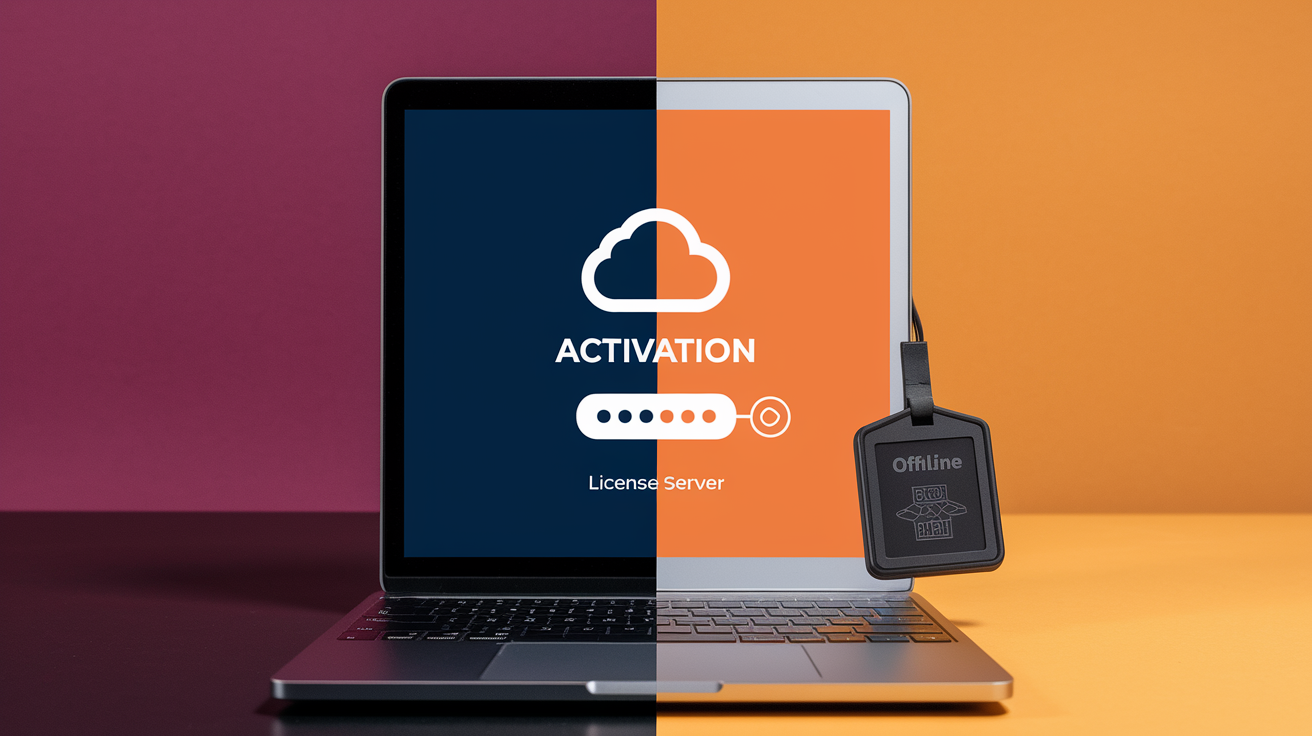
License validation splits into two modes: online activation (software contacts a server to verify or grab a license) and offline activation (software checks a cryptographically signed file on disk). Online activation gives you real-time control. Revoke licenses instantly, enforce concurrent-user limits, track usage. But it needs network access and a dedicated activation server. Offline activation works anywhere, even on air-gapped machines, but revocation is trickier because you can’t reach out and kill a license once it’s issued.
In an online workflow, the user enters a product key or email, the app sends an activation request to your API, and the server returns a signed license file or a simple JSON response with { "valid": true, "expiresAt": "2026-12-31" }. You can enforce trial periods by checking the current timestamp against issuedAt and expiresAt fields. If the license is expired or revoked, the server responds with an error, and the app refuses to run. This model is common in SaaS tools, subscription software, and enterprise products that need phone-home checks.
Offline activation relies on a pre-signed license file that the user imports or gets via email. The app verifies the RSA or ECC signature, checks the expiration timestamp, and optionally validates a hardware fingerprint to prevent copying the license to another machine. Because there’s no server call, you can’t revoke a license remotely unless you push a software update that includes a revocation list (a blocklist of invalidated license IDs). Offline mode is critical for desktop apps, industrial control systems, and any software running in environments without reliable internet.
Common activation methods to support:
- Online activation with product-key exchange – user submits key, server issues signed license
- Offline activation with challenge-response – app generates a challenge code based on hardware ID, user pastes it into a web form, server returns a response code that unlocks the app
- Trial-period enforcement – license file includes
trialStartandtrialEndtimestamps; app blocks features after expiry - Revocation via CRL or OCSP – online check against a certificate-revocation-list endpoint to disable stolen or refunded licenses
Hardware-Bound Licensing and Machine Identity Binding

Hardware-bound licenses tie activation to a specific computer, stopping users from sharing one license across multiple machines. The generator collects a hardware fingerprint (often a hash of MAC address, CPU serial number, motherboard UUID, or hard-drive identifier) and embeds it in the license file. When the software starts, it recalculates the fingerprint and compares it to the value in the license. If they don’t match, activation fails. This model is standard in per-seat commercial software and prevents casual piracy, though determined attackers can spoof hardware IDs or patch the verification routine.
The trade-off is user friction. If someone swaps their motherboard or reinstalls their OS, the hardware fingerprint changes and the license stops working. You’ll need a reactivation flow where the user contacts support or uses a web form to transfer the license to the new fingerprint. Floating licenses and concurrent-user models dodge this problem by checking seat counts on a central server instead of binding to hardware, but they require online connectivity. Choose hardware binding when you want strong per-device enforcement and can accept occasional support tickets for legit hardware changes.
Licensing Models and How License Files Represent Them

Different business models need different fields in the license file. A subscription license includes validFrom and validUntil timestamps and may check the server daily to confirm the subscription is still active. A perpetual license has no expiration date but might include a maintenanceUntil field that gates access to updates. Floating licenses store a maxConcurrentUsers integer and require the app to request a seat from a license server at startup, then release it on shutdown. Seat-based licenses embed a licensedSeats count and let that many named users activate, often with a roster stored server-side.
Trial licenses are temporary subscriptions with a hardcoded expiration date, sometimes coupled with feature restrictions encoded in a permissions array. Node-locked licenses bind to a single hardware fingerprint and never expire. Site licenses allow unlimited installs within an organization, identified by a domain or IP range in the license file. Each model maps to a different set of metadata fields, and a solid generator lets you pick the model via a dropdown and auto-populates the relevant fields.
| Model | Key Fields | Typical Use Case |
|---|---|---|
| Subscription | validFrom, validUntil, autoRenew | SaaS, monthly/annual billing, requires online checks |
| Perpetual | issuedTo, issuedAt, maintenanceUntil (optional) | One-time purchase desktop apps, no expiration |
| Floating / Concurrent | maxConcurrentUsers, licenseServerURL | Enterprise tools with shared seat pool |
| Seat-Based | licensedSeats, assignedUsers[] | Team software with per-user assignment |
| Trial | trialStart, trialEnd, featureFlags | Free evaluation period, converts to paid after expiry |
Code Examples for License Generation and Verification

Implementing a generator or validator in code is easiest when you lean on existing crypto libraries for signing and verification. Below are three minimal examples in Python, C#, and Node.js that show how to sign a license payload with RSA and verify the signature.
Python (RSA Signature Example)
Python’s cryptography library handles key generation, signing, and verification. This snippet generates an RSA key pair, signs a JSON license payload, and verifies the signature.
from cryptography.hazmat.primitives.asymmetric import rsa, padding
from cryptography.hazmat.primitives import hashes, serialization
import json

private_key = rsa.generate_private_key(public_exponent=65537, key_size=2048)
public_key = private_key.public_key()
license_data = json.dumps({"user": "Alice", "expires": "2026-12-31"}).encode()
signature = private_key.sign(license_data, padding.PSS(mgf=padding.MGF1(hashes.SHA256()), salt_length=padding.PSS.MAX_LENGTH), hashes.SHA256())
C# (.NET RSA Example)
.NET’s RSACryptoServiceProvider or the newer RSA.Create() API can sign and verify. This example uses SHA-256 and PKCS#1 padding.
using System.Security.Cryptography;
using System.Text;

var rsa = RSA.Create(2048);
byte[] data = Encoding.UTF8.GetBytes("{\"user\":\"Bob\",\"expires\":\"2026-12-31\"}");
byte[] signature = rsa.SignData(data, HashAlgorithmName.SHA256, RSASignaturePadding.Pkcs1);
bool valid = rsa.VerifyData(data, signature, HashAlgorithmName.SHA256, RSASignaturePadding.Pkcs1);
Node.js (crypto Module Example)
Node’s built-in crypto module supports RSA signing. Generate keys with generateKeyPairSync, sign with sign(), and verify with verify().
const crypto = require('crypto');
const { privateKey, publicKey } = crypto.generateKeyPairSync('rsa', { modulusLength: 2048 });
const data = JSON.stringify({ user: "Charlie", expires: "2026-12-31" });
const signature = crypto.sign('sha256', Buffer.from(data), privateKey);
const valid = crypto.verify('sha256', Buffer.from(data), publicKey, signature);
Integrating License Generators with CI/CD, Repos, and Automation Systems
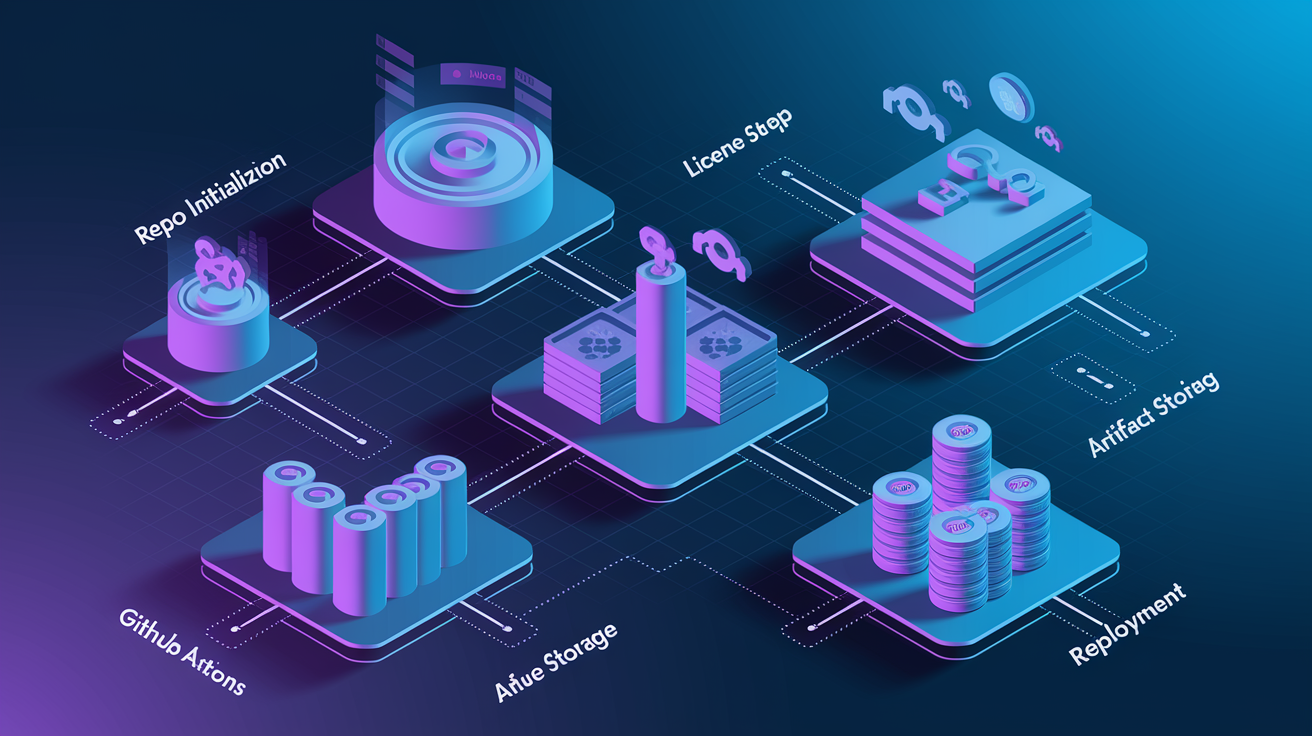
Modern development workflows automate license-file creation during repo init, release builds, and deployment pipelines. A CLI license generator can run as a Git hook or CI step, making sure every new repo gets a LICENSE file before the first commit. For example, a pre-commit hook might invoke license-gen --type MIT --name "Acme Corp" --year 2026 > LICENSE and stage the file automatically.
In CI/CD pipelines, license generation often happens during the build or package step. A GitHub Action or GitLab CI job can call a license API, pass environment variables for project name and author, and commit the generated LICENSE to the release branch. Enterprise build systems use license servers to issue per-build or per-deployment licenses, embedding a unique activation key into each installer or Docker image. This ties each distributed copy to a trackable license record, simplifying audits and support.
Common automation scenarios:
- Repo init scripts – scaffold tools like Yeoman or Cookiecutter include a license prompt and generate the file during project setup
- Package build hooks – npm
postinstall, Maven phases, or CMake scripts that verify a LICENSE exists and matches the declared SPDX identifier - Container image builds – Dockerfile
RUNcommands that fetch a license from a secret store and embed it in/usr/share/licenses/ - Release automation – CI jobs that generate signed license files, upload them to artifact storage, and attach download links to GitHub Releases
- Compliance scans – pre-merge checks that reject pull requests if the LICENSE file is missing, malformed, or uses a prohibited license type
Best Practices for Secure and Reliable License File Generation

A production-ready license generator needs to protect private keys, validate inputs, and give clear error messages when activation fails. Here’s how to build a system that balances security, usability, and maintainability.
-
Store signing keys in a hardware security module (HSM) or key-management service. Never commit private keys to version control. Use AWS KMS, Azure Key Vault, or a dedicated HSM to sign licenses server-side, and rotate keys annually.
-
Validate all user inputs before embedding them in license files. Reject special characters that could break parsers, enforce reasonable length limits, and sanitize email addresses to prevent injection attacks if you log or display license metadata.
-
Use short expiration windows for trial licenses and long windows for paid licenses. A 30-day trial with a hardcoded
trialEndtimestamp is simple and works. Paid licenses can use avalidUntildate years into the future or skip expiration entirely for perpetual models. -
Implement grace periods and renewal reminders. Allow a 7 or 14-day grace window after expiration before blocking features, and send email reminders 30 days before a subscription expires. This cuts support tickets from users who forgot to renew.
-
Log all license issuance and validation events. Record who requested a license, when it was issued, which machine activated it, and any validation failures. Centralized logs help you spot fraud, track usage, and debug activation issues.
-
Obfuscate or encrypt the public key embedded in your application. Attackers can swap your public key with their own, sign fake licenses, and bypass activation. Code obfuscation, key splitting, or white-box cryptography make replacement harder, though no technique is bulletproof.
-
Provide clear offline-activation instructions and fallback contact methods. When online activation fails, show a step-by-step guide for generating a challenge code, visiting your activation portal, and pasting the response. Include a support email in case the portal is down or the user’s environment blocks HTTPS.
Final Words
in the action we covered what a license file generator does, the required inputs and preview feature, supported license types, and how files are structured (plain text, JSON, XML with SPDX ids). We walked through implementation steps, signing and encryption options, activation models, and machine-binding tradeoffs.
You also got code samples, CI/CD integration tips, and practical best practices for keys, rotation, and audits. Use a license file generator to cut setup time and reduce legal friction — you’re ready to add it to your workflow with confidence.
FAQ
Q: What does a license file generator do and what inputs does it require?
A: A license file generator creates a LICENSE file with a live preview and canonical text. Required inputs include full name, year, software name, licensor, licensee, and distribution type (six mandatory fields).
Q: Which license types does a generator support and which is a safe default?
A: The generator supports MIT, Apache, BSD, GPL, MPL, CC0, Unlicense and similar common categories. MIT is a safe default for permissive use, minimal fuss, and broad compatibility.
Q: How do plain-text, JSON, and XML license outputs differ and when should I use each?
A: Plain-text is human-readable for repos, JSON is machine-friendly for APIs and automation, and XML fits legacy systems; generators include canonical text plus metadata like SPDX and author fields.
Q: What is an SPDX identifier and why include it in generated licenses?
A: An SPDX identifier is a short canonical tag for a license. Including it ensures tooling recognizes the license, improves automation, and avoids ambiguous wording in package manifests.
Q: How do I implement a license file generator (quick steps)?
A: To implement a generator: design input fields, validate required data, pick templates (MIT, Apache, GPL), assemble the payload, optionally sign/encrypt, render the LICENSE, and deliver via UI, CLI, or API.
Q: How should I protect generated license files cryptographically?
A: Protect generated licenses by signing with RSA-2048 or ECC-P-256 for integrity and using AES-256 for confidential fields. Use PKI for key lifecycle: rotate, store securely, and verify signatures at runtime.
Q: How do online and offline activation differ and how should I handle validation?
A: Online activation verifies licenses against a server with timestamping and revocation lists. Offline activation embeds a signed license; validate signatures and timestamps locally and accept occasional network checks for revocation.
Q: How do hardware-bound licenses work and what are the pros and cons?
A: Hardware-bound licenses bind a license to attributes like MAC address or CPU ID. Pros: stronger anti-piracy. Cons: fragility on hardware changes and privacy concerns—offer fallback or reactivation paths.
Q: How do license files represent subscription, perpetual, and floating models?
A: License files represent models with fields like expiry timestamp, seats, concurrent limits, trial period, renewal automation, and grace period. Use timestamps and metadata to enforce subscription or perpetual rules.
Q: How can I integrate license generation into CI/CD and repo workflows?
A: Integrate generation into CI/CD by auto-creating LICENSE during repo init, running generation in pipelines, adding pre-commit hooks, or deploying license servers for automation and consistent project bootstrapping.
Q: What are best practices for secure and reliable license generation?
A: Best practices include secure key storage, regular key rotation, audit logging, privacy minimization, clear update/renewal flows, testable validation, and fail-safe behavior for expired or revoked licenses.
Q: Do I need legal knowledge to use a license file generator?
A: You don’t need legal expertise to use a generator; it provides canonical texts and SPDX tags. For custom clauses, redistribution rules, or legal risk, consult legal counsel before shipping.