

Think environment variable syntax is a tiny detail? Think again.
Small syntax differences like $VAR, %VAR%, and $env:VAR cause busted scripts and surprise deploys.
This guide walks through substitution rules on Bash, Windows CMD, PowerShell, Docker, and major CI systems.
You’ll get clear examples, quick commands (envsubst, sed), and the common gotchas that break builds.
Read this to make your templates portable, avoid embarrassing runtime literals, and save time debugging across environments.
Core Rules and Formats for Environment Variable Substitution

Environment variable substitution syntax changes across systems, but the core idea’s the same: a placeholder in a file gets swapped with a value stored in the environment. Unix systems typically use $VAR or ${VAR}. Windows CMD uses %VAR%, and PowerShell uses $env:VAR. These differences matter when you’re writing portable scripts or managing config files across dev, staging, and prod.
Two substitution patterns show up in practice. Shell-level expansion happens when the shell parses a command and replaces variables before executing. Program-level substitution happens when a tool like envsubst or sed reads a template file, hunts for placeholders, and writes output with values filled in. A template file might contain someVar=$some_var, and an environment file contains some_var=50. Running envsubst against that template produces someVar=50 in the output.
Here’s what a real config template looks like: database_host=$DB_HOST in a YAML file, paired with an environment file containing DB_HOST=prod-db-01.example.com. After substitution, the final config reads database_host=prod-db-01.example.com. Tools like envsubst handle this replacement in a single Unix command. sed can do the same job when you use double quotes and pick the right delimiter (like | or @) to avoid conflicts with slashes in paths or URLs.
Quick reference syntax across platforms:
- Bash/POSIX shell:
$VARor${VAR} - Windows CMD:
%VAR% - PowerShell:
$env:VAR - Docker Compose:
${VAR}or${VAR:-default} - envsubst:
$VARand${VAR}both work
POSIX, Bash, and Shell-Based Environment Variable Expansion Syntax

Bash expands variables when it encounters $VAR or ${VAR} in double quotes. The braces are optional for simple variable names, but you need them when applying operators or concatenating without whitespace (for example, ${VAR}_suffix). Expansion happens before the command runs, so if VAR=hello, then echo "$VAR" prints hello. Single quotes block expansion entirely. echo '$VAR' prints the literal string $VAR.
Parameter expansion in Bash goes beyond simple replacement. You can set defaults, check for unset variables, trim strings, or apply pattern substitution, all inside the ${...} syntax. Default-value expansion like ${VAR:-default} returns default if VAR is unset or empty, without changing VAR. Assignment expansion ${VAR:=default} does the same but also assigns the default to VAR if it was unset. Error-checking expansion ${VAR:?error message} stops the script and prints the message if VAR is unset. Substring and pattern operators let you slice strings or strip prefixes and suffixes. Useful when parsing file paths or version strings.
Eight common expansion operators:
${VAR:-default}— use default ifVARis unset or empty${VAR:=default}— assign and use default ifVARis unset or empty${VAR:?error}— abort with error message ifVARis unset or empty${VAR:+alternate}— use alternate value only ifVARis set${#VAR}— length ofVARin characters${VAR%pattern}— remove shortest suffix matching pattern${VAR##pattern}— remove longest prefix matching pattern${VAR//pattern/replacement}— replace all occurrences of pattern
Cross-Platform Environment Variable Substitution Syntax (Windows, PowerShell, Docker)
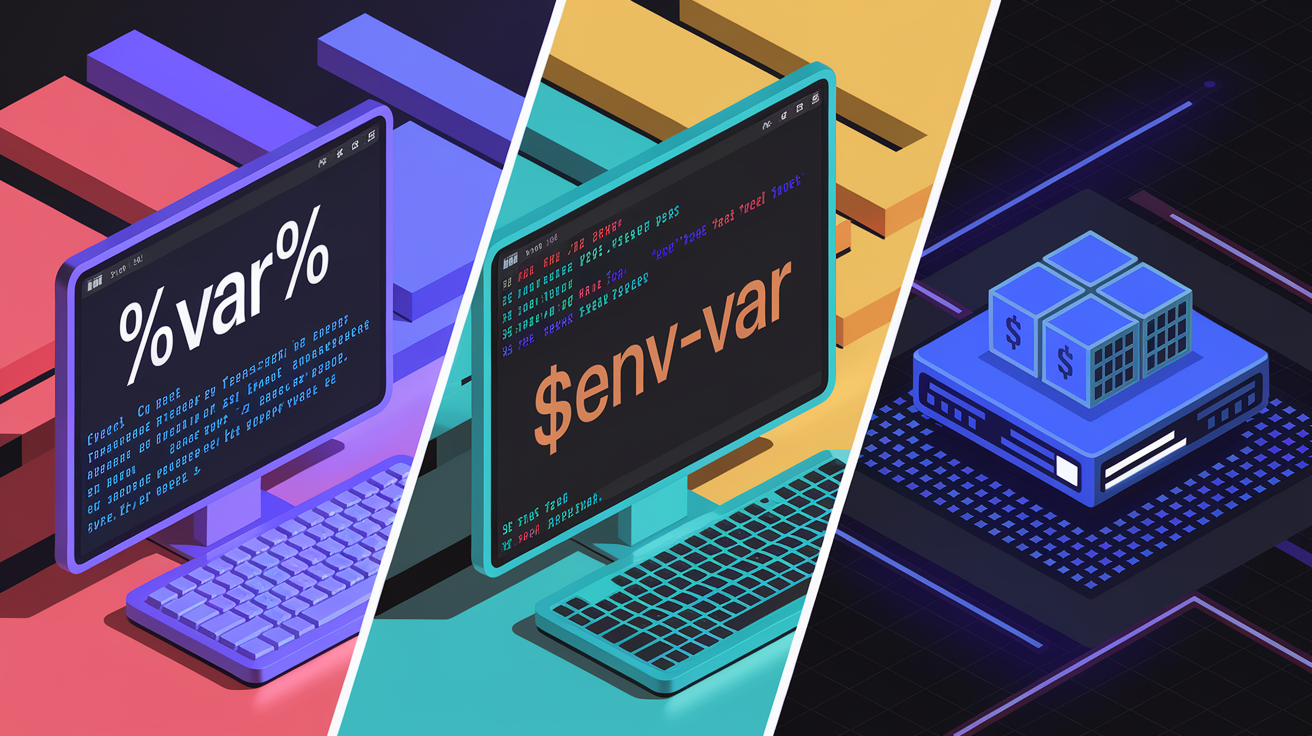
Windows CMD uses percent signs around variable names: %VAR%. This format works in batch scripts and at the command prompt, but it’s limited compared to shell-based expansion. PowerShell uses $env:VAR to access environment variables. You can embed these directly in strings with double quotes: "Database is $env:DB_HOST" expands at runtime. PowerShell also supports more complex string interpolation with $() for command substitution inside strings.
Dockerfile and Docker Compose support their own substitution rules. Dockerfile has two directives: ARG for build-time variables and ENV for runtime environment variables. You reference them the same way: ${VAR}. Docker Compose accepts the same syntax and also supports default-value patterns like ${VAR:-default}, matching shell behavior. This makes it easy to write Compose files that work on dev machines and in CI pipelines without hard-coding values. Piping envsubst output into kubectl or Docker commands is a common pattern when deploying templated manifests.
| System | Syntax |
|---|---|
| Windows CMD | %VAR% |
| PowerShell | $env:VAR |
| Dockerfile | ${VAR} (with ARG or ENV) |
| Docker Compose | ${VAR} or ${VAR:-default} |
Environment Variable Substitution in Templates and Configuration Files
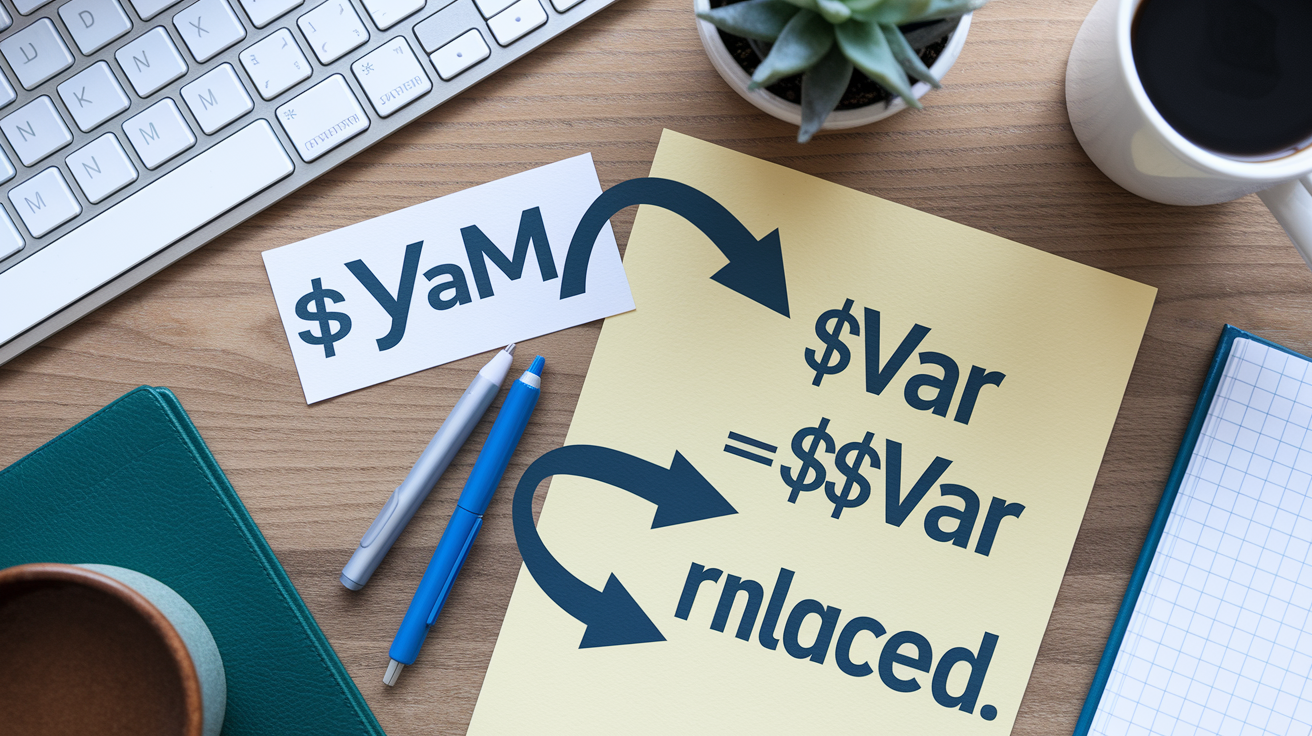
Template files contain placeholders where real values should go. A Kubernetes YAML might include image: myapp:$IMAGE_TAG, and an environment file defines IMAGE_TAG=v1.2.3. When you run substitution, the final config reads image: myapp:v1.2.3. This keeps secrets and environment-specific settings out of version control, so you can safely share templates in public repos without leaking credentials or production hostnames.
The typical envsubst workflow has three steps. Create a template file with placeholders like $VAR or ${VAR}, export the variables in your shell with export VAR=value or source them from a .env file using source .env, then run envsubst < template.yaml > output.yaml to write the substituted file. You can also pipe directly into other tools without writing an intermediate file: envsubst < template.yaml | kubectl apply -f - sends the processed YAML straight to Kubernetes. This pattern works in local workflows and in CI/CD pipelines where temporary credentials need to be injected at runtime.
JSON and YAML both work with the same placeholder syntax. sed can handle substitution too, especially when you need more control over which variables get replaced or when you want to apply changes to multiple files recursively. Scripts can walk directory trees and apply substitutions across all config files in one pass. Just make sure variables are exported to the environment, not just set as shell variables, or tools like envsubst won’t see them.
Common placeholder styles:
$VAR— simple, works in most Unix tools${VAR}— braced, required for defaults or concatenation%VAR%— Windows CMD batch files$env:VAR— PowerShell scripts and strings
Safely Escaping and Quoting Environment Variables During Substitution
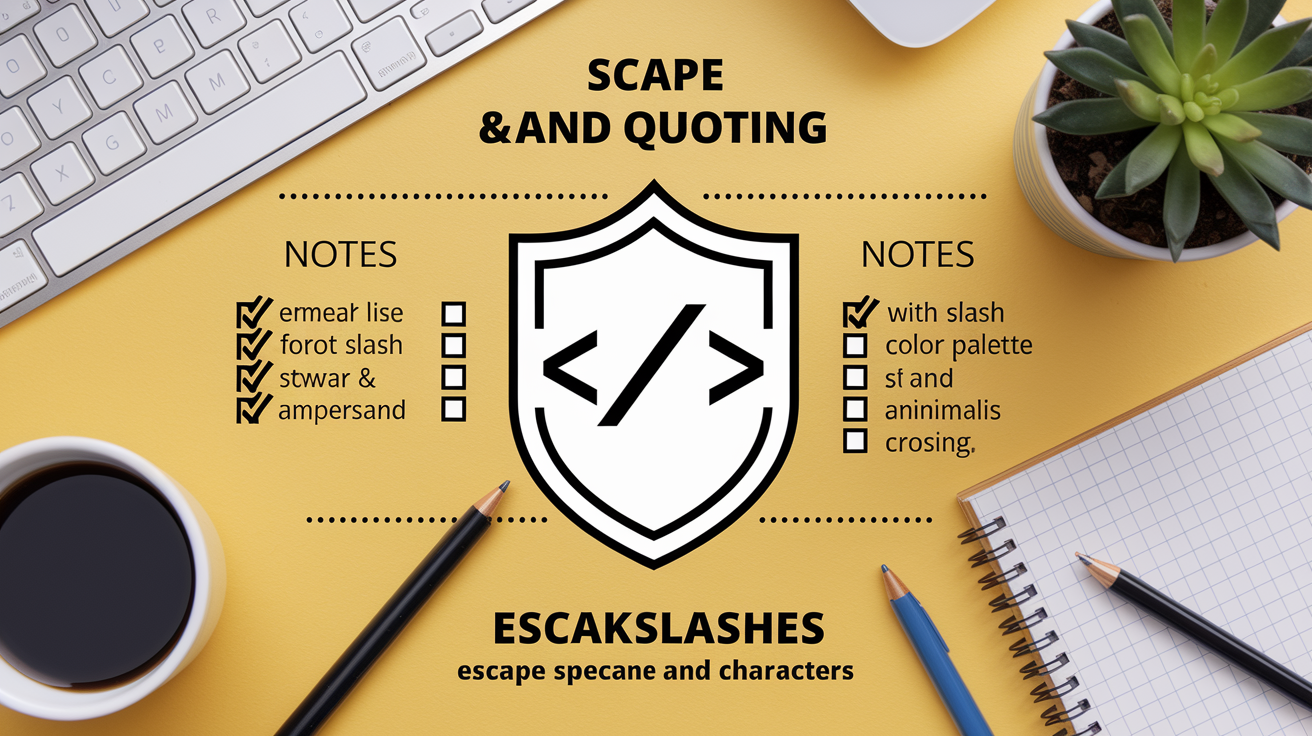
Double quotes let the shell expand variables, single quotes don’t. When you write sed "s|placeholder|$VAR|g", the shell replaces $VAR with its value before sed sees the command. If you use single quotes like sed 's|placeholder|$VAR|g', the literal string $VAR gets passed to sed, and nothing happens. This is the most common mistake when copying examples from docs that don’t make the quoting explicit.
Variable values can contain characters that break sed or regex engines. Forward slashes, ampersands, and backslashes are the usual culprits. If VAR=/usr/local/bin, and you run sed "s/OLD/$VAR/g", the slashes in the path will be interpreted as delimiter boundaries and the command fails. Switching to a different delimiter solves the problem: sed "s|OLD|$VAR|g" or sed "s@OLD@$VAR@g". If the variable might contain the new delimiter too, pre-escape special characters before substitution using printf and a helper sed command.
Six common pitfalls and solutions:
- Variables not expanded? Use double quotes around the sed expression
- Slashes in paths break substitution? Switch delimiters to
|or@ - Ampersands in values create backreferences? Escape them with
\& - Shell prompt characters in examples (like
>)? Remove before running - Variables not exported? Use
export VAR=valueorsource .env sed -ibehaves differently on macOS vs Linux? Test on target platform
Escaping Approach Using printf
Pre-escape a variable’s content before passing it to sed. This snippet escapes forward slashes and ampersands so they won’t interfere with the s|pattern|replacement|g command:
escaped=$(printf '%s' "$VAR" | sed 's/[\/&]/\\&/g')
sed -i "s|PLACEHOLDER|$escaped|g" config.yml
The inner sed command adds a backslash before every / and & in the variable value. The outer sed then safely substitutes the escaped string into the target file. This two-step pattern is reliable in scripts and CI/CD pipelines where you can’t predict what values might appear in environment variables.
Environment Variable Substitution in CI/CD Workflows

Each CI platform uses a slightly different syntax for accessing runtime variables. GitHub Actions wraps variables in double curly braces with an env prefix: ${{ env.VAR }}. GitLab CI uses plain $VAR, matching shell syntax. Jenkins Pipeline Scripts (Groovy-based) use ${env.VAR} or env.VAR depending on context. Azure Pipelines uses $(VAR) for variable expansion. Knowing which syntax applies helps you write portable pipeline definitions and avoid silent substitution failures where a literal string gets deployed instead of the actual value.
Runtime variables in CI systems often get combined with tools like envsubst or sed to process templates. A typical GitLab CI job might export variables from CI/CD settings, source a .env file, then run envsubst < k8s-template.yaml | kubectl apply -f - to deploy. Jenkins pipelines can shell out to Bash and use the same pattern. GitHub Actions can set environment variables in one step and reference them in later steps, or write them to $GITHUB_ENV for cross-step persistence. The key is making sure variables are in scope and exported before substitution runs.
| CI Platform | Example Syntax |
|---|---|
| GitHub Actions | ${{ env.VAR }} |
| GitLab CI | $VAR |
| Jenkins Pipeline | ${env.VAR} or env.VAR |
| Azure Pipelines | $(VAR) |
Troubleshooting Environment Variable Substitution Issues
Substitution failures usually trace back to a few common causes: the variable isn’t exported, quotes are wrong, or the tool doesn’t see the value you think it should. If a placeholder stays literal in the output, first check that you used export VAR=value or sourced the environment file. Shell variables (set without export) aren’t visible to child processes like envsubst or sed.
Platform differences add another layer. GNU sed on Linux accepts sed -i "s|OLD|NEW|g" file for in-place edits. macOS sed (BSD version) requires an extension argument, even if it’s empty: sed -i '' "s|OLD|NEW|g" file. If you write a script on Ubuntu and run it on CentOS or macOS, test both to catch these quirks. Misformatted environment files (extra spaces around =, missing quotes for multi-word values) can also break parsing. Validating file format before substitution saves debugging time.
Four steps to diagnose substitution failures:
- Check export status. Run
printenv VARorecho "$VAR"to confirm the variable is in the environment, not just the shell - Verify quotes. Make sure you’re using double quotes for expansion; single quotes block it
- Inspect variable value. Print the value to see if it contains special characters (slashes, ampersands, newlines) that need escaping
- Test tool output. Run
envsubst < template.yamlorsed "s|PLACEHOLDER|$VAR|g" fileand inspect the result before piping or redirecting to confirm substitution happened
Final Words
Apply the correct syntax across shells and platforms: $VAR/${VAR} in POSIX/Bash, %VAR% in CMD, $env:VAR in PowerShell, and ${VAR:-default} in Docker Compose. Use envsubst or sed for program-level substitution and test changes before you commit.
Remember quoting and escaping: double quotes allow expansion, single quotes block it; pick safe delimiters and pre-escape tricky characters. In CI, export or source .env and run a dry check.
Keep this cheat-sheet when editing templates—reliable environment variable substitution syntax makes deployments smoother. You’ve got this.
FAQ
Q: What are the core environment variable substitution syntaxes across platforms?
A: The core environment variable substitution syntaxes are $VAR and ${VAR} on Unix shells, %VAR% in Windows CMD, $env:VAR in PowerShell, and ${VAR} or ${VAR:-default} in Docker Compose.
Q: How does shell expansion differ from program-level substitution like envsubst or sed?
A: Shell expansion happens first using $VAR or ${VAR} in the shell; program-level substitution with envsubst or sed replaces placeholders after exporting or sourcing variables, useful for templates and piping to tools.
Q: How do template placeholders and .env files work together for substitution?
A: Template placeholders like someVar=$somevar are matched to .env assignments such as somevar=50; export or source the .env file, then run envsubst or sed to produce the final config file.
Q: What are the key Bash parameter expansion operators I should know?
A: The key Bash operators include ${VAR:-default}, ${VAR:=default}, ${VAR:?error}, ${VAR:+alt}, ${#VAR}, ${VAR%pattern}, ${VAR##pattern}, ${VAR:pos:length}, and ${VAR//pat/repl} for common defaults, length, trimming, slicing, and replacements.
Q: How do I escape and quote variables safely during substitution?
A: To escape and quote safely, use double quotes for expansion, avoid single quotes which block it, pre-escape special characters with printf, and use alternate sed delimiters like @ or | to reduce conflicts.
Q: What’s a safe escape approach using printf before sed?
A: A safe approach is to pre-escape the value using printf ‘%s’ “$var” | sed -e ‘s/[\/&]/\&/g’, then use the escaped string in a double-quoted sed substitution to avoid breaking the pattern.
Q: How does Dockerfile and Docker Compose variable substitution differ from shell?
A: Dockerfile uses ARG for build-time and ENV for runtime variables, while Docker Compose supports ${VAR} and ${VAR:-default} like shells; build-time ARGs must be passed explicitly with –build-arg.
Q: What are Windows CMD and PowerShell variable syntaxes?
A: Windows CMD uses %VAR% for environment expansion, while PowerShell uses $env:VAR and supports interpolation in double-quoted strings but prefers $env:VAR for environment values.
Q: How should I handle substitution in JSON and YAML templates?
A: For JSON/YAML, keep placeholders like $VAR or ${VAR}, export variables, run envsubst or carefully quoted sed, and validate output to ensure you didn’t break quoting or JSON/YAML structure.
Q: What are CI/CD best practices for environment variable substitution?
A: CI/CD best practices are to use secure runtime variables, avoid committing secrets, export or inject variables at runtime, run envsubst/sed in the pipeline, and validate substituted configs before deployment.
Q: How do I troubleshoot environment variable substitution failures?
A: To troubleshoot, verify variables are exported or sourced, check quoting and placeholder names, run echo or envsubst for quick tests, and compare sed behavior across platforms for portability issues.
Q: How does sed -i differ between Linux and macOS and how to handle it?
A: sed -i differs: Linux accepts sed -i ‘s/a/b/g’ file, while macOS requires a backup suffix or empty string like sed -i ” ‘s/a/b/g’ file; use portable perl -i or detect OS in scripts.