


Ever wondered why changing PATH in one terminal doesn’t change it in another?
It’s not a bug—it’s how environment variable scope works: snapshot, inheritance, and strict isolation.
When a process starts it gets a copy of its parent’s environment and then runs with its own private set.
This post walks the rules—system vs user, session vs process, and container and language gotchas—so you stop chasing phantom changes and fix problems faster.
Core Mechanics of Environment Variable Scope

When a process starts, the operating system allocates a memory structure called the environment block. This block holds all environment variables available to that process. The variables inside come from two main sources: system-wide definitions and user-specific definitions. Once the process is running, it can read, modify, or create variables inside its own environment block. But those changes exist only in that process’s memory. The scope of an environment variable gets determined at the moment the process begins, based on what was visible in the parent context at that instant.
Child processes inherit a copy of the parent’s environment block. A script that spawns a subprocess passes along every variable it currently has, but the copy is independent. If the child modifies a variable or adds a new one, that change stays inside the child. The parent never sees it. Similarly, if the parent updates a variable after launching the child, the child continues using the old value it received at startup. This one-way inheritance is foundational to how scopes propagate across process trees.
Variable visibility depends on where and when the process was started. A process launched from a system service sees system and user variables that were loaded when the service started. A process launched from an interactive shell sees the shell’s environment, which may include session-specific additions or overrides. Restarting the shell or logging out and back in reloads the environment block from disk, picking up any recent changes to system or user definitions.
Environment variables operate at four fundamental scope levels:
- System-level Variables defined machine-wide, accessible to all users and all processes, loaded at boot.
- User-level Variables defined per user account, accessible to all processes started by that user, loaded at login.
- Process-level Variables set inside a running process, visible only to that process and any children it spawns.
- Subshell or child-process level A subset of process-level scope where temporary modifications exist only within a nested shell or script execution context.
Understanding these layers clarifies why changing a variable in one terminal window doesn’t affect another, and why setting a variable in a script doesn’t persist after the script exits.
System-Level vs. User-Level Environment Variables

System environment variables apply machine-wide. Typically set by administrators during installation or configuration. On Linux and macOS, these definitions live in files like /etc/environment or /etc/profile. On Windows, they reside in the system section of the Environment Variables control panel. Every user on the machine inherits system variables when they log in. Common system variables include PATH, TEMP, and SystemRoot. Modifying system variables requires administrative privileges, and changes take effect only after a reboot or service restart, depending on the platform.
User environment variables apply to a single account. On Unix-like systems, they’re stored in profile files such as ~/.bashrc, ~/.bash_profile, or ~/.zshrc. On Windows, they’re stored in the user section of the Environment Variables settings. A user can freely add or modify these variables without affecting other accounts or requiring admin rights. Each time the user starts a new session, the OS loads both system and user variables into the session’s initial environment block.
When both system and user scopes define the same variable, the user-level value typically takes precedence. Shells and runtime loaders merge the two sets, with user definitions overriding system definitions. This behavior allows individual developers to customize paths or API endpoints without changing machine-wide settings. However, shells may apply additional layers of logic, such as appending user paths to system paths rather than replacing them outright.
Parent and Child Process Inheritance

A parent process hands a snapshot of its environment to each child it spawns. This snapshot is a full copy, not a reference. The child receives every variable the parent had at the moment of the fork or exec call, along with their current values. From that point forward, the child’s environment block is independent. Modifications inside the child don’t propagate back to the parent. Changes the parent makes after the spawn don’t reach the child.
Shells create additional layers of scope by loading profile scripts and executing commands that set variables. A login shell loads system and user profiles, then launches interactive sessions or scripts. Each script runs in its own process, inheriting the shell’s environment but unable to alter the shell’s variables unless explicitly designed to do so using techniques like export in Bash or setx in Windows batch files. Temporary variables set in a script evaporate when the script exits unless the script modifies a persistent configuration file.
The inheritance sequence follows these steps:
- The operating system loads system-level variables into the initial process environment.
- The OS appends user-level variables, overriding any system variables with the same name.
- The parent process starts, reading its environment block from the merged set.
- When the parent spawns a child, the OS duplicates the parent’s current environment block and assigns it to the child.
- The child runs with its own copy, free to modify variables without affecting the parent or siblings.
This model ensures process isolation while still allowing controlled propagation of configuration down the process tree.
Session-Level vs. Local Shell Scope

Login sessions load environment variables from system and user profile files when a user first authenticates. On Linux, files like /etc/profile, ~/.bash_profile, and ~/.profile run during login, setting variables that persist for the entire session. On Windows, the system registry entries for environment variables are read when the user logs in. Those values remain active until logout. Any variable set during login is visible to all processes started from that session, including graphical applications and background services.
Interactive shells load additional configuration files after the login scripts. For example, a Bash shell reads ~/.bashrc each time a new terminal window opens. Variables defined in these files are local to that shell instance and any processes it starts. Closing the terminal destroys those variables. This layering allows developers to set temporary overrides or debugging flags without polluting the global session environment.
Subshells introduce another layer of local scope. Running a script in parentheses or launching a nested shell creates a new process that inherits the parent’s environment but doesn’t share it. Variables set inside the subshell vanish when the subshell exits. This isolation is useful for testing configuration changes or running commands with modified environments without risking side effects in the main shell.
Environment Variables in Containers and Microservices

Containers isolate environment variables at the process level, but orchestration tools layer additional scopes on top. A Docker container receives variables defined in the Dockerfile ENV instructions, the docker run -e flags, or compose files. These variables exist only inside the container’s filesystem and process namespace. Two containers running the same image can have completely different environments, enabling multi-tenant deployments and parallel testing of different configurations.
Kubernetes introduces pod-level and service-level scopes. A pod can define environment variables shared by all containers in the pod, or it can inject variables per-container. ConfigMaps and Secrets provide centralized storage. The orchestrator injects those values at runtime rather than baking them into images. This separation keeps sensitive data out of version control and allows dynamic updates without rebuilding containers. Serverless platforms like AWS Lambda and Google Cloud Functions inject environment variables at function invocation, with variables scoped to a single execution context and destroyed after the function completes.
Container-level scopes follow these patterns:
- Container-level Variables defined in the Dockerfile or container runtime config, visible to all processes inside the container.
- Pod-level Variables shared across multiple containers in a Kubernetes pod, injected via pod spec.
- Service-level Variables managed by orchestration services or secret stores, dynamically injected at deployment or runtime.
This layering allows microservices to operate independently while still sharing configuration where needed. It enforces strict boundaries between development, staging, and production environments.
Language-Specific Environment Variable Handling (Python, Node.js, Java)
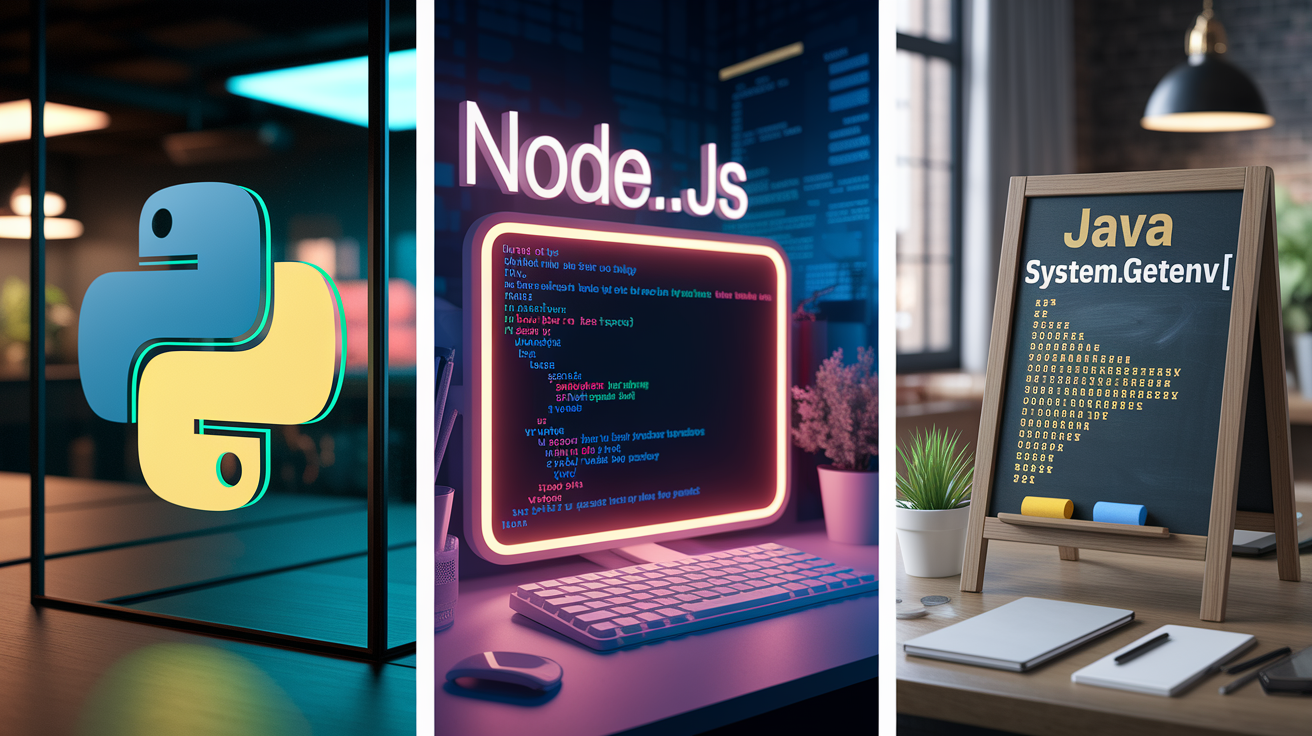
Python
Python reads environment variables using the os module. The os.environ dictionary provides a map of all variables visible to the Python process at startup. Reading a variable looks like this:
import os
api_key = os.getenv('API_KEY')
os.getenv returns None if the variable doesn’t exist, or you can provide a default:
log_level = os.getenv('LOG_LEVEL', 'INFO')
You can modify os.environ at runtime, which changes the environment for any child processes Python spawns. But it doesn’t affect the parent process or the system/user definitions. Local overrides set this way disappear when the script exits.
Node.js
Node.js exposes environment variables through the process.env object. Accessing a variable looks like this:
const dbHost = process.env.DB_HOST;
Node.js performs runtime expansion, so variables can reference other variables if the shell resolved them before Node started. You can mutate process.env directly:
process.env.NODE_ENV = 'production';
Child processes spawned via child_process.spawn or child_process.exec inherit the modified environment if you pass process.env in the options. If you don’t, they receive a fresh copy from the parent shell. This inheritance control allows scripts to selectively propagate configuration.
Java
Java treats environment variables as immutable after the JVM starts. You access them using System.getenv():
String port = System.getenv("PORT");
The method returns a map, but modifications to that map throw exceptions because the underlying native environment is read-only. Java applications must load environment variables at startup and treat them as constants. If you need dynamic configuration, store values in property files or external configuration services rather than relying on runtime environment changes. The JVM lifecycle locks environment state, so any variable updates must happen before process start or through JVM restart.
Common Pitfalls in Environment Variable Management

Developers encounter several recurring mistakes when working with environment variables.
Overwriting system variables. Redefining PATH or HOME inside a script can break subsequent commands that rely on those values. You’ll get “command not found” errors or file-not-found failures.
Typos creating shadowed variables. Setting API_KEy instead of API_KEY results in an undefined variable error. But the typo version exists in the environment, confusing debugging efforts.
Invisible whitespace. Trailing spaces in variable values (for example, export TOKEN="abc123 ") cause string comparison failures and authentication errors that don’t appear in logs.
Stale values from missing session reload. Editing a profile file without restarting the shell leaves old values active. Makes it seem like changes aren’t taking effect.
One of the most frustrating issues is forgetting that shell modifications don’t persist. Running export VAR=value in a terminal sets the variable for that session. Opening a new terminal or rebooting resets everything unless the change was saved to a profile file like ~/.bashrc or added to system environment settings. Scripts that depend on variables set during development often fail in production because the production environment never received those manual exports.
Security and Best Practices for Environment Variable Usage

Storing secrets in environment variables exposes them to any process that can read the parent’s environment block. This includes child processes, crash dumps, and logging frameworks. If a variable holding an API token appears in an error stack trace or gets printed to stdout during debugging, that token leaks. Containers and serverless functions often log environment variables by default, making secrets visible in cloud logs. Dedicated secret managers like AWS Secrets Manager, HashiCorp Vault, or Kubernetes Secrets provide encrypted storage and access-controlled retrieval. They keep secrets out of process memory until the moment they’re needed.
Least-privilege scope reduces the blast radius when a secret does leak. Setting a database password as a system-wide variable gives every user and process on the machine access to that credential. Restricting it to a user-level variable limits exposure to processes run by that account. Restricting it further to a single container or process-level variable, injected at runtime, minimizes the chance that an unrelated application or compromised dependency can read it. Rotating secrets frequently and auditing access logs add additional layers of defense, especially in multi-tenant environments where untrusted code runs alongside production services.
Core security practices include:
- Avoid hardcoding secrets. Use environment variables for configuration, but retrieve secrets from a secret manager or encrypted file rather than setting them directly in environment definitions.
- Isolate environments. Never share production environment variables with development or staging. Use separate secret stores and distinct variable names to prevent accidental cross-environment access.
- Log usage, not values. Record which environment variables were accessed and when, but never log the actual values, to maintain auditability without leaking credentials.
Following these rules keeps configuration flexible while reducing the risk that a single leaked variable compromises an entire deployment.
Final Words
In the action, we unpacked how environment variable scope in applications: core mechanics, system vs user, parent/child inheritance, session vs shell, containers, language-specific handling, common pitfalls, and security best practices.
Remember the essentials: env vars live in a process block, child processes inherit a snapshot, changes don’t flow back, and containers isolate runtime scopes. Watch for typos, invisible whitespace, and stale sessions.
Use environment variable scope in applications deliberately — test in a subshell, limit blast radius, and keep secrets out of logs. Small checks save big headaches.
FAQ
Q: How do environment variables affect applications?
A: Environment variables affect applications by providing runtime configuration and secrets to the process, influencing behavior like file paths, credentials, feature flags, and service endpoints without code changes.
Q: What is the scope of an environment variable?
A: The scope of an environment variable is the set of processes and sessions that can see it, determined when a process starts and by where (system, user, process, or shell) it was defined.
Q: What are the 4 scopes of the environment? What are the 4 scopes of C?
A: The four environment scopes are system-level, user-level, process-level, and subshell/child-process level; C’s four identifier scopes are block, function (labels), file, and function-prototype scope.