


Thinking every newline equals a log event is a rookie mistake that costs hours when stack traces arrive as 30 tiny messages.
Most shippers read files line-by-line, so a multi-line Java stack trace becomes unreadable noise in your observability tool.
This post shows how multiline parsing groups related lines into one logical event, using the pattern/negate/match (or what) knobs in Filebeat, Logstash, and Fluentd.
You’ll get practical regex strategies, sample configs, and the common gotchas to avoid so your traces stay intact and debuggable.
How Multiline Log Parsing Works

Most log shippers read files one line at a time and treat every newline as a boundary between separate log events. That works fine for simple single-line entries. But it breaks down when a single event spans multiple lines, like a Java stack trace or a formatted JSON dump. Without multiline parsing, a 30-line stack trace becomes 30 individual log entries in your observability platform, making it nearly impossible to follow the error back to its root cause.
Multiline log parsing groups related lines into a single logical event by detecting boundaries. Tools like Filebeat, Logstash, Fluentd, and Fluent Bit let you define patterns that mark where a new event starts. When the shipper encounters a line matching that start pattern, it closes the previous event and begins assembling the next one. Lines that don’t match the start pattern get appended to the current event. Common boundary markers include timestamps (the line starts with 2024-01-15 10:32:14), uppercase severity labels (ERROR, WARN), or regex patterns like ^\d{4}-\d{2}-\d{2} that lock onto ISO 8601 dates.
Most shippers use three key configuration parameters: pattern (the regex to match), negate (whether to flip the match logic), and match or what (whether matching lines join the previous or next event). A Filebeat rule that detects stack traces might look like this:
multiline.type: pattern
multiline.pattern: '^\d{4}-\d{2}-\d{2}'
multiline.negate: true
multiline.match: after
This setup says “any line that does not start with a timestamp should be appended to the previous event.” When Filebeat sees 2024-01-15 10:32:14 ERROR Application crashed, it starts a new event. When it sees at com.example.Service.process(Service.java:42) on the next line, it appends that continuation to the same event because the line doesn’t match the timestamp pattern. The shipper keeps appending until the next timestamp appears, then closes the multiline event and ships it downstream as one unified record.
Configuring Multiline Parsing in Logstash

Logstash handles multiline logs using the multiline codec inside input plugins like file or stdin. The codec merges lines before the event reaches filters and outputs, so downstream parsing sees a complete stack trace instead of fragments. You configure the codec by specifying a pattern (the regex boundary marker), negate (true or false), and what (previous or next). When negate is false, lines matching the pattern start a new event. When negate is true, non-matching lines continue the current event. The what parameter controls whether matching lines attach to the previous event or the following one.
A typical use case is Java application logs that start every entry with a timestamp. You want all continuation lines (usually indented stack frames starting with at) to join the previous event. The config would set pattern to a timestamp regex, negate to true so non-timestamp lines join the event, and what to previous so those lines attach backward. This consolidates an entire stack trace into one event before Logstash applies grok filters or ships the record to Elasticsearch.
Key Logstash multiline codec parameters:
pattern — The regular expression used to detect event boundaries. Common examples include ^\d{4}-\d{2}-\d{2} for ISO timestamps or ^\[ERROR\] for severity prefixes.
negate — Defaults to false. Set to true when you want lines that do not match the pattern to be treated as continuations.
what — Accepts previous or next. previous appends matching or non-matching lines to the prior event, while next groups them forward into the next event.
autoflushinterval — Flushes incomplete multiline events after a timeout to prevent orphaned lines from blocking the pipeline indefinitely.
Filebeat Multiline Configuration

Filebeat offers multiline configuration either at the input level (for each prospector or input block) or via processors. The input-level approach is simpler and runs before the event is buffered, ensuring boundary detection happens as close to the source as possible. You define multiline.type, multiline.pattern, multiline.negate, and multiline.match to control grouping. Because Filebeat often sits on edge nodes collecting logs before forwarding to Logstash or Elasticsearch, correct boundary detection at this stage prevents fragmentation from ever reaching your central pipeline.
A representative Filebeat input config for Java logs might look like this:
filebeat.inputs:
- type: log
  paths:
    - /var/log/app/*.log
  multiline.type: pattern
  multiline.pattern: '^\d{4}-\d{2}-\d{2}'
  multiline.negate: true
  multiline.match: after
Filebeat evaluates each line against the pattern in three steps:
Match the pattern — Filebeat tests the current line with the configured regex. If the line starts with a four-digit year, month, and day, it’s a match.
Apply negate logic — When negate is true, Filebeat inverts the result. A non-timestamp line is now considered “matching” for continuation purposes.
Decide grouping direction — The match parameter (equivalent to Logstash’s what) determines whether the line joins the prior event (after, equivalent to previous) or the next event (before, equivalent to next).
This evaluation happens line-by-line in real time as Filebeat tails the file, so multiline events are assembled on the edge before network transmission and never split into separate records downstream.
Multiline Parsing with Fluentd

Fluentd uses the concat filter plugin to merge multiline log entries after they’ve been ingested by an input plugin. Unlike Logstash’s codec approach (which groups lines during input), Fluentd processes multiline concatenation as a filter step in the pipeline. You configure the concat filter with parameters like multilinestartregexp to mark the first line of a new event and optionally multilineendregexp to explicitly close an event when a terminator pattern appears. This two-boundary approach works well for logs that have both clear start markers (timestamps) and end markers (blank lines or closing braces).
The concat plugin buffers incoming records in memory and appends continuation lines to the current event until a new start pattern is detected or an end pattern triggers a flush. A Python traceback might start with a timestamp and end with IndexError: string index out of range. By setting multilinestartregexp to match the timestamp and leaving multilineendregexp unset, Fluentd will group every line until the next timestamp appears. If you want tighter control, you can set an end pattern to flush the event as soon as the final exception line is seen.
Fluentd’s filter-based model means you can chain concat with other filters (like parser or record_transformer) to first merge multiline records, then extract JSON fields or add metadata. This flexibility is useful when logs require both grouping and structured parsing, but it does introduce latency and memory overhead since events must be buffered and matched in-flight rather than at the file-read boundary.
Detecting Log Boundaries with Regular Expressions

Boundary detection is the core of multiline parsing, and regex is the tool that makes it work. The regex pattern you choose tells the shipper where one log event ends and the next begins. Most production logs include timestamps at the start of each entry, so patterns like ^\d{4}-\d{2}-\d{2} (ISO 8601 date) or ^\[.*?\] (bracketed timestamps) are common starting points. When a line matches the start pattern, the shipper closes any buffered event and begins a new one. Lines that don’t match get appended to the current event.
Some logs use indentation or whitespace instead of timestamps to signal continuation lines. Stack traces, for instance, often indent every line after the first with leading spaces or tabs. A pattern like ^\s matches any line starting with whitespace, so you can configure negate logic to treat those lines as continuations. Other logs prefix severity levels (like ERROR, WARN, INFO) at the start of each new entry. A pattern like ^(ERROR|WARN|INFO) marks boundaries without relying on timestamps at all.
Edge cases matter. A log might print JSON over multiple lines, where only the opening brace signals the start and the closing brace marks the end. Or a debug dump might lack any structured prefix, forcing you to match known header strings like --- BEGIN DUMP ---. Testing your regex against representative samples in a tool like Rubular or regex101 saves hours of troubleshooting truncated events in production.
Common boundary regex strategies:
Timestamp prefix — Match lines starting with ^\d{4}-\d{2}-\d{2} or ^\[.*?\] to detect new events based on date-time stamps.
Severity labels — Use ^(ERROR|WARN|INFO|DEBUG) when every log line starts with an uppercase severity marker.
Indentation or whitespace — Match ^\s to identify continuation lines that begin with spaces or tabs, typically seen in stack traces.
Negation of start patterns — Set negate to true and use a start-line pattern (like timestamps) so any line that doesn’t match is treated as a continuation.
Explicit end markers — In tools that support end-of-event patterns, match closing braces ^\} or footer strings to flush the buffered event immediately.
Parsing Multiline Logs in Programming Languages

Sometimes you can’t rely on a shipper or need to pre-process logs inside your application before they hit the pipeline. In Python, you can use the re module with a stateful loop that buffers lines until a new boundary pattern appears. You read the log file line by line, test each line against your start regex, and either flush the buffered event or append the current line. This is common in log analysis scripts, batch ETL jobs, or Lambda functions that parse CloudWatch Logs before forwarding.
Here’s a minimal Python example that groups lines starting with a four-digit year:
import re

pattern = re.compile(r'^\d{4}-\d{2}-\d{2}')
buffer = []

with open('app.log') as f:
    for line in f:
        if pattern.match(line):
            if buffer:
                print(''.join(buffer))
            buffer = [line]
        else:
            buffer.append(line)
    if buffer:
        print(''.join(buffer))
Each time the regex matches, the script prints the accumulated buffer and starts a new one. The final flush ensures the last event isn’t lost.
JavaScript follows the same logic using built-in regex. You split the file into lines, iterate with a for loop or reduce, and test each line with /^\d{4}-\d{2}-\d{2}/.test(line). When the test returns true, you push the buffered string into your events array and reset the buffer. This pattern works in Node.js for processing log files from disk or parsing newline-delimited logs streaming over HTTP.
A simple Node.js snippet:
const fs = require('fs');
const lines = fs.readFileSync('app.log', 'utf-8').split('\n');
const pattern = /^\d{4}-\d{2}-\d{2}/;
let buffer = '';
const events = [];

lines.forEach(line => {
  if (pattern.test(line)) {
    if (buffer) events.push(buffer);
    buffer = line + '\n';
  } else {
    buffer += line + '\n';
  }
});
if (buffer) events.push(buffer);
Both examples demonstrate the same core idea: maintain state (the buffer), test boundaries (the regex), and flush accumulated lines when a new event starts. This state-machine approach is flexible, testable, and works in any language that supports regex and file I/O.
Best Practices for Handling Multiline Logs
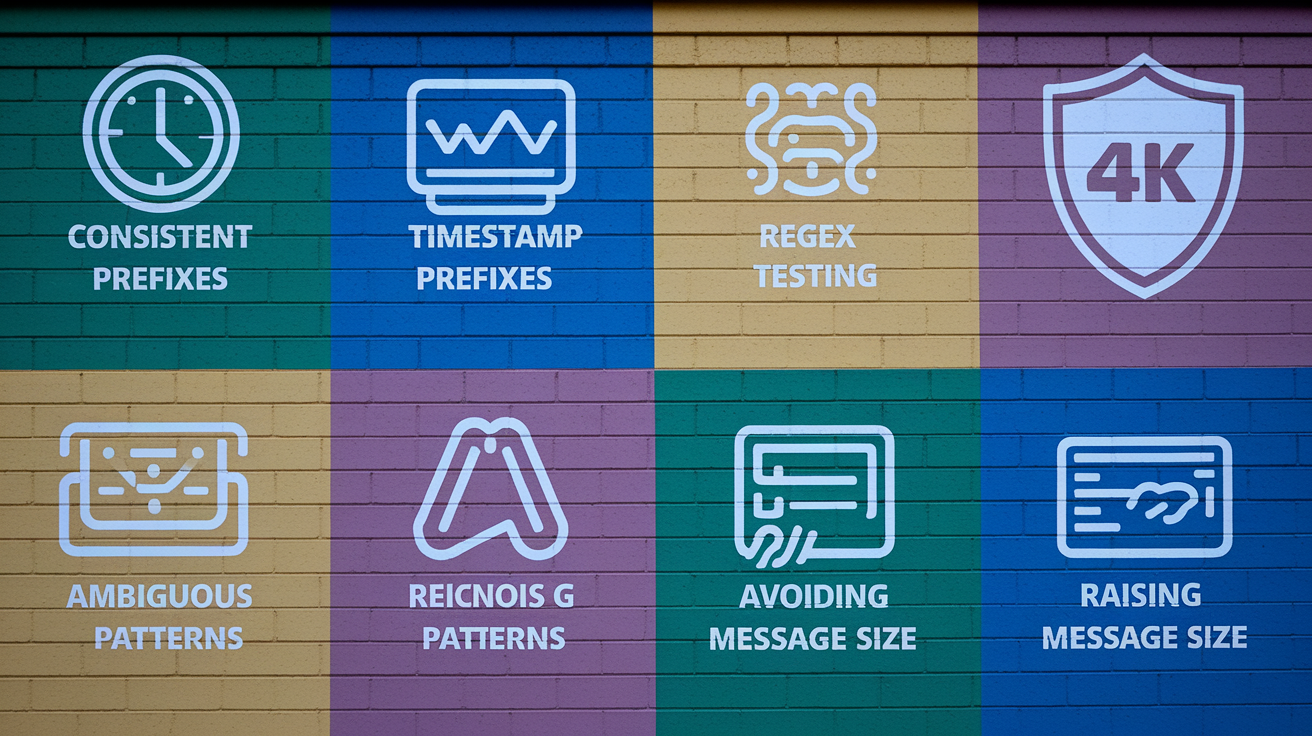
Multiline parsing works best when your logs follow a predictable structure. If every entry starts with a timestamp in the same format, boundary detection is straightforward. When logs mix formats (some lines with timestamps, some without), the shipper has to guess, and that leads to split events or merged-together errors. Standardizing log output across your applications reduces the number of regex patterns you need to maintain and makes troubleshooting faster.
Enforce consistent timestamp prefixes — Every new log entry should start with a timestamp in the same format (ISO 8601 is a safe default). Continuation lines should not include timestamps.
Test regex patterns with real log samples — Use a regex tester and paste representative multiline events to verify your pattern matches correctly and doesn’t false-positive on continuation lines.
Avoid ambiguous start patterns — Patterns that match common words or short strings (like ^E) can trigger false boundaries. Prefer longer, more specific patterns.
Increase message size limits when needed — Tools like rsyslog default to 8 KB messages. Large stack traces or JSON dumps require raising that limit to 64 KB or higher to prevent truncation.
Log to files or STDOUT, not network sockets — File-based logging preserves line order and survives network interruptions. Shippers can reliably tail files and apply multiline rules without reordering.
Restart shippers after config changes — Multiline codec and filter changes don’t apply until the shipper restarts. Always restart pods, agents, or services after updating parsers.conf or input configs.
Troubleshooting Multiline Parsing Issues

When multiline parsing fails, you’ll see partial stack traces, event flooding (one giant event), or logs that seem randomly chopped. The most common cause is a regex that’s too loose or too strict. A pattern like ^\d might match the first digit of a continuation line that happens to start with a number, incorrectly triggering a new event. A pattern that’s too specific (like ^\d{4}-\d{2}-\d{2} \d{2}:\d{2}:\d{2},\d{3}) might miss timestamps that use a slightly different delimiter or precision.
Another frequent issue is negate misconfiguration. If you set negate to true but use a pattern that should directly mark start lines, the logic inverts and continuation lines become new events. Double-check whether your pattern is “this line starts an event” (negate false) or “lines that don’t match this are continuations” (negate true). The Logstash what and Filebeat match parameters also cause confusion. Remember that previous and after both mean “attach to the prior event,” while next and before mean “attach to the following event.”
Message size limits and buffer timeouts can silently truncate events. If a stack trace exceeds the shipper’s max message size, the tail gets dropped. If the shipper waits too long for the next line, it might auto-flush an incomplete event. Check your tool’s documentation for buffer and flush settings, and test with the largest real-world events you expect to see.
Troubleshooting steps:
Inspect raw log files — Open the file in a text editor and confirm the actual line structure, indentation, and timestamps. Misunderstandings about log format cause most parsing failures.
Test the regex in isolation — Paste representative start lines and continuation lines into Rubular or regex101 and verify the pattern matches exactly what you expect.
Enable debug logging on the shipper — Tools like Filebeat and Logstash offer verbose log modes that show which lines matched the pattern and how events were grouped.
Check for truncation warnings — Look for messages about max message size exceeded or buffer overflow in the shipper logs. Raise limits if needed.
Validate in the UI — After applying the config and restarting, search for a known multiline event (like a specific error message) and confirm the entire stack trace appears as one record with no fragments before or after.
Final Words
In the action, we stripped multiline noise into clear rules: how parsing works, Logstash and Filebeat configs, Fluentd concat, regex boundary detection, programmatic grouping, best practices, and troubleshooting.
Keep configs simple: use pattern, negate, and match; test boundaries with sample logs; prefer timestamps and consistent prefixes.
Apply those examples and checks so your multiline log parsing yields fewer broken events, easier debugging, and more reliable ingestion. It’s a small setup for a big win.
FAQ
Q: What is multiline log parsing?
A: Multiline log parsing is the process of combining related log lines (like stack traces) into a single event before indexing, using rules that detect new event boundaries so multi-line errors stay intact.
Q: Why do log boundaries occur?
A: Log boundaries occur because apps emit separate lines, timestamps vary, or logs lack clear prefixes; a boundary marks where one event ends and another begins, usually detectable by timestamps or indentation.
Q: How do tools join multiple lines into a single event?
A: Tools join multiple lines by buffering incoming lines and applying multiline rules—pattern, negate, and match—until a new boundary pattern signals the buffered group should be emitted as one event.
Q: Can you show a simple Filebeat or Logstash example?
A: A simple Filebeat/Logstash example is: Logstash codec: pattern => ‘^\d{4}-\d{2}-\d{2}’, negate => true, what => ‘previous’. Filebeat: multiline.pattern: ‘^\d{4}-\d{2}-\d{2}’, multiline.negate: true, multiline.match: ‘after’.
Q: How do I configure multiline in Logstash?
A: Configuring multiline in Logstash means adding the multiline codec to your input, defining pattern, negate, and what; common setups match timestamp-start lines with what => “previous” to group stack traces into one event.
Q: How does Filebeat handle multiline rules?
A: Filebeat handles multiline rules at the input or processor level by evaluating pattern, negate, and match, buffering lines until a boundary is found, then forwarding the grouped event to Logstash or Elasticsearch.
Q: How does Fluentd’s concat plugin merge multiline logs?
A: The Fluentd concat plugin merges multiline logs by setting multilinestartregexp and multilineendregexp, buffering lines until the end regexp or timeout, then emitting a single combined record.
Q: How do I detect log boundaries with regular expressions?
A: Detecting log boundaries with regex uses timestamps (^\d{4}-\d{2}-\d{2}), indentation (^\s), known prefixes, or severity markers; choose the most consistent marker and test regex against real log samples.
Q: How do I parse multiline logs programmatically (Python/JavaScript)?
A: Parsing multiline logs programmatically means buffering lines until a start-pattern appears, then emitting the buffer; use Python’s re or JavaScript RegExp with a simple state-machine loop to collect groups.
Q: What are best practices for handling multiline logs?
A: Best practices are to add strict timestamps or prefixes, avoid ambiguous indentation, test regex on representative samples, keep rules simple, and validate grouping in staging before production.
Q: How do I troubleshoot common multiline parsing issues?
A: Troubleshooting multiline parsing issues means checking regex against sample logs, enabling debug logs, adjusting timeout and buffer sizes, and fixing missing timestamps or inconsistent indentation at the source.