


Tired of hand-writing docker-compose.yml files and chasing indentation bugs?
A docker compose file generator turns your inputs—images, ports, env vars, volumes, networks—into valid YAML without you typing a single indent.
It catches common mistakes like port collisions and missing env keys, offers templates for LAMP, MERN, ELK, and exports multi-file stacks ready for docker compose up.
This post shows the core features, service and network options, validation checks, and export workflows so you can automate multi-container setups and deploy faster.
Core Features of a Modern docker compose file generator

A docker compose file generator builds valid docker-compose.yml files by collecting your config through a GUI or command prompts. You don’t write YAML by hand. Instead, you fill out forms or pick templates, and the generator spits out a complete, syntactically correct compose file ready for docker compose up.
These tools grab inputs for each service: image name, ports, environment variables, volume mounts. They handle network definitions (bridge, overlay, custom drivers) and shared volumes (named volumes, bind mounts, tmpfs). Everything gets merged into one YAML structure or split across multiple layered files (docker-compose.yml plus docker-compose.override.yml), with consistent indentation and spec compliance baked in.
Automation cuts down repetitive work. Port mappings, dependency chains, restart policies—stuff that takes forever to type out manually. A generator gives you starter templates and instant feedback on your choices, so you can focus on application logic instead of YAML syntax rules.
What you’ll find in modern docker compose file generator tools:
- Live YAML preview – Watch the compose file update as you tweak service settings.
- Drag and drop service ordering – Reorder services visually to control sequence in the final output.
- Export formats – Download in YAML or JSON, or copy straight to clipboard.
- Multi-file support – Generate base compose files plus override files for different environments.
- Template library – Start from pre-configured stacks like LAMP, MERN, ELK, or WordPress instead of building from scratch.
- GUI editing – Configure services, networks, and volumes through interactive forms with inline hints and dropdowns.
Service Configuration Capabilities in docker compose generators

Generators expose all standard per-service fields from the Docker Compose spec. At minimum, you specify an image name (like nginx:alpine) or a build context pointing to a Dockerfile. Port mappings get configured by listing host and container port pairs, supporting TCP, UDP, and ranges. Environment variables are key-value pairs with unlimited entries, letting you inject secrets and runtime settings without hardcoding them in the image.
Advanced settings include healthchecks (command, interval, timeout, retries), restart policies (no, always, on-failure, unless-stopped), volume mounts (named volumes, bind paths, read-only flags), custom labels for metadata, and build arguments passed during image construction. You can override the default entrypoint or command, attach multiple networks, configure dependencies with depends_on, and set resource limits (CPU shares, memory caps). When generators validate inputs, they catch mistakes like port collisions, missing volume definitions, or unsupported Compose spec fields for your chosen version (v2.4 versus v3.8).
Common service-level inputs:
- Ports – Map host ports to container ports, specify protocols, define port ranges.
- Environment variables – Set runtime config keys, integrate secret managers, flag missing required variables.
- Volumes – Attach named volumes for persistent data, bind-mount source code directories for hot-reload workflows, or use tmpfs for ephemeral caches.
- Build context – Point to a Dockerfile path, specify target stages in multi-stage builds, pass build-time arguments.
Networks and Volumes Management within docker compose file generator tools
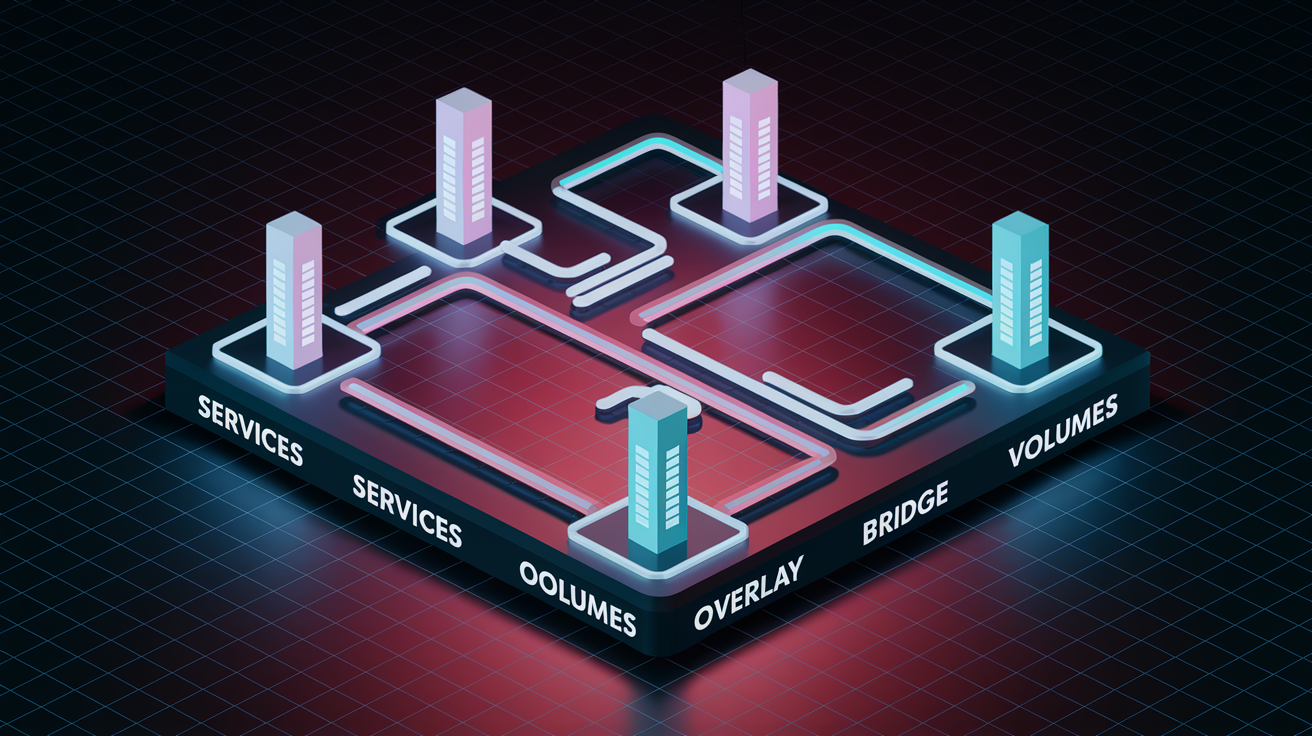
Generators simplify network and volume config through dedicated UI sections or CLI prompts. You can define named networks, external networks, and persistent volumes without manually writing YAML blocks. By default, Docker Compose creates a single bridge network for all services. But tools let you create multiple custom networks to isolate service groups or support overlay networking for Swarm deployments. You can attach existing external networks by name, avoiding the need to recreate shared infrastructure inside every compose file.
Named volumes are the way to go for persistent data. They’re managed by Docker, survive container removal, and can be backed up or migrated independently. Generators distinguish between named volumes (stored in Docker’s volume directory) and bind mounts (direct host path mappings), helping you choose the right strategy for database storage versus source code hot-reloading. Tools often enforce limits like 20 named volumes per project to keep configs maintainable and catch accidental duplication of volume names.
Multi-network setups are common when you want to separate front-end services on a public network from back-end databases on a private network. Generators let you assign each service to one or more networks, set static IP addresses when needed, and configure network options like MTU or driver-specific parameters. Validation layers check for conflicting mount paths and warn when volumes are defined but never attached to any service.
Using Pre-Built Templates in a docker compose file generator

Template libraries speed up project init by offering ready-made configs for popular multi-container stacks. Instead of defining each service from scratch, you select a template that matches your architecture and customize only what you need (environment variables, port numbers, volume paths). Setup time drops from hours to minutes, and you get best-practice defaults for healthchecks, restart policies, and network isolation.
Templates cover a wide range of use cases, from simple dev environments to production-ready monitoring stacks. Generators typically include starter configs for common combinations: web servers, application runtimes, databases, caching layers, reverse proxies. You can clone, modify, and save templates to create a library of reusable project skeletons tailored to your team’s needs.
Popular template examples:
- LAMP – Linux, Apache, MySQL, PHP for traditional web applications.
- MEAN / MERN – MongoDB, Express, Angular or React, Node.js for JavaScript full-stack apps.
- ELK – Elasticsearch, Logstash, Kibana for centralized logging and analytics.
- WordPress + MySQL – Content management system with persistent database storage.
- Nginx + PHP-FPM – High-performance web server paired with PHP FastCGI Process Manager.
Syntax Validation and Best-Practice Checks for docker compose files
Validation layers catch errors before deployment by running syntax checks, linting rules, and compatibility audits on the generated YAML. Real-time feedback highlights missing required fields, invalid indentation, and unsupported Compose spec keywords. You avoid the trial-and-error cycle of running docker compose up and fixing errors one at a time. Tools often implement 50+ lint rules covering best practices like pinning image tags (avoiding :latest), defining healthchecks for critical services, and setting resource limits to prevent resource exhaustion.
Environment variable warnings flag keys referenced in service configs but not defined in the compose file or a linked .env file. This prevents runtime failures when containers start with missing configuration. Port-collision detection scans all service definitions to ensure no two services bind to the same host port, a common mistake when copying service blocks. Restart policy checks verify that policies like on-failure include a max-retry count to avoid infinite restart loops, while spec version compatibility checks alert you when using v3.8 deploy keys in a v2.4 file.
| Issue | Description |
|---|---|
| Syntax errors | Invalid YAML indentation, missing colons, incorrect list formatting, or unquoted special characters |
| Port collisions | Multiple services attempting to bind to the same host port (two services mapping to 8080:80, for example) |
| Missing environment variables | Services reference ${VAR_NAME} but the variable isn’t defined in the compose file or .env file |
| Unsupported spec fields | Using Compose v3 deploy keys in a v2 file, or v2.4 volume driver options in a v3.8 file |
Generators integrated with CI/CD pipelines can run validation as a pre-deployment step, blocking merges when compose files fail lint checks. This keeps config quality high across team contributions and prevents broken deployments from reaching staging or production.
Export, Save, and Integration Options in docker compose file generator platforms

Export capabilities determine how easily generated compose files integrate into existing workflows. Most generators support downloading YAML or JSON formats, with filenames following patterns like projectname-docker-compose.yml to avoid overwrites when managing multiple projects. Multi-file export is critical for teams using layered configs, where a base docker-compose.yml defines shared services and docker-compose.override.yml customizes settings for local dev or testing environments.
Integration with version control platforms (GitHub, GitLab, Bitbucket) lets you push generated compose files directly to a repository, create a new branch, or open a pull request from the generator interface. This workflow works well for DevOps teams practicing infrastructure as code, where every config change is reviewed and versioned. Copy to clipboard shortcuts let you paste compose snippets into chat threads, documentation, or issue trackers without saving intermediate files.
Export and integration workflows:
- YAML download – Save the final docker-compose.yml to disk with a customizable filename.
- JSON export – Convert compose definitions to JSON for programmatic processing or API ingestion.
- Multi-file output – Generate separate files for base configuration and environment-specific overrides.
- Git push – Commit and push the compose file to a repository branch, with optional PR creation.
- Clipboard copy – One-click copy of the entire YAML or selected service blocks for quick sharing or embedding.
Some platforms also offer CLI export modes, where a local script generates compose files from a config file or interactive prompts. This enables offline use and integration with shell-based deployment scripts. Flexibility means generators fit into both GUI-driven and command-line workflows.
Advanced Features for High-Complexity docker compose file generator Workflows

Scaling and Deploy Settings
Advanced generators expose Compose v3 deploy keys for orchestrating services in Docker Swarm or other container orchestrators. The replicas field defines how many instances of a service should run simultaneously, enabling horizontal scaling for stateless services like API workers or web front-ends. Resource constraints (CPU shares, memory limits, reservation values) ensure containers don’t starve each other on shared hosts. Update and rollback configs control how new versions are deployed across replicas.
Generators often provide sliders or numeric inputs for replica counts and resource values, translating UI selections into valid deploy syntax. Validation rules check that replicas are only used with orchestrators that support them and warn when combining replicas with host port bindings, which fails if multiple replicas try to bind the same port.
Secrets and External Resources
Secret management features let you reference Docker secrets, environment files, or external secret providers (Vault, AWS Secrets Manager) without embedding sensitive values in compose YAML. Generators can inject secret placeholders or generate companion .env files with dummy values, prompting you to fill in real credentials before deployment. External networks and volumes allow compose files to attach to resources created outside the compose stack, supporting scenarios like shared database volumes across multiple projects or connection to a pre-existing overlay network.
Build arguments and multi-stage build configs are exposed through advanced service settings. You can pass compile-time flags, select target stages, and cache intermediate layers for faster rebuilds. Custom labels provide metadata hooks for service discovery, monitoring tools, and automated orchestration scripts. External volume drivers (NFS, cloud block storage) are configured through driver-specific options in the volumes section.
Practical Examples Generated by a docker compose file generator

Generators produce YAML outputs ranging from simple two-service stacks to complex multi-service microservices architectures. A basic web plus database stack might define an Nginx container on port 80 connected to a PostgreSQL container on a private network, with a named volume for database persistence and environment variables for database credentials. This example is common for prototyping or small internal tools where simplicity and fast setup are priorities.
Complex examples include five or more services: a front-end React app, an API gateway (Nginx or Traefik), multiple back-end microservices (Node.js, Python), a message queue (RabbitMQ), and a monitoring stack (Prometheus + Grafana). These configs use multiple networks to isolate public-facing services from internal back-ends, define healthchecks for each service to ensure proper startup ordering, and attach persistent volumes for logs, metrics, and application data. The generated YAML includes all necessary depends_on directives to control initialization order and prevent race conditions.
| Example | Services Count | Networks | Volumes |
|---|---|---|---|
| Simple web + database | 2 | 1 (default bridge) | 1 (database data) |
| Advanced microservices stack | 5 | 2 (frontend, backend) | 3 (logs, metrics, app data) |
Troubleshooting Common Issues When Using a docker compose file generator

YAML indentation errors are the most frequent problem when manually editing generated files. Even though generators produce syntactically correct output, you can introduce spacing mistakes that break parsing if you hand-edit the YAML afterward. Tools with live preview and syntax highlighting catch these issues immediately, showing red underlines or error messages next to the offending lines.
Missing environment variables cause runtime failures when services start but can’t find required config keys. Generators that validate environment references flag these before export, prompting you to define the missing keys in an .env file or the compose file itself. Compose version mismatches occur when using v3 deploy settings in a v2 file or vice versa. Validation layers alert you to incompatible keywords and suggest the correct spec version.
Volume definition mistakes include referencing named volumes that are never declared in the top-level volumes: section, or using bind mounts with incorrect host paths that don’t exist. Generators typically auto-populate the volumes section when you attach a named volume to a service, reducing the chance of orphaned references.
Common issues:
- Indentation errors – Manual edits introduce spacing mistakes that break YAML parsing. Use the generator’s built-in editor or re-import to fix.
- Missing environment variables – Services reference
${VAR}but the variable is undefined. Add keys to.envor the compose file’s environment section. - Version mismatches – Mixing v2 and v3 syntax (like
deploy:in a v2 file). Validate spec version and remove unsupported fields. - Undefined volumes – Services mount a volume not listed in the top-level
volumes:block. Generators auto-add missing entries during export.
Final Words
In the action, this post showed how a docker compose file generator builds multi-service YAML for you, with GUI editing, templates, exports, networks, volumes, and validation layers.
We stepped through service fields (ports, env, build/context), networks vs bind mounts, template starters, export and Git workflows, advanced layering, and common troubleshooting tips.
If you want fewer manual yanks and fewer runtime surprises, try a docker compose file generator to scaffold reproducible compose files and speed up setup. Small wins add up — you’ll ship more reliably.
FAQ
Q: What does a docker compose file generator do?
A: A docker compose file generator automatically creates a docker-compose.yml that defines multi-service applications from form inputs, wiring services, networks, volumes, ports, and producing ready-to-run YAML for local or CI use.
Q: What inputs does a docker compose file generator collect?
A: The generator collects service names, image or build context, ports, environment variables, volumes, networks, secrets, healthchecks, restart policies, labels, and build args to build per-service YAML entries.
Q: What core features should I expect from a modern generator?
A: Modern generator features include live YAML preview, drag-and-drop service ordering, GUI editing, a template library, export formats (YAML/JSON), and multi-file support like main plus override files.
Q: Which service configuration options can I set in the generator?
A: Service configuration options include image vs build, ports mapping, unlimited env keys, volumes, build args, entrypoint/command overrides, healthchecks, restart policies, and custom labels or secrets.
Q: How are networks and volumes managed by the generator?
A: The generator manages named networks and external networks, supports named volumes and bind mounts, lets you set volume drivers, and helps map persistent data paths and multi-network setups across services.
Q: What role do pre-built templates play in these tools?
A: Pre-built templates scaffold starter stacks like LAMP, MEAN, MERN, ELK, WordPress+MySQL, and PostgreSQL+Redis so you can start from a working multi-container configuration instead of writing YAML from scratch.
Q: What validation and best-practice checks do generators perform?
A: Generators run syntax checks, Compose spec-version compatibility checks, port-collision detection, restart-policy guidance, and environment-variable warnings to catch common YAML and compose issues before export.
Q: How can I export, save, and integrate generated compose files?
A: You can export YAML or JSON, download multi-file bundles, copy to clipboard, and push or create PRs on GitHub/GitLab/Bitbucket, enabling reproducible setups and CI/CD integration.
Q: What advanced features support complex workflows?
A: Advanced features include multi-file layering (override files), deploy.replicas and resource limits, secret manager integration, external volumes/networks, custom labels, and advanced healthcheck and build-arg controls.
Q: What common issues should I watch for and how are they fixed?
A: Common issues are YAML indentation errors, missing env vars or volume defs, Compose version mismatches, and port collisions; fix by correcting indentation, adding missing keys, aligning spec versions, and remapping ports.