


Think copy-pasting a UUID is secure? Think again.
A random string generator creates secure character sequences instantly in your browser with no backend call or signup.
Use it for API keys, session IDs, temporary passwords, file prefixes, or bulk test data.
This post shows when to use cryptographic randomness, how to pick charset and length, and quick browser and code snippets you can copy-paste into CI or deploy scripts to avoid guessable tokens.
Instant Access to a Customizable Random String Generator Tool

A random string generator creates secure character sequences on demand. No code required. Developers use these tools when they need an API key placeholder, a temporary staging password, a session identifier, or a unique file prefix. You paste the output into your config, your test fixture, or your deployment script and keep moving.
Most browser-based generators give you a few toggles and a slider or two. Click to include uppercase. Click again to add digits. Drag the length from 8 to 64. Hit “Generate Random String” and the result appears in a second. No sign-up, no backend call.
Settings you’ll typically find:
- Uppercase letters (A–Z) for enterprise compliance or better readability.
- Lowercase letters (a–z) for UNIX-style slugs or filenames.
- Digits (0–9) to add entropy and satisfy password policies.
- Symbols (~!@#$%^&*) when your security team insists on special characters.
- Length slider (usually 4 to 128) to meet token requirements or fit URL constraints.
- Batch generation to spin up 10, 50, or 100 strings in one go.
Every string appears in a text box with a one-click copy button. The randomness runs entirely in your browser using a cryptographically secure RNG, so your token never hits a server log. You paste, you deploy, done.
Practical Uses for a Randomized String Generator Across Development Workflows

Random strings aren’t just for testing. You need them when onboarding a new microservice, building a password-reset flow, or setting up promo codes for a weekend campaign. In each case, you want a string that won’t collide with anything already in the database and can’t be guessed by someone scanning endpoints.
Common use cases:
- Passwords for test accounts or emergency admin logins that expire after one session.
- Session identifiers in cookies or JWTs when user sessions must be unique and unpredictable.
- API keys for third-party integrations where the key lives in an environment variable.
- Promo codes for limited-time offers that need to be short, memorable, and unique per campaign.
- Temporary tokens in password-reset emails or magic-link sign-in flows.
- File-name randomization to avoid cache collisions and prevent enumeration attacks.
- Testing data for QA scripts that insert hundreds of mock users or orders with distinct IDs.
If the string will guard access, authorize a transaction, or identify a user session, flip on the cryptographically secure option and set the length to 20 or higher. For throwaway test data, a simple alphanumeric sequence works fine.
Comparing Random String Types: Alphanumeric, Numeric, Hexadecimal, and Base64 Options
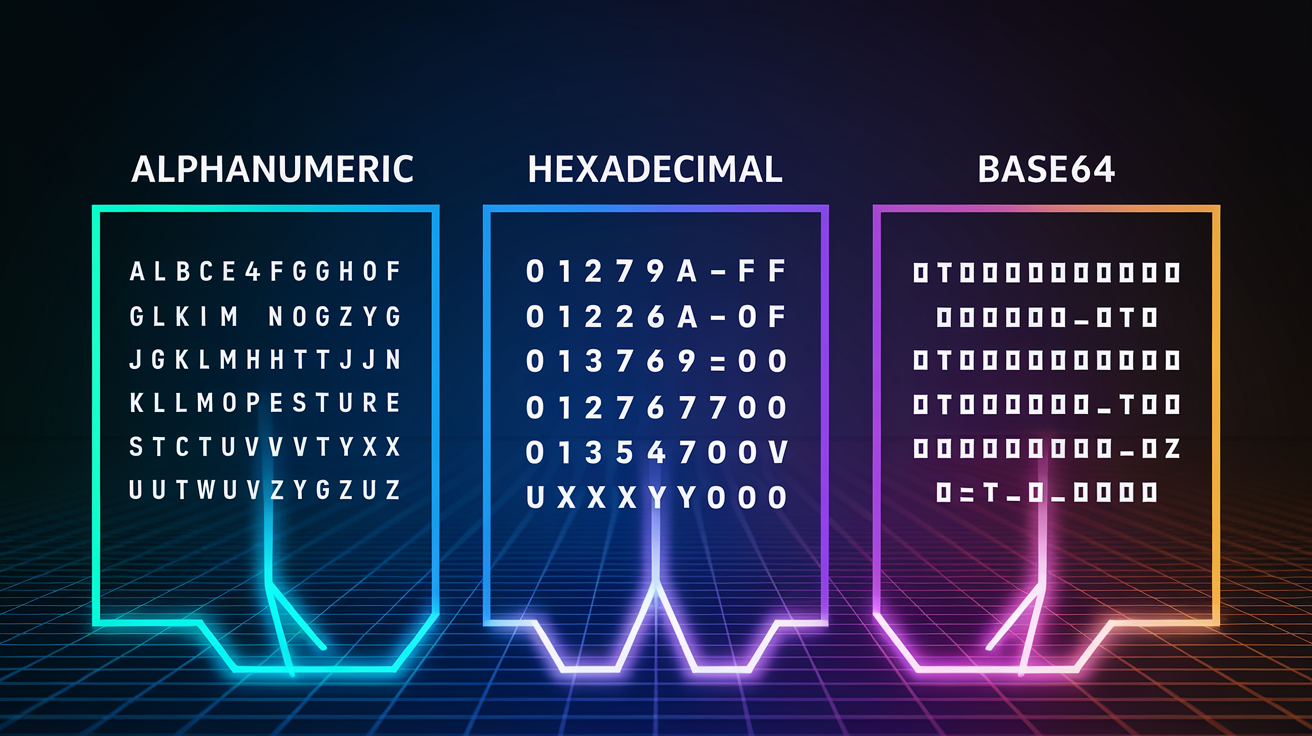
Choosing the right character set depends on where the string lands. A URL query parameter can’t handle slashes. An SMS promo code should skip ambiguous letters like “O” and “0.” A database primary key might prefer hex because it sorts cleanly and parses fast.
Hexadecimal uses 16 characters (0–9, A–F), giving you 4 bits of entropy per character. Base64 uses 64 characters (A–Z, a–z, 0–9, plus + and /), yielding 6 bits per character. Hex is shorter to type and easier to read aloud. Base64 packs more randomness into fewer bytes, which matters when you’re embedding tokens in JSON payloads or HTTP headers.
UUID outputs typically appear as 32 hex characters with four dashes (for example, 550e8400-e29b-41d4-a716-446655440000). Strip the dashes and you get a 32-character hex string. You can slice it to any length you need. But remember that a UUID is designed for uniqueness, not cryptographic secrecy. If you’re generating a password-reset token, prefer a library that uses a secure RNG rather than slicing a UUID.
| Format | Character Set | Typical Use |
|---|---|---|
| Alphanumeric | A–Z, a–z, 0–9 | Promo codes, user-facing identifiers, short URLs |
| Numeric | 0–9 | PINs, OTPs, verification codes for SMS |
| Hexadecimal | 0–9, A–F | Database IDs, color codes, UUID fragments |
| Base64 | A–Z, a–z, 0–9, +, / | Tokens in HTTP headers, encoded binary data, compact keys |
Developer-Focused Random String Generation with Java, Python, and JavaScript

When you can’t use a web tool, maybe you’re automating a CI pipeline or writing a service that mints tokens on every request, you need a code snippet. Java, Python, and JavaScript all ship with randomness libraries, but the APIs and security guarantees vary.
Start with the security requirement. If you’re generating a session token, an API key, or any string that guards access, use SecureRandom in Java or the secrets module in Python. These are cryptographically secure and designed to resist prediction. If you’re mocking test data for a local QA run, java.util.Random or random.choices will do.
Java Examples
Plain Java uses Random.ints, introduced in JDK 8. Call random.ints(97, 123) to get lowercase letters (ASCII 97 is ‘a’, 122 is ‘z’). Collect the stream into a string with chars.mapToObj(c -> (char) c).collect(Collectors.joining()). It’s verbose but flexible.
For one-liners, Apache Commons Lang offers RandomStringUtils.randomAlphabetic(length) and RandomStringUtils.randomAlphanumeric(length). These methods handle the character-range logic for you. If you need secure output, replace Random with SecureRandom before calling any utility. The Java – Generate Random String guide on Baeldung walks through each variant with working examples.
Python and JavaScript Snippets
Python’s secrets.choice is the go-to for secure tokens. Build a pool with string.ascii_letters + string.digits, then iterate N times: "".join(secrets.choice(pool) for _ in range(N)). This is cryptographically secure and safe for passwords.
For unique identifiers that don’t need cryptographic strength, uuid.uuid4().hex[:N] gives you a hex string. The UUID library guarantees uniqueness but doesn’t promise unpredictability against an attacker. If you need both, use os.urandom(n_bytes) and encode with base64.b64encode(os.urandom(bytes)).decode()[:N].
JavaScript in the browser uses crypto.getRandomValues to fill a typed array with secure bytes. Map each byte to a character in your pool, join the result, and trim to length. Node.js offers crypto.randomBytes for the same task on the server side.
The entropy difference matters. A 16-character alphanumeric string (62 possible characters per position) gives you roughly 95 bits of entropy. A 16-character hex string (16 possible characters) gives you 64 bits. More entropy means longer before you hit a collision and harder for an attacker to guess.
Pick the method that matches your deployment. If you’re running in a container that resets on every deploy, use the language’s built-in secure RNG. If you’re writing a one-off script, random.choices or a UUID slice is fast and good enough for non-sensitive work.
Understanding Security, Entropy, and Cryptographically Secure String Generation

Entropy measures how many different strings could exist in your chosen space. A 12-character alphanumeric string has 62^12 possible combinations, roughly 3.2 × 10^21. That sounds big until you remember that distributed systems generate millions of tokens per second. Collisions happen when the pool is too small or the RNG is weak.
Pseudo-random generators like java.util.Random and Python’s random module are fast and repeatable if you set a seed. That repeatability is the problem. An attacker who observes a few outputs can predict future values. Cryptographically secure RNGs, SecureRandom, secrets, os.urandom, crypto.getRandomValues, use system entropy sources (hardware noise, interrupt timings) that resist prediction.
The practical rule: anything that grants access or identifies a session must use a secure RNG. Test data, mock IDs, and placeholder values can use simpler methods. If you’re unsure, default to secure. The performance cost is negligible, and you won’t have to explain a breach caused by a guessable token.
Security considerations to check before you ship:
- Entropy size: aim for at least 128 bits of entropy (roughly 22 alphanumeric characters) for sensitive tokens.
- Algorithm selection: confirm your library uses a CSPRNG (cryptographically secure pseudo-random number generator) when the documentation mentions “secure” or “cryptographic.”
- Token length: longer tokens reduce collision probability and increase brute-force resistance; 20+ characters is a safe default.
- Charset variety: mixing uppercase, lowercase, digits, and symbols multiplies the number of possible combinations per character.
- Collision math basics: the birthday paradox means you’ll see a 50% collision probability after generating roughly √(pool_size) tokens; if your pool is 2^128, you’re safe until 2^64 tokens.
Advanced Options: Bulk Generation, Charset Customization, and URL-Safe Encodings

When you’re seeding a staging database with 500 test accounts or provisioning API keys for a batch of partner integrations, generating one string at a time wastes time. Bulk generation lets you request 100 strings in a single click, copy the block, and paste it into a CSV or a database migration script.
Custom charset options matter when you need to exclude ambiguous characters (I, l, 1, O, 0) from promo codes or avoid special characters that break URL parsing. URL-safe encodings replace Base64’s + and / with - and _, so the token survives query parameters without percent-encoding. Slug-friendly formats stick to lowercase letters and hyphens, making the output readable in a browser address bar.
Advanced features to look for:
- Batch generation with a quantity input (1 to 1000) and a download option for CSV or JSON.
- Blacklist/whitelist characters to meet compliance rules or avoid characters that confuse users over the phone.
- URL-safe mode that swaps problematic Base64 characters or strips symbols entirely.
- Distributed ID formats like ULID or Snowflake-style IDs that embed timestamps and node identifiers for sortable, collision-resistant keys across multiple servers.
Final Words
Jump in: fire up the in-browser tool, toggle character sets, set length, and copy a result in one click. You can make passwords, API keys, session IDs, or test data instantly.
The post walked through format choices (alphanumeric, hex, Base64), code snippets for Java/Python/JS, entropy and collision guidance, plus bulk and URL-safe options.
Use the random string generator with secure RNGs and recommended lengths (12+ for general, 20+ for sensitive tokens). Small steps, fewer surprises—you’re ready to generate safe, usable tokens.
FAQ
Q: How to create a random string?
A: Creating a random string means choosing a character set (letters, digits, symbols), selecting a length, then using a generator (secrets/SecureRandom/crypto or an online tool) to pick characters at random.
Q: What are random string generators used for?
A: Random string generators are used for passwords, API keys, session and reset tokens, unique IDs, test data, and promo or invitation codes; use cryptographic mode for security-sensitive tokens.
Q: Is RNG truly random?
A: RNGs are not always truly random: most software RNGs are pseudo-random, cryptographic RNGs are much harder to predict, and hardware true-RNGs provide physical randomness when you need it.
Q: How to generate a random 32 character hex string in Java?
A: Generating a random 32 character hex string in Java means creating 16 random bytes and hex-encoding them: SecureRandom sr = new SecureRandom(); byte[] b = new byte[16]; sr.nextBytes(b); String hex = DatatypeConverter.printHexBinary(b).toLowerCase().