


Want to cut project setup from 30 minutes to one command?
Developer boilerplate generators do exactly that: they scaffold folders, configs, linters, build scripts, and CI templates so you can start coding fast.
This post walks through the core functionality you actually care about, what gets generated, how interactive CLIs and template libraries work, and the common gotchas that waste an hour.
By the end you’ll know when to run a generator, when to tweak its output, and how to pick one that fits your stack.
Core Functionality of a Developer Boilerplate Generator

A developer boilerplate generator automates the creation of repetitive starter code, project structure, and configuration files that every new codebase needs. Instead of manually setting up folders, dependencies, linters, build scripts, and environment configs each time you start a project, you run a single command and get a ready-to-code skeleton in seconds.
These tools pull from predefined templates or prompt you to answer a few setup questions (language, framework, testing library, etc.), then assemble the matching files and folder hierarchy. The result? A standardized project that your team can clone, understand, and modify without deciphering someone’s unique setup choices.
Boilerplate automation is especially useful when spinning up microservices, side projects, or client repos that follow the same stack. It cuts down setup friction and keeps every project aligned with your chosen conventions. Routing structure, naming patterns, testing hooks, and deployment configs all land in the expected places.
Common tasks automated by boilerplate generators:
- Folder structure and entry‑point files (e.g.,
src/,public/,index.js) - Package.json or equivalent dependency manifests with pre‑selected libraries
- Linter and formatter configs (ESLint, Prettier, Black, Rubocop)
- Build and bundler configuration (Webpack, Vite, Rollup, Gradle)
- Testing framework setup (Jest, Mocha, pytest, JUnit)
- CI/CD pipeline templates (GitHub Actions, GitLab CI, CircleCI YAML)
Key Features Found in Modern Boilerplate Generators
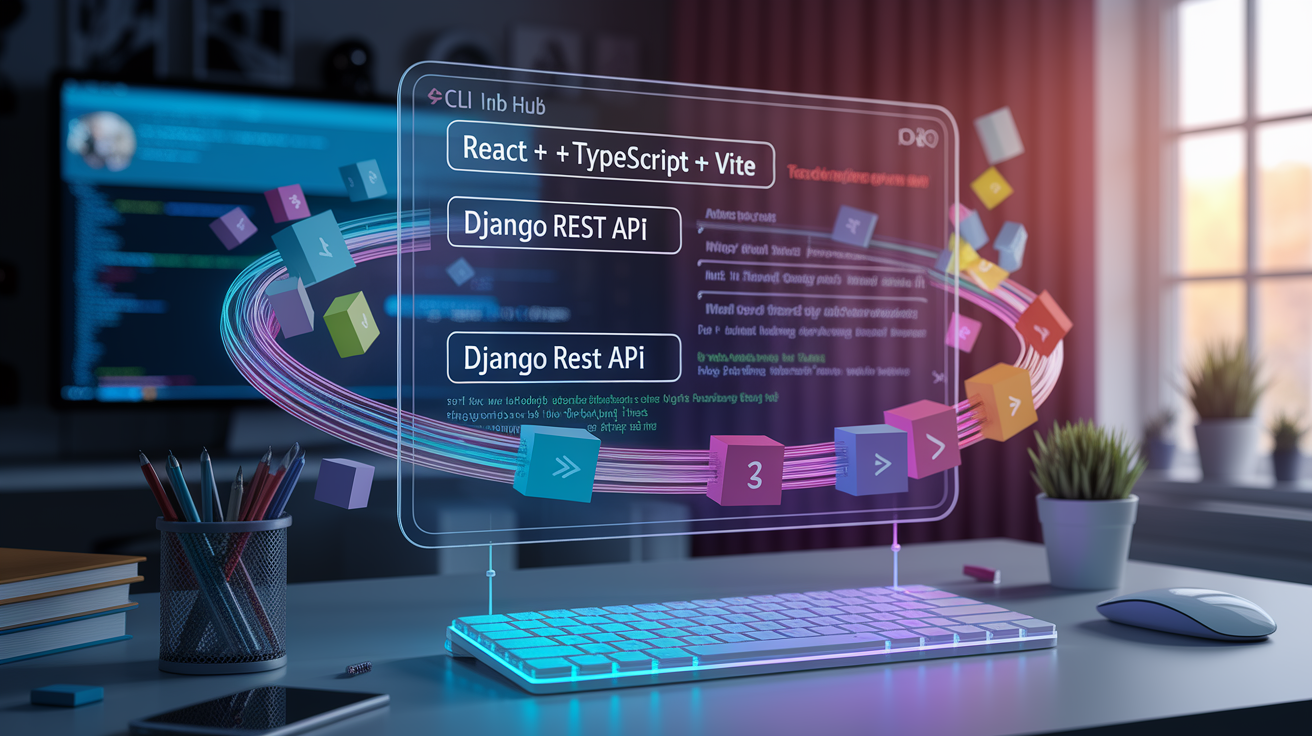
Modern boilerplate generators go beyond simple file copying. They offer interactive CLIs that ask you to choose versions, plugins, and optional features before scaffolding, so the output is tailored to your immediate needs. You’re not forced to delete unused code.
Most tools now ship with template libraries organized by language and framework. You pick “React + TypeScript + Vite” or “Django REST API + PostgreSQL,” and the generator pulls the matching scaffold. Many also support plug‑in systems. Add authentication middleware, integrate a state library, or include deployment scripts as modular add‑ons during setup.
CLI integration is standard. Run something like npx create‑app my‑project or rails new my‑app, answer a few prompts, and the tool writes dozens of files in one pass. Advanced generators include hot‑reload dev servers, pre‑configured environment variable templates, and even sample unit tests. You can run npm test immediately and see green.
Core capabilities developers expect:
- Template library: Pre‑built scaffolds for common stacks (full‑stack JS, REST APIs, static sites, mobile apps)
- Config customization: Interactive prompts or CLI flags to toggle features (TypeScript, Docker, Tailwind, GraphQL)
- Ecosystem compatibility: Deep integration with package managers (npm, yarn, pip, Maven) and version managers
- Dependency locking: Automatic generation of lock files to ensure reproducible installs across machines
- Framework alignment: Templates built by framework maintainers (Next.js official starter, Vue CLI, create‑react‑app) stay current with best practices
Use Cases Across Different Programming Languages and Frameworks
Boilerplate generators exist in nearly every major ecosystem, but their design and scope differ based on language conventions and framework maturity. Frontend JavaScript tools tend to bundle build pipelines and dev servers. Backend generators emphasize ORM setup and middleware layers.
JavaScript/Frontend Generators
React developers typically use create‑react‑app or Vite’s React template to scaffold a new single‑page app with JSX transpilation, hot module replacement, and a default folder structure. Vue offers create‑vue, which prompts for TypeScript, router, and state management (Pinia) during setup. Angular’s CLI (ng new) is more opinionated. It writes a full module system, testing harness, and style pipeline in one command. All three include linting, formatting, and production build scripts out of the box.
Backend Framework Generators
Django’s django‑admin startproject creates a settings module, URL router, and WSGI entry point. Rails uses rails new to build models, views, controllers, and database migrations with ActiveRecord baked in. Spring Boot relies on Spring Initializr (web UI or CLI), which lets you select dependencies (JPA, Security, Web) and downloads a zipped Maven or Gradle project with application.properties already configured. Each tool enforces its framework’s conventions (MVC folder layout, config file naming, test directory structure) so teams onboard faster.
Mobile Development Generators
React Native’s CLI (npx react‑native init) generates iOS and Android project folders with Metro bundler config and native bridge code. Flutter’s flutter create writes a starter app with a main.dart entry point, pubspec.yaml for dependencies, and platform‑specific build files for iOS, Android, web, and desktop. Both include example screens and hot‑reload setup. You can run the app on a simulator within minutes.
DevOps and Infrastructure Templates
Infrastructure‑as‑Code tools like Terraform and Pulumi offer boilerplate generators for cloud resources. Terraform’s module registry includes pre‑built templates for VPC, EKS clusters, and S3 buckets. CI/CD platforms (GitHub Actions, GitLab CI) ship starter workflow templates for common pipelines: Node.js test and deploy, Docker build and push, static site publish. Helm chart generators scaffold Kubernetes manifests with values.yaml placeholders, making it faster to package and deploy containerized apps.
| Ecosystem | Typical Boilerplate Output |
|---|---|
| React/Vue/Angular | Component structure, Vite/Webpack config, ESLint, Prettier, package.json with dev server |
| Django/Rails/Spring Boot | MVC folders, ORM models, routing config, database migrations, test stubs |
| React Native/Flutter | Platform folders (iOS/Android), main entry file, Metro/Dart build config, hot‑reload setup |
| Terraform/Helm/GitHub Actions | Module templates, values.yaml, workflow YAML, provider configs, example resources |
Benefits and Limitations of Boilerplate Automation

Boilerplate generators eliminate the 20–60 minutes of setup friction that slows down new projects. You skip the copy‑paste phase from old repos, avoid forgetting essential config files (like .gitignore or .env.example), and get a working dev server or test suite immediately. Teams benefit even more. Everyone starts from the same scaffold, so code reviews focus on logic instead of debating folder names.
Consistency is another win. When every microservice in your system uses the same linter rules, logging format, and error‑handling middleware, onboarding is faster and bugs are easier to trace. Generators also surface best practices: official framework templates include security headers, CORS config, and recommended dependency versions. Solo developers might overlook those.
Benefits:
- Speed: Go from zero to runnable code in under a minute
- Standardization: Entire team works from the same structure and conventions
- Best‑practice defaults: Security, performance, and testing hooks included automatically
- Reduced cognitive load: No decisions about folder names or build tool versions during the creative phase
- Easier onboarding: New contributors understand the layout instantly because it matches the framework’s docs
Limitations:
- Over‑scaffolding: Tools often generate unused files or dependencies you have to delete manually
- Opinionated choices: Some generators lock you into specific libraries (e.g., one state manager, one test runner) that may not fit your stack
- Maintenance lag: Community templates can fall behind framework updates, leaving you with outdated configs
- Less flexibility: Highly custom projects may require more manual setup than a generic scaffold provides
How to Choose the Right Developer Boilerplate Generator

Start by matching the tool to your ecosystem. If you’re building a Next.js app, use create‑next‑app. If you’re shipping a Django API, use django‑admin. Framework‑official generators stay aligned with the latest releases and include recommended plugins, so you avoid config drift.
Check the template quality and maintenance frequency. Look at the last commit date in the repo, the number of open issues, and whether the maintainers respond to breaking‑change reports. A template that hasn’t been updated in 18 months may scaffold deprecated syntax or miss critical security patches. If the generator offers multiple templates (e.g., TypeScript vs JavaScript, REST vs GraphQL), read the README to confirm which fits your project scope.
Community support matters when you hit edge cases. Popular generators have Stack Overflow threads, Discord channels, and GitHub discussions where you can ask about plugin conflicts or deployment quirks. Smaller or niche tools may lack that safety net. Budget extra time for troubleshooting if you choose one.
Five‑step evaluation process:
- Confirm ecosystem compatibility: Verify the generator supports your language version, framework, and package manager (npm vs yarn vs pnpm; Python 3.10+ vs 3.8).
- Review template options: Check if the tool offers the exact stack you need (TypeScript, Tailwind, Docker, auth middleware) or forces you to delete unwanted code.
- Inspect generated code quality: Clone an example output and scan for linting errors, outdated dependencies, or hard‑coded values that should be environment variables.
- Assess community and docs: Search for tutorials, migration guides, and active maintainer responses. Tools with thin docs will slow you down when customizing.
- Test the update path: Confirm the generator supports version upgrades (e.g.,
ng update,create‑react‑appmigrate scripts) so you’re not stuck on an old release when security patches arrive.
Final Words
You saw how a developer boilerplate generator speeds up setup, enforces a standard project structure, and surfaces the key features and language-specific use cases that matter.
We weighed benefits and limits and gave a short checklist for choosing the right tool: ecosystem fit, template quality, community support, maintenance frequency, and real-world testing.
Try a generator on a small project first—learn the gotchas, tweak templates, and you’ll quickly save time. A good developer boilerplate generator pays back its setup cost fast.
FAQ
Q: How can you identify relevant keywords for a business?
A: Identifying relevant keywords for a business means researching customer intent, search volume, and competition, plus auditing your site (top pages, headers, metadata) to map high‑value terms to target.
Q: What are the 4 types of keywords?
A: The four types of keywords are short‑tail (broad, high volume), long‑tail (specific, lower volume), informational (research intent), and transactional (buying or conversion intent).
Q: What are industry keywords?
A: Industry keywords are terms and phrases specific to a sector—jargon, product names, standards, and competitor terms—that attract a niche audience and signal domain relevance for search and content targeting.