

What if the open-source model on your laptop could match the paid API you’re billed for every month?
This post gives a quick list of community LLMs, real benchmark comparisons, license caveats, and practical deployment steps.
Short version: several community releases in 2026 truly match commercial performance for many real workloads, like coding, long-context writing, and reasoning.
I’ll show which models to use for single-GPU teams, when MoE (mixture-of-experts) actually saves you money, and the license gotchas that can sink a product launch.
Leading Community‑Released LLMs (Quick List)

Here’s a snapshot of the most popular community LLMs available in 2026, sorted by what they’re actually good at. These models power everything from local chatbots to production code assistants, and each one makes different tradeoffs between size, speed, and specialty.
- Llama 3.3 (70B): Meta’s instruction model with 128k context. Strong general assistant that fits on a single 80 GB GPU.
- Llama 4 Scout / Maverick: Latest gen with 128k context and better instruction tuning. Best for conversational agents and tool use under the Llama 4 Community License.
- Mistral 7B / Mixtral 8x7B: Tiny 7B dense model and an 8‑expert MoE version. Both run fast and ship with Apache 2.0 licensing.
- Mistral Small 3.2 (24B): 24B instruct model hitting 92.90 percent on HumanEval+ pass@5 with fewer repetition bugs. Fits single‑GPU enterprise setups.
- Qwen2 (72B) and Qwen3 (235B): Tongyi Qianwen family with multilingual coverage and very long context. Qwen3 uses 128 experts but only activates 22B per token for efficient MoE inference.
- DeepSeek‑V3 (671B MoE, ~37B active): High‑end MoE under a permissive license. Supports 128k context and works best on multi‑GPU servers via vLLM or SGLang.
- DeepSeek‑R1‑0528: Reasoning‑focused update hitting 87.5 percent on AIME 2025 by pushing average token usage per question from 12k to 23k.
- Gemma 2 (9B, 27B): Google’s compact models with 8k context and commercial‑friendly Gemma License. Great for on‑device or edge work.
- GLM‑4.6: Context window bumped to 200k tokens. Better agentic reasoning and coding scores than GLM‑4.5.
- gpt‑oss‑120b (117B MoE): OpenAI open‑weight release under Apache 2.0. Runs on a single 80 GB GPU with MXFP4 quantization and matches or beats o4‑mini on several benchmarks.
This variety shows how fast the community’s moving. You can now pick models tuned for coding, reasoning, ultra‑long context, or specific tasks, and most releases come with clear licenses that make commercial deployment straightforward. The sections below dig into how these models stack up, what their licenses actually let you do, and how to run them on hardware you already own.
Performance and Benchmark Comparison of Major Models

LLM benchmarks test reasoning, factual recall, math, and code generation. Popular suites include MMLU for multitask language understanding, GSM8K for grade‑school math, HumanEval for Python autocomplete, and specialized reasoning tests like AIME. Models get grouped into performance tiers based on how they score across these categories, and those tiers help you match a model to a real‑world job.
| Model | Parameter Size | Benchmark Category | General Performance Tier |
|---|---|---|---|
| gpt‑oss‑120b | 117B (MoE, ~5B active) | AIME, MMLU, reasoning | Matches o4‑mini; sometimes surpasses o1 and GPT‑4o |
| DeepSeek‑R1‑0528 | 671B (MoE, ~37B active) | AIME 2025, math, logic | 87.5% AIME accuracy; frontier reasoning |
| Qwen3‑235B‑Instruct‑2507 | 235B (22B active) | Multilingual, long‑context writing | High‑end MoE efficiency; strong across all categories |
| Mistral Small 3.2 (24B) | 24B | HumanEval+, instruction‑following | 92.90% pass@5; reduced repetition |
| Llama 3.3 (70B Instruct) | 70B | General chat, tool use | Strong single‑GPU assistant; competitive with proprietary models |
| Gemma 2 (27B) | 27B | On‑device inference, general tasks | Good for edge; smaller 8k context |
Benchmark gaps translate directly into project constraints. A model scoring 70 percent on MMLU might handle general Q&A but choke on specialized domain questions, while one pushing 87 percent on AIME can tackle graduate math. Coding benchmarks like HumanEval or pass@5 rates tell you whether a model will autocomplete production code reliably or need heavy prompt massaging. Match the benchmark strength to your critical path. Reasoning‑heavy workflows want DeepSeek‑R1‑class models, while fast iteration on smaller datasets works fine with Mistral or Gemma. Always run your own eval set, because public benchmarks can suffer from test contamination and won’t catch the edge cases in your data.
Licensing Considerations for Developers
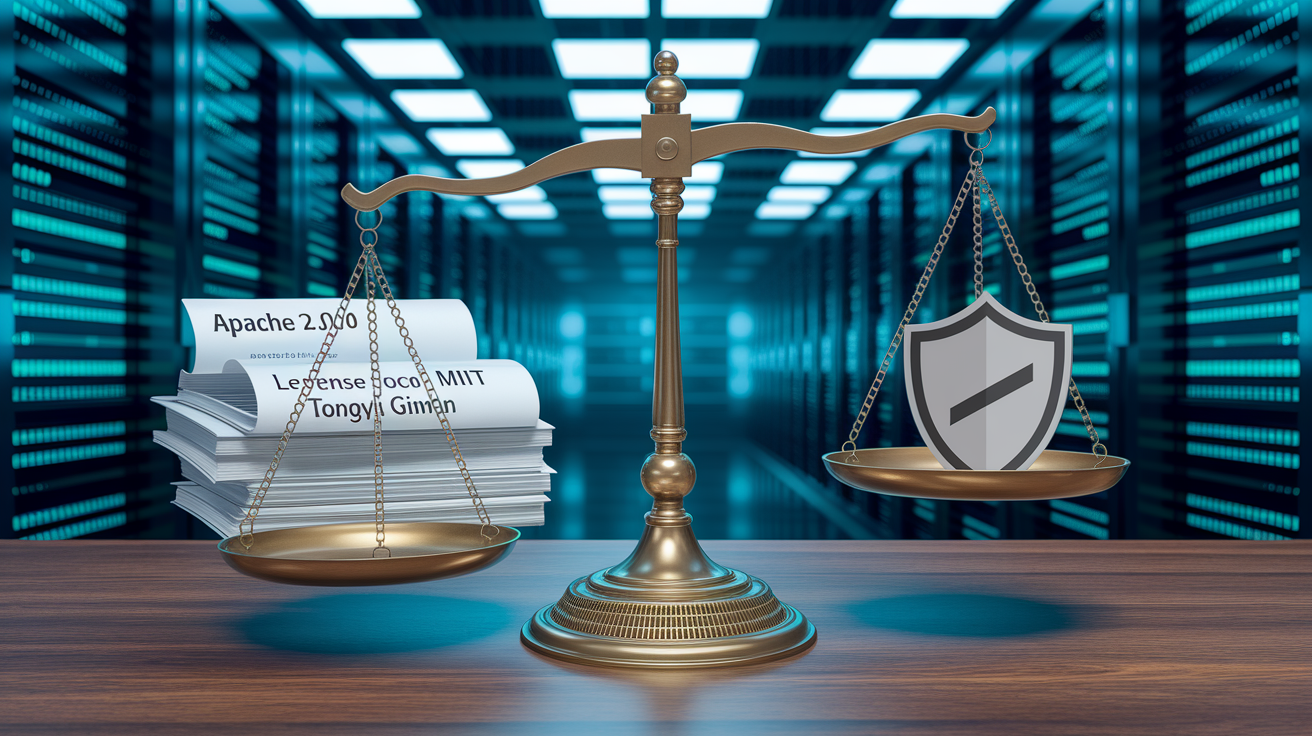
Permissive licenses like Apache 2.0 and MIT let you use, modify, and redistribute commercially without extra approvals or revenue sharing. Examples include Mixtral, gpt‑oss‑120b under Apache 2.0, and DeepSeek‑V3 code under MIT. You can ship products, fine‑tune models, and resell services freely.
Restricted or community licenses attach conditions around scale, attribution, or acceptable use. The Llama 3.x and Llama 4 Community License permits commercial deployment but includes acceptable‑use clauses that block certain harmful applications. Gemma’s license allows commercial use but requires you to follow an acceptable‑use policy. Qwen models ship under the Tongyi Qianwen License 2.0, which permits commercial use but may include specific terms around attribution or redistribution.
Don’t assume “open weights” means fully permissive. Command R+ defaults to CC‑BY‑NC 4.0, a non‑commercial license. You need a separate commercial license to productize it. Some models marketed as open require displaying the model name in your UI once your product crosses thresholds like 100 million monthly active users or 20 million USD in monthly revenue. Read the full license text before integrating a model into a revenue‑generating product, and check whether derivative fine‑tuned models inherit the original license or need additional disclosures. The gap between Apache 2.0 and a custom community license can decide whether you owe attribution, revenue share, or usage reports.
Practical Deployment and Hosting Options

Deploying an open‑source LLM means picking between local inference on your own hardware and cloud‑hosted serving via managed infrastructure. Most developers start local to prototype, then shift to scalable cloud setups once traffic and latency requirements solidify.
- Download model weights from Hugging Face or the official repo, checking the license and any required access tokens or agreements.
- Pick an inference runtime. Ollama for single‑command local runs, vLLM for high‑throughput server deployments, or llama.cpp for maximum portability across CPU and GPU.
- Install dependencies and set up quantization if your hardware can’t hold the full‑precision model. 4‑bit or 8‑bit quantization can cut VRAM needs in half or more.
- Run the server or CLI command to load the model, specifying context length, batch size, and GPU device assignment.
- Test inference latency and token throughput on representative prompts, tweaking batch size and parallelism settings to balance speed and memory.
Hardware needs scale with model size. A consumer 24 GB GPU like an RTX 3090 can run 4‑bit quantized models up to roughly 40 billion parameters. Think Gemma 2 27B or Qwen2.5 32B variants. A professional 48–80 GB GPU handles 70–72B models in 4‑bit quantization. For instance, Llama 3.1 70B served via vLLM needs around 40+ GB VRAM. Very large MoE architectures like Qwen3 235B or DeepSeek‑V3 671B need multi‑GPU clusters or server‑grade setups, though MoE designs only activate a fraction of total parameters per token. Qwen3’s 235B activates 22B, and DeepSeek‑V3’s 671B activates ~37B, which cuts inference cost compared to equivalently sized dense models. Quantization trades a small accuracy drop for major memory savings, and most production deployments use at least 8‑bit quantization to fit larger models on available hardware.
Community Ecosystem, Tools, and Continued Development
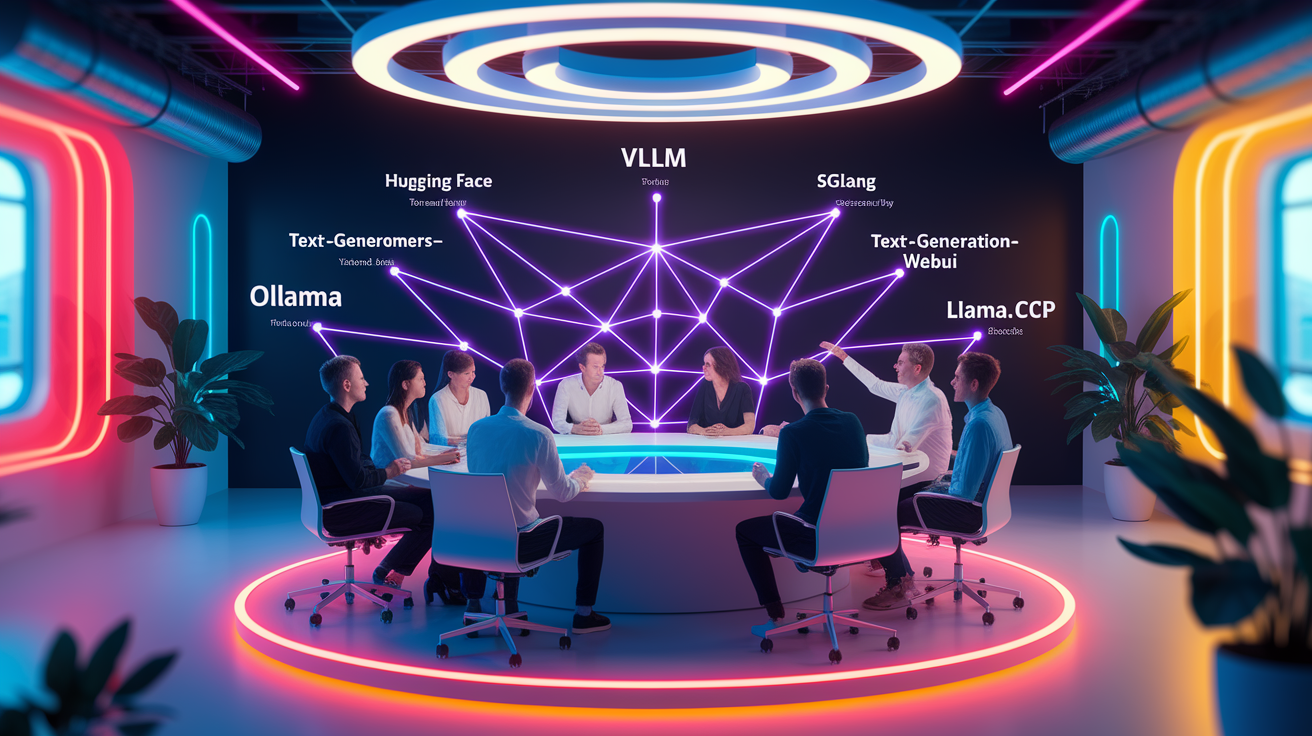
Community collaboration powers the rapid evolution of open‑source LLMs. Researchers drop pre‑trained checkpoints, developers contribute optimized inference kernels, and domain experts publish fine‑tuned variants tailored to specific industries or languages. Platforms like Hugging Face gather thousands of models, datasets, and leaderboards, making it easy to discover new releases and compare performance. This ecosystem creates a feedback loop where improvements in one model ripple across forks and inspire new architectures.
Common tools speed up every stage of the LLM lifecycle. Hugging Face Transformers gives you a unified API for loading models and tokenizers. vLLM and SGLang optimize serving with continuous batching and speculative decoding. Text‑generation‑webui and Ollama offer user‑friendly interfaces for local inference. llama.cpp enables CPU and edge deployment with aggressive quantization. These tools lower the barrier to entry and let small teams deploy frontier models without custom infrastructure.
Frequent updates and model forks strengthen the open ecosystem by targeting emerging use cases. A base model might spawn an instruct‑tuned variant for chat, a coding‑specific fine‑tune for autocomplete, and a quantized version for mobile deployment, all within weeks of the original release. Version suffixes like ‑2506, ‑2507, or ‑0528 encode release dates and build IDs, helping you track improvements and regressions. This pace of iteration means the “best” model can shift every few months, so flexible deployment pipelines and active monitoring of benchmark leaderboards matter if you want to stay current.
Final Words
Jumping straight in: we gave a quick list of leading community models, ran benchmark comparisons, broke down licensing, and walked deployment steps and ecosystem tools.
This should help you pick a model by size, performance needs, and license, and get it running with practical hardware and quantization tips. Watch for license quirks and benchmark tradeoffs.
Go try one of the open source llms in your workflow, small experiment, big learning. You’ll be closer to a working prototype in no time.
FAQ
Q: Is anything LLM open source?
A: Some LLMs are open source — examples include Llama, Mistral, Falcon, Mixtral, Gemma, and Qwen; availability and license terms differ, so check each model’s distribution and commercial restrictions.
Q: Are open source LLMs better?
A: Open-source LLMs are better for customization, self-hosting, and cost control; commercial models often provide stronger out‑of‑the‑box performance, safety tooling, and managed infra.
Q: Is DeepSeek open source?
A: DeepSeek is not widely published as open source; verify the vendor or repository for license details, since many niche tools are closed or have gated access and commercial limits.
Q: What is replacing LLMs?
A: Nothing single is replacing LLMs; the trend is toward hybrids — retrieval‑augmented systems, smaller expert models, modular architectures, and multimodal/specialized models optimized for cost and latency.