


Still hand-editing XML to get usable JSON?
Try a fast, free XML to JSON converter that runs in your browser and does the heavy lifting.
Paste or drop an XML file, the tool validates and converts client-side, and you get ready-to-use JSON in seconds.
No signup, no upload to a server, copy or download the .json and move on.
If you handle configs, API responses, or sensitive files, keeping processing local saves time and reduces risk.
This post shows how it works, common gotchas, and quick ways to plug it into your workflow.
Immediate Online XML to JSON Conversion Tool Overview

An online XML to JSON converter is a free web app that turns XML into JSON right in your browser. You paste or upload XML, the tool parses it, and valid JSON shows up in seconds. Everything runs client-side, so your data gets processed locally without touching any server.
The UI gives you an input box for pasting XML or dragging files into. When your XML checks out, conversion kicks off automatically and the JSON lands in the output area. Copy button grabs it for your clipboard, download button saves it as a .json file. No sign-up, no server wait times. Just instant transformation.
Privacy comes standard. Since conversion happens in the browser, sensitive XML stays on your machine. That matters when you’re handling config files, API responses, or data you can’t ship to third parties. Client-side processing also means faster results and zero network lag.
Six things you can do with the tool:
- Paste XML straight into the input box
- Drag and drop XML files onto the interface
- Validate XML structure before conversion
- Convert to JSON with one click or automatically
- Copy the JSON output instantly
- Download the result as a file
Core XML to JSON Conversion Behaviors and Data-Mapping Rules
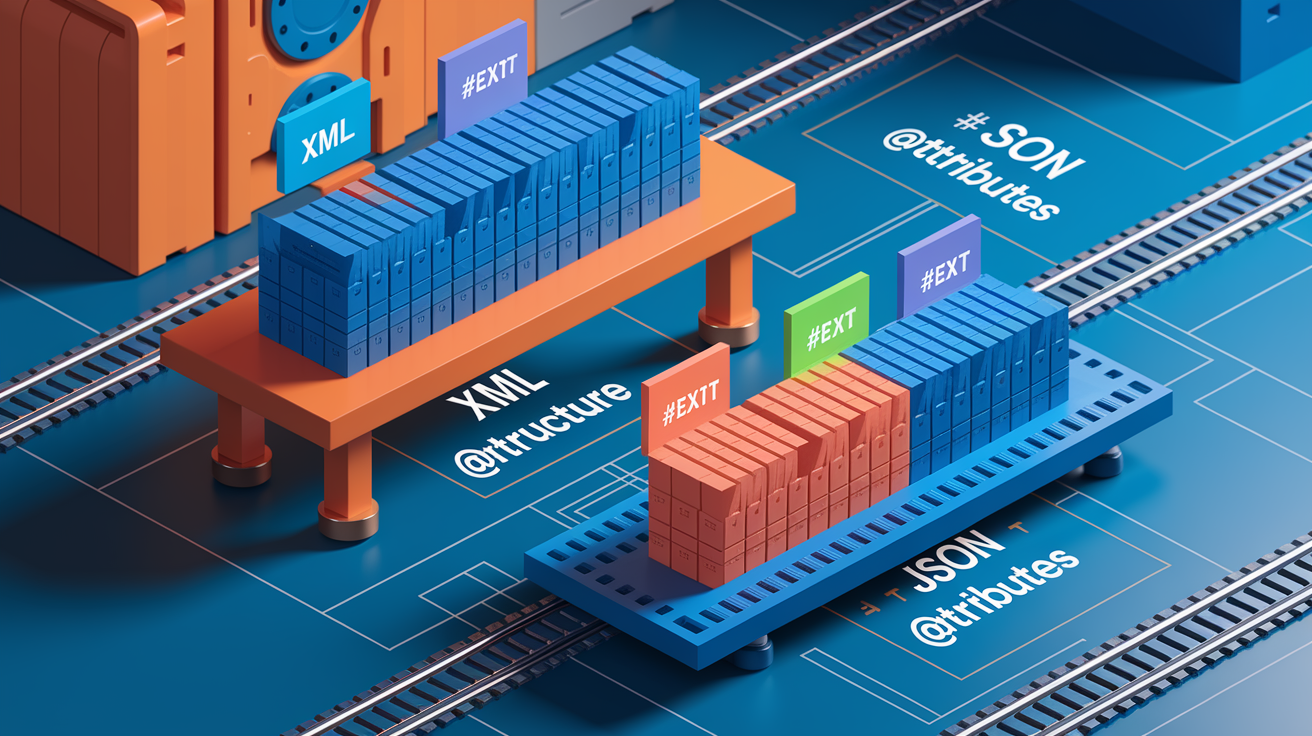
XML and JSON structure data differently, so converters use mapping rules to keep everything intact. XML attributes become a special @attributes object nested inside the element. When an element holds both text and child elements or attributes, the text goes under a #text key to separate it from nested data. These conventions match the xml2js standard and work across most tools.
Arrays get created automatically when the converter spots multiple sibling elements with identical tag names. Self-closing or empty XML elements usually convert to null. Namespaces in element names stay preserved, so <ns:element> becomes "ns:element" as a JSON key. CDATA sections get extracted and treated as plain text. These behaviors keep JSON output predictable and compatible with common parsing libraries.
| XML Structure | JSON Result |
|---|---|
| <item id=”123″>Value</item> | { “item”: { “@attributes”: { “id”: “123” }, “#text”: “Value” } } |
| <item>Text<child/></item> | { “item”: { “#text”: “Text”, “child”: null } } |
| <list><item/><item/></list> | { “list”: { “item”: [null, null] } } |
| <empty/> | { “empty”: null } |
| <ns:element>Data</ns:element> | { “ns:element”: “Data” } |
Practical Guide to Using XML to JSON Conversion in Popular Programming Languages

Python Example
Python devs usually reach for the xmltodict library to parse XML and get a dictionary that serializes as JSON. Read the XML string or file, call xmltodict.parse(), then pass it to json.dumps(). Attributes, nested elements, and arrays get handled without extra config.
- Install xmltodict via pip install xmltodict
- Import xmltodict and json
- Load XML from a file or string
- Call xmltodict.parse(xml_string) for a Python dict
- Use json.dumps(dict) to serialize
JavaScript/Node.js Example
xml2js and fast-xml-parser are go-to choices in JavaScript. Both parse XML and return an object you can stringify with JSON.stringify(). xml2js works with callbacks or promises, while fast-xml-parser gives you a simpler synchronous API and better performance on large files.
- Install xml2js or fast-xml-parser from npm
- Require or import the parser
- Read XML from a file, fetch response, or string
- Parse using parseString or parse
- Convert the object to JSON string with JSON.stringify()
Java Example
Java developers use the Jackson XML module with the standard Jackson JSON library. Define a POJO or use JsonNode to represent data, read XML with XmlMapper, and write JSON with ObjectMapper. Jackson’s annotations let you control how attributes and text nodes map.
- Add jackson-dataformat-xml and jackson-databind dependencies
- Create an XmlMapper instance
- Parse XML into a JsonNode or custom POJO
- Instantiate an ObjectMapper for JSON serialization
- Write the object as JSON using writeValueAsString()
PHP Example
PHP’s SimpleXML extension loads XML into an object, and jsonencode() converts it to JSON. Call simplexmlloadstring() or simplexmlloadfile(), then pass the result straight to jsonencode(). Attributes show up via the @attributes property, and repeated elements become arrays.
- Load XML using simplexmlloadstring() or simplexmlloadfile()
- Store the SimpleXMLElement in a variable
- Call json_encode($xml) to serialize
- Set JSONPRETTYPRINT flag for readable output
- Handle namespaces with children() and attributes() methods when needed
C# Example
In C#, you use XDocument or XmlDocument to load XML, then serialize with Newtonsoft.Json or System.Text.Json. XDocument.Parse() reads the XML, and JsonConvert.SerializeXNode() (Newtonsoft) or custom logic converts the tree to JSON. Attributes and namespaces stay in the output.
- Parse XML with XDocument.Parse() or XDocument.Load()
- Install Newtonsoft.Json if using Json.NET
- Call JsonConvert.SerializeXNode(xdoc) for quick conversion
- Use SerializeObject() for custom formatting
- Handle edge cases by configuring serializer settings
Handling Large XML Files, Streaming Parsers, and Performance Constraints

When XML files hit hundreds of megabytes or larger, loading everything into memory (DOM parsing) becomes a problem. DOM-based converters build a complete tree before conversion, which can exhaust RAM and crash. Streaming parsers like SAX read XML incrementally, firing events for each element, attribute, and text node as they’re encountered. Memory usage stays low but you write more code to assemble JSON structure on the fly.
Browser-based converters depend on device CPU and RAM, so a 50 MB XML file might convert in seconds on desktop but struggle on mobile. For server-side or command-line conversion of very large files, use a streaming library and write JSON output as you parse. You avoid holding both full XML and full JSON in memory. Chunking and iterative parsing cut peak memory and improve throughput, especially when processing multiple files in batch.
| Method | Memory Use | Speed | Best For |
|---|---|---|---|
| DOM (in-memory tree) | High | Fast once loaded | Small to medium XML files |
| SAX (event-driven) | Low | Moderate | Large files, forward-only reads |
| Streaming (incremental) | Very low | Fast for large data | Multi-GB files, real-time feeds |
| Incremental/chunked | Low to moderate | Depends on chunk size | Batch processing, limited RAM |
Implementing Error Handling, Validation, and Safe XML Parsing

Before conversion, XML needs to be well-formed. Open and close tags must match, attributes must be quoted, special characters must be escaped. Online converters run a validation pass first and show specific error messages if the XML is malformed, often with line and column numbers. You can fix typos, missing tags, or encoding issues before attempting conversion.
Character encoding and XML entities can trip you up if not handled right. XML parsers expect UTF-8 by default, so files in other encodings need to declare their charset in the XML prolog. Entities like <, >, and & get decoded automatically. Custom entities defined in a DOCTYPE require entity resolution, but you should disable this unless you trust the XML source.
Security matters when parsing untrusted XML. XML External Entity (XXE) attacks exploit parsers that resolve external references in DOCTYPE declarations, letting attackers read local files or trigger network requests. Modern converters and libraries disable external entity resolution by default. Always configure your parser to reject DOCTYPE declarations or strip them before processing user-supplied XML.
Integrating XML to JSON Conversion Into APIs, Pipelines, and Automation

Some conversion tools expose a REST endpoint where you POST XML and receive JSON in the response. This lets you integrate conversion into microservices, webhooks, or data pipelines without running a local parser. Set Content-Type: application/xml on the request and read the JSON response. Authentication may be required for hosted services, but open-source self-hosted tools usually run without credentials.
CI/CD pipelines often need to convert XML config files, test results, or build artifacts to JSON for downstream processing. Add a conversion step using a CLI tool, a Docker container, or a script that calls a parser library. Dockerized microservices package the converter with dependencies, making deployment and horizontal scaling easier. Batch jobs can loop over directories of XML files and output corresponding JSON files, useful for migrating legacy data or transforming logs.
Five steps for integration:
- Pick a library or REST endpoint that fits your language and deployment model
- Configure the parser to handle attributes, namespaces, and arrays
- Implement validation and error handling to catch malformed XML early
- Write JSON output to a file, database, message queue, or HTTP response
- Monitor performance and memory usage to tune chunking or streaming
Example XML to JSON Transformations for Real-World Data
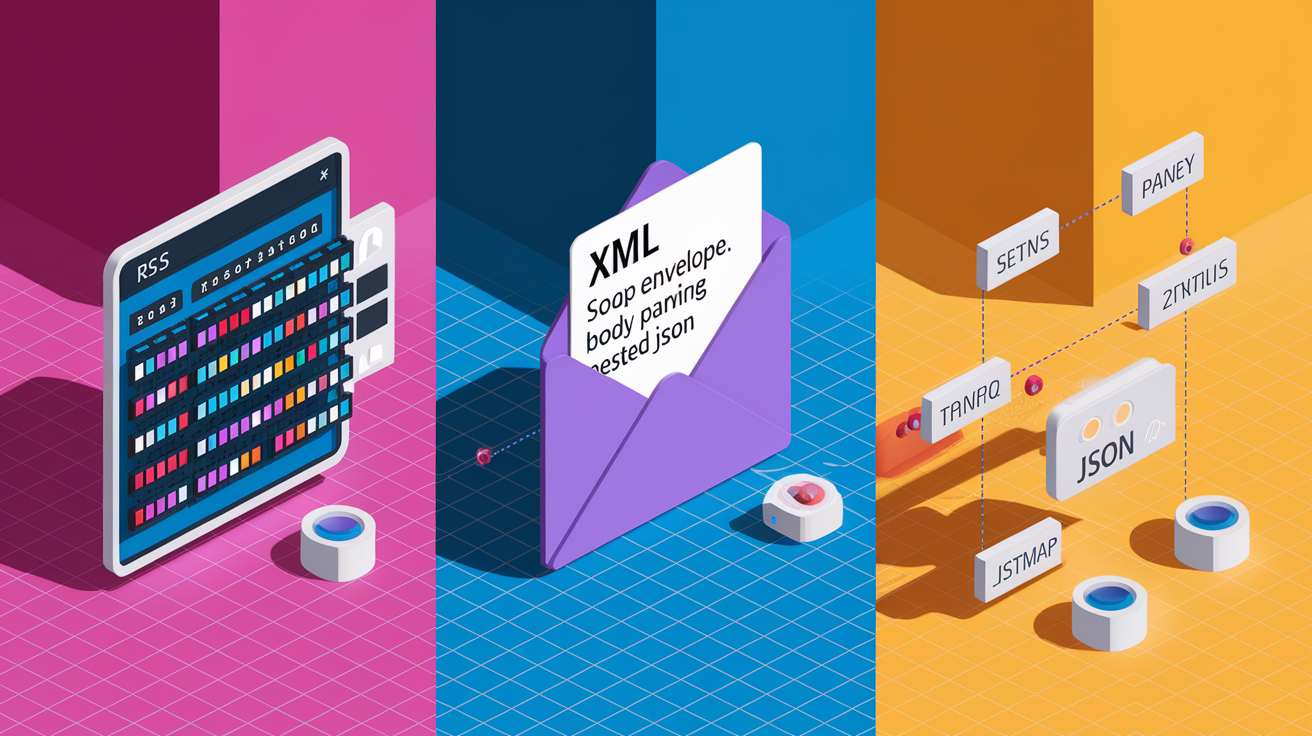
RSS feeds are one of the most common XML formats, containing channel metadata and a list of item elements with titles, links, and descriptions. Converting an RSS feed to JSON preserves nested structure and turns repeated <item> tags into a JSON array. The resulting JSON is easier to consume in JavaScript front-ends and mobile apps that expect JSON payloads. A typical feed might have 50 items, each with nested elements, and the JSON array makes iteration straightforward.
SOAP payloads wrap business data in an XML envelope with headers and a body. When you convert SOAP XML to JSON, the envelope structure becomes nested objects, and payload data sits under a body key. Attributes like namespace declarations appear under @attributes, and the actual request or response data is easier to extract from JSON than from deeply nested XML. Sitemaps follow a similar pattern: each URL entry becomes an object in a JSON array, with loc, lastmod, and priority fields clearly visible.
Config files often use XML because it supports comments and namespaces, but JSON is simpler to parse in many languages and works natively in JavaScript. Converting an XML config to JSON removes angle brackets and makes structure more readable:
- RSS feeds:
<channel>wraps<item>elements, which become a JSON array of articles - SOAP messages:
<Envelope>and<Body>nest the payload, mapped to JSON objects - Sitemaps:
<url>elements list pages, each converted to a JSON object with URL and metadata - Config files: XML elements and attributes become JSON keys and values, comments get stripped
Comparison of Popular XML to JSON Libraries and Tools

xmltodict in Python is popular because it produces a simple dictionary structure that mirrors XML hierarchy. Easy to install and use, minimal configuration, handles attributes, namespaces, and arrays with sensible defaults. Main limitation is performance. xmltodict uses a DOM-based parser, so very large files can be slow.
xml2js is the standard choice in Node.js, offering extensive options for customizing how attributes, arrays, and text nodes get represented. Callback-based by default but also supports promises. fast-xml-parser is newer and focuses on speed, parsing large XML up to three times faster than xml2js with a simpler API. Jackson’s XML module in Java integrates seamlessly with the rest of the Jackson ecosystem, ideal for enterprise apps already using Jackson for JSON. Each library has different memory and CPU tradeoffs, and some handle namespaces more cleanly than others.
| Library | Language | Strength | Limitations |
|---|---|---|---|
| xmltodict | Python | Simple API, Pythonic dict output | Slower on large files, DOM-based |
| xml2js | JavaScript/Node.js | Mature, highly configurable | Callback-based by default, verbose config |
| fast-xml-parser | JavaScript/Node.js | Fast parsing, low memory use | Fewer configuration options, newer codebase |
| Jackson XML | Java | Tight integration with Jackson JSON, robust | Requires POJO definitions or JsonNode, steeper learning curve |
Final Words
Paste or upload your XML, validate it, then get instant JSON output with copy and download options — that’s the immediate workflow we covered. We also explained UI features, privacy (client-side processing), and the six core actions you’ll use every day.
You saw the mapping rules (@attributes, #text, arrays), language examples (Python, Node, Java, PHP, C#), and tips for large files and secure parsing.
Pick a good xml to json converter that fits your pipeline and you’ll get faster, safer conversions with fewer surprises.
FAQ
Q: What does the immediate online XML to JSON converter provide?
A: The immediate online XML to JSON converter provides a free browser tool to paste or upload XML, get instant JSON output, plus copy/download buttons, drag-and-drop support, and client-side processing.
Q: How are XML attributes, text nodes, empty elements, and repeated elements mapped to JSON?
A: XML attributes map to @attributes, element text becomes #text, empty or self-closing elements become null, and repeated sibling elements are turned into JSON arrays.
Q: How does the converter handle namespaces and CDATA?
A: The converter preserves namespaces in element names (prefixes kept on keys) and captures CDATA as plain text so you can handle scope and text content downstream.
Q: How do I validate XML and fix parsing errors before conversion?
A: Validation runs automatically and shows line/column errors; fix malformed tags, mismatched elements, or encoding issues, then re-run the conversion to get valid JSON.
Q: Is client-side conversion private and how is data handled?
A: Client-side conversion runs in your browser, so files aren’t uploaded to remote servers; processing uses your device’s CPU/RAM, keeping sensitive data local.
Q: How should I handle large XML files to avoid memory issues?
A: For large files use streaming/SAX parsers or chunking to avoid loading the whole DOM; alternatively run conversion on a server with more RAM or use incremental parsing.
Q: How can I integrate XML to JSON conversion into APIs, CI/CD, or batch jobs?
A: Integrate via REST endpoints, CLI tools, or Dockerized converters; include conversion scripts in CI/CD pipelines and schedule batch jobs to process multiple XML files automatically.
Q: Which libraries are recommended for XML to JSON in Python, JavaScript, Java, PHP, and C#?
A: Use xmltodict for Python, xml2js or fast-xml-parser for JavaScript/Node, Jackson for Java, SimpleXML + json_encode for PHP, and built-in XML classes plus JSON serializers for C#.
Q: How are arrays detected versus objects during conversion?
A: Array detection converts repeated sibling elements into arrays while single-occurrence elements become objects; most parsers offer options to force array treatment when needed.
Q: What are common security precautions when parsing XML?
A: Disable external entity resolution (prevent XXE), validate input, and enforce correct character encoding to avoid injection and resource-exhaustion attacks during parsing.
Q: How do I get the converted JSON out of the online tool?
A: Use the tool’s copy-to-clipboard or download buttons to copy JSON or save a .json file; some tools also offer automatic download after conversion.
Q: How is mixed content (text plus child elements) represented in JSON?
A: Mixed content is represented with a #text property for the direct text and separate properties for child elements, keeping text distinct from nested objects.