


What if your dependencies patched themselves the minute a vulnerability appears?
Dependabot does exactly that: it watches advisories, matches them to your dependency graph, and opens PRs within minutes.
Each security PR includes the CVE or OSV id, severity, changelog links, and a lockfile diff so reviewers see exactly what’s changing.
This post explains how Dependabot security updates work, how to enable and configure them, and the common gotchas to avoid noisy or risky updates.
By the end you’ll know when auto-merge is safe and how to keep CI and branch protection working with automated fixes.
How Dependabot Security Updates Work for GitHub Repositories

GitHub Dependabot watches your repository dependencies nonstop, scanning GitHub’s advisory database and your project’s dependency graph. When a new security vulnerability drops that hits a dependency you’re using, Dependabot spots it right away. It matches advisory data (CVE identifiers, affected version ranges, severity scores) against the versions you’ve pinned in manifests and lockfiles. This happens fast. Not on some schedule. Within minutes of an advisory going live.
Once Dependabot flags a vulnerable dependency, it checks if there’s a secure version out there. If a patched release exists, it opens a pull request bumping the affected package to the smallest safe version that fixes the problem. The PR comes loaded with structured metadata: the CVE or OSV identifier, severity rating (critical, high, moderate, low), a plain summary of what’s broken, the version range that’s affected, links to the advisory and upstream changelog, plus a lockfile diff showing exactly what changed. Say a critical SQLi vulnerability in a web framework gets disclosed. Dependabot will create a PR titled something like “Bump framework from 2.4.1 to 2.4.3” and explain that 2.4.3 patches CVE-2025-12345.
Security updates don’t wait around. They fire immediately when an advisory matches installed dependencies, ignoring any configured schedule. Version updates, on the other hand, follow the dependabot.yml schedule you set (daily, weekly, monthly) and may suggest patch, minor, or major upgrades based on semantic versioning rules. Security updates stick to minimal change, bumping only to the first patched release. On 2025-12-16, Dependabot added support for the “uv” package ecosystem, so now security alerts and pull requests work for repositories using uv-based Python projects.
The full sequence from detection to pull request looks like this:
- Advisory ingestion. GitHub pulls vulnerability data from the National Vulnerability Database, GitHub Advisory Database, and ecosystem feeds, then publishes advisories with affected package ranges.
- Dependency graph analysis. Dependabot scans your manifest files (package.json, requirements.txt, Cargo.toml, etc.) and lockfiles to build a complete dependency graph.
- Version matching. When an advisory publishes, Dependabot checks if any installed version falls inside the vulnerable range the advisory specifies.
- Patch resolution. If a secure version exists, Dependabot calculates the smallest safe version bump (like 1.2.3 to 1.2.4 for a patch, or 1.2.3 to 1.3.0 if the fix got backported to a new minor release).
- PR creation. Dependabot creates a branch, updates the manifest and regenerates the lockfile, then opens a pull request with the version change, advisory summary, and CI triggers.
- CI and review. The PR enters your normal CI pipeline. Required status checks, code review, and branch protection rules apply before merge.
Enabling and Configuring GitHub Dependabot Security Updates
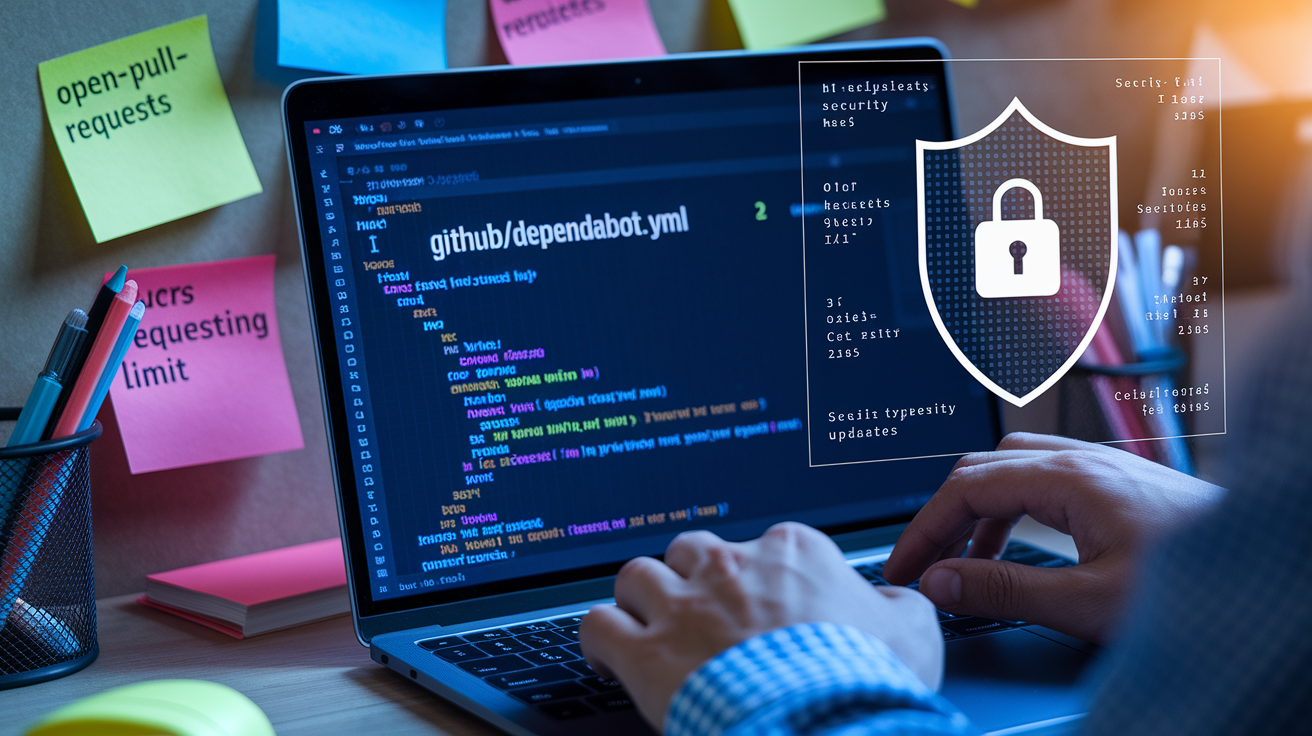
Turning on Dependabot security updates means toggling settings in your repository’s Security & analysis panel and, if you want more control, adding a configuration file. Go to Settings, then Security & analysis, and enable “Dependabot alerts” and “Dependabot security updates.” Once you flip those switches, Dependabot starts monitoring advisories and can open pull requests automatically when vulnerabilities show up. Public repositories usually have alerts enabled by default. Private repositories may need explicit activation or a GitHub Advanced Security license depending on your organization tier.
Configuration goes in a file called .github/dependabot.yml at the root of your repository. The file must start with version: 2 and define one or more update entries. Each entry specifies the package-ecosystem (npm, pip, cargo, composer, maven, uv), the directory path where the manifest lives (use “/” for root), and a schedule block with an interval key set to “daily,” “weekly,” or “monthly.” Scheduled intervals control version updates, not security updates. Security PRs ignore the schedule and trigger immediately. The optional open-pull-requests-limit key (default 5) caps how many PRs Dependabot will keep open at once, so your inbox doesn’t explode. When you’re working with private package registries, you need to add credentials as repository Dependabot secrets (Settings, Secrets and variables, Dependabot) so Dependabot can authenticate when fetching metadata.
Four core setup steps:
- Enable Dependabot alerts and security updates in repository security settings.
- Create
.github/dependabot.ymlwithversion: 2and an update entry for each package manager directory. - Set
schedule.interval(weekly is reasonable for routine version checks) andopen-pull-requests-limit(5 is standard) to control update cadence and PR volume. - Add Dependabot secrets for any private registries, using token names that match the registry host or ecosystem conventions.
A Python repository using pip and uv would include two entries in dependabot.yml, one with package-ecosystem: "pip" and directory: "/backend", another with package-ecosystem: "uv" and directory: "/". If your pip packages are hosted on a private PyPI mirror, you’d create a Dependabot secret named PIP_INDEX_URL or PIP_EXTRA_INDEX_URL containing the authenticated registry URL. The directory field must point to the folder containing the manifest (requirements.txt, pyproject.toml, Cargo.toml, package.json, etc.). An incorrect path is the most common reason Dependabot silently skips a project.
Understanding Dependabot Security PRs and Their Contents

When Dependabot opens a security pull request, the PR title follows a predictable pattern: “Bump [package] from [current] to [target].” The description includes a direct link to the advisory, the CVE or OSV identifier if assigned, a severity label (critical, high, moderate, low), a plain summary of the vulnerability, the affected version range, and the patched version range. Below that, Dependabot lists upstream release notes or changelog entries when available, so reviewers can quickly assess what changed between versions. The diff modifies the manifest file (bumping the declared version or version constraint) and regenerates the lockfile to reflect the resolved dependencies.
Each security PR also carries machine-readable labels, typically “security” and “dependencies,” and gets assigned to a predictable branch name (something like dependabot/pip/django-4.2.15). If your repository has continuous integration configured, the PR triggers CI workflows immediately. Status checks, test suites, linting, and any other required checks run against the updated dependencies. Branch protection rules apply as usual. If your rules require two approving reviews or passing tests before merge, those gates stay in place. The default open-pull-requests-limit of 5 prevents a flood of PRs from overwhelming your team when multiple advisories publish simultaneously.
Key metadata fields in a security PR:
- Dependency name and versions. Current installed version and target secure version.
- Advisory identifier. CVE number, GitHub Advisory ID, or OSV entry.
- Severity score. Critical, high, moderate, or low, based on CVSS or ecosystem scoring.
- Vulnerability summary. A plain description of the issue (like “remote code execution via crafted input”).
- Changelog and release notes. Links to upstream project release pages or commit logs showing what was fixed.
Auto-merge makes sense when all required status checks pass, no conflicts exist, the change is a minor or patch bump with low breaking-change risk, and you trust your test coverage. Plenty of teams enable auto-merge for patch-level security fixes in non-critical dependencies, while manually reviewing PRs that involve major version bumps or core libraries. GitHub Actions workflows can enforce additional rules (like “auto-merge if severity is low and tests pass”) using third-party merge bots or GitHub’s native auto-merge feature combined with branch protection policies.
Differences Between Security Updates and Scheduled Version Updates

Security updates are event-driven. They fire the moment GitHub detects a published advisory that matches an installed dependency. Version updates follow the schedule you define in dependabot.yml and check for new releases at the configured cadence. If you set schedule.interval: "weekly", Dependabot will scan for new versions every Monday (default day) and open PRs for any packages that have newer releases, whether or not those releases contain security fixes. Security PRs bypass this schedule entirely and can arrive at any hour, any day.
The intent behind each type of update also differs. A security update aims to apply the smallest possible change that eliminates the vulnerability, usually a patch-level bump or a jump to the next minor version if the patch was backported. A scheduled version update may propose a major version upgrade if your configuration allows it, pulling in new features, API changes, and potential breaking changes. Security PRs carry an implicit urgency. Version PRs are routine maintenance.
Comparison of behaviors:
- Trigger. Security updates are triggered by advisory publication. Version updates are triggered by the configured schedule.
- Frequency. Security PRs appear immediately (within minutes of advisory ingestion). Version PRs arrive daily, weekly, or monthly.
- Risk level. Security PRs focus on patching known vulnerabilities with minimal scope. Version PRs may include new functionality and higher breaking-change risk.
- Semantic versioning. Security updates prefer patch/minor bumps within the safe range. Version updates respect your configured
versioning-strategyand may jump major versions if allowed.
Say a critical vulnerability is disclosed in a logging library on a Wednesday afternoon and your weekly update schedule runs on Monday. The security PR will land Wednesday while the next routine version check waits until Monday. If the security fix was released as version 2.3.8 and a new feature release 2.4.0 also exists, the security PR will propose 2.3.8 (smallest safe bump), while the Monday version PR might later propose 2.4.0 if you allow minor updates.
Supported Ecosystems for Dependabot Security Updates
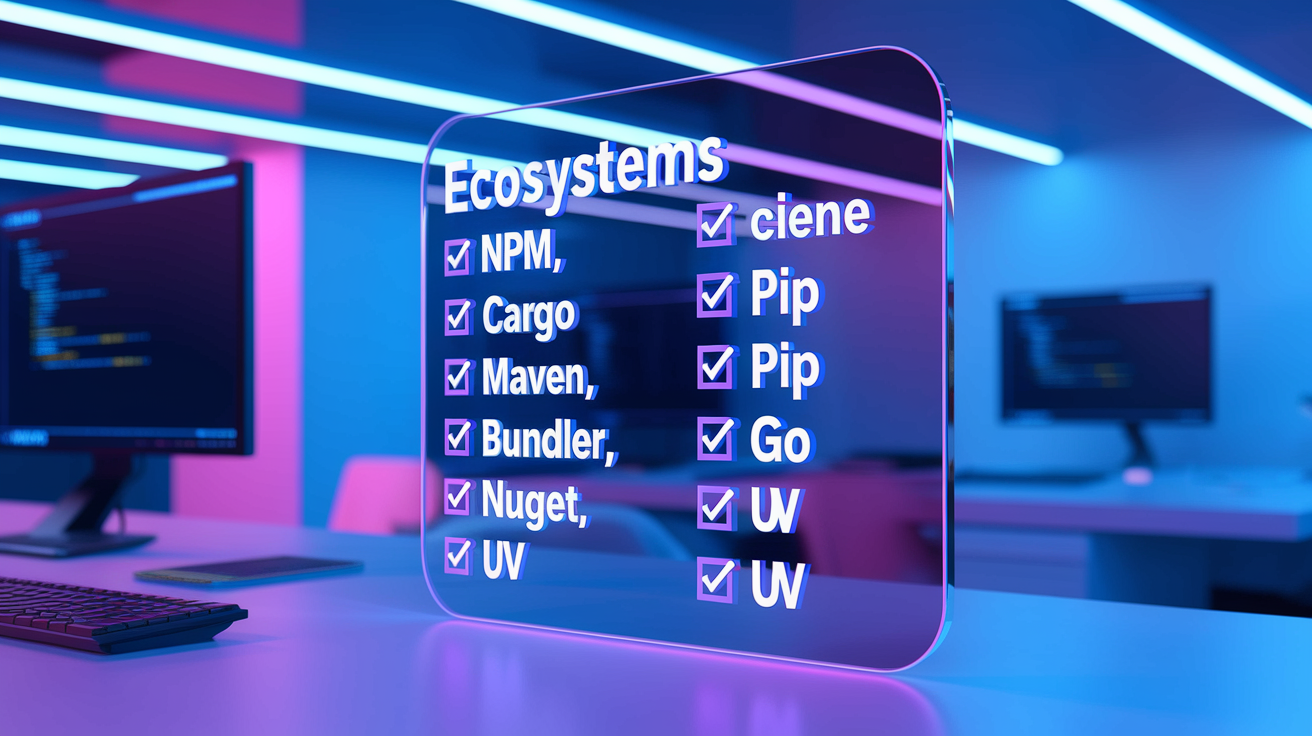
Dependabot supports more than fifteen package ecosystems, covering most modern development workflows. Each ecosystem requires a corresponding package-ecosystem value in dependabot.yml and a manifest file in the specified directory. On 2025-12-16, GitHub announced support for the “uv” package ecosystem, enabling security alerts and automated pull requests for projects using uv-based Python dependency management. This addition joins established support for npm, yarn, pip, Poetry, Maven, Gradle, Bundler, Composer, Cargo, NuGet, Go modules, Docker, Terraform, and GitHub Actions.
Each ecosystem has specific requirements for manifest and lockfile formats. npm and yarn look for package.json and package-lock.json or yarn.lock. pip requires requirements.txt or Pipfile.lock. Maven scans pom.xml. Cargo reads Cargo.toml and Cargo.lock. If your repository uses a monorepo structure with multiple package managers, you must define a separate update entry in dependabot.yml for each directory and ecosystem. Missing or incorrect directory paths are the most common reason Dependabot fails to detect dependencies.
| Ecosystem | Notes |
|---|---|
| npm / yarn / pnpm | Supports package.json, lock files, and private registries via .npmrc |
| pip / pipenv / Poetry / uv | uv support added 2025-12-16; private indexes require credentials |
| Maven | Scans pom.xml; supports custom repositories in settings.xml |
| Gradle | Parses build.gradle and build.gradle.kts |
| Bundler (Ruby) | Reads Gemfile and Gemfile.lock |
| Composer (PHP) | Scans composer.json and composer.lock |
| Cargo (Rust) | Parses Cargo.toml and Cargo.lock |
| NuGet (.NET) | Supports packages.config, .csproj, and PackageReference |
Managing Dependabot Alerts, Notifications, and Triage
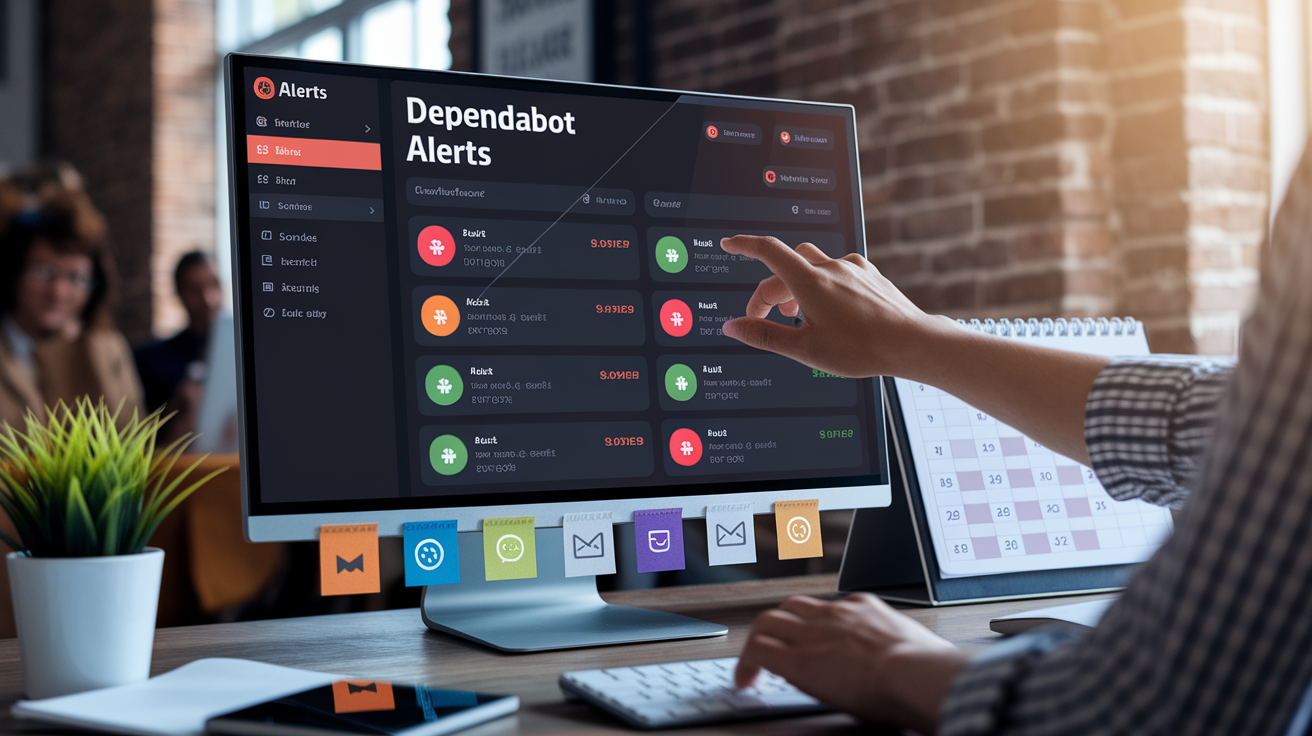
Dependabot alerts appear under the Security tab in your repository (Security, Dependabot alerts), where each alert displays the affected package, installed version, severity, and a summary of the vulnerability. Alerts also show up in the repository’s security overview and can be emailed to designated security contacts or organization administrators. When a security update PR opens, the corresponding alert links directly to the PR. Merging the PR automatically closes the alert. If a secure version doesn’t exist or the update can’t be applied cleanly, the alert stays open until manually dismissed or a fix becomes available.
Notification preferences are configurable at the repository and organization level. Repository administrators can add email addresses to the security contact list (Settings, Security & analysis, Security contacts), and individuals can subscribe to alert notifications via their personal notification settings. Plenty of teams route alerts to Slack or other incident-management tools using GitHub webhook integrations or third-party services that consume the GitHub security advisory webhook events. Severity scoring follows the Common Vulnerability Scoring System (CVSS) or ecosystem scales, with critical and high-severity alerts usually warranting immediate attention and moderate or low-severity alerts queued for routine maintenance windows.
Triage actions for open alerts:
- Review the advisory. Read the vulnerability summary, affected versions, and recommended fix to understand the risk and impact on your codebase.
- Check for open PRs. If Dependabot has already proposed a fix, review and merge the PR to resolve the alert.
- Manually update. If no PR exists (because a fix is unavailable or conflicts with other dependencies), investigate workarounds or pin to a secure version manually.
- Dismiss the alert. If the vulnerability doesn’t apply to your usage (the vulnerable code path is never called), dismiss the alert with a reason for audit purposes.
- Assign to a team member. Use the alert’s assignee field or linked issue to delegate investigation and remediation.
Some organizations configure organization-level policies that require all critical and high-severity alerts to be resolved within a set time window (14 days for high, 7 days for critical). These policies integrate with compliance dashboards and can block deployments if unresolved alerts exceed the threshold. Dependabot alerts lifecycle ends when the vulnerable dependency is updated, removed, or the alert is dismissed by a repository administrator.
Best Practices for Reviewing and Merging Security Update PRs

Treat security PRs as high-priority but still subject to standard engineering rigor. Always run your full test suite and any integration tests that exercise the updated dependency. Even a minor version bump can introduce subtle behavior changes or expose hidden assumptions in your code. Require CI status checks to pass before allowing merge, and configure branch protection rules to enforce this gate. If your test coverage is incomplete, consider adding targeted tests for the dependency’s usage before merging the security fix.
Use CODEOWNERS to route security PRs to the team responsible for the affected service or module. If a vulnerability affects a database driver, assign the PR to your data-platform team. If it affects a web framework, route it to your backend or frontend team. This distributes review load and ensures domain experts validate compatibility. Review the changelog and release notes linked in the PR description to understand what changed between versions. Look for mentions of breaking changes, deprecated APIs, or new configuration requirements. If the bump spans multiple minor versions (3.2.1 to 3.5.0), scan all intermediate release notes to catch any migration steps or behavioral shifts.
Enable auto-merge only when you trust your CI and test coverage. A safe auto-merge policy typically requires all status checks to pass, at least one approving review (or zero if your team accepts the risk), and no merge conflicts. Plenty of teams auto-merge patch-level security fixes for non-critical dependencies (a logging library or a testing utility) while manually reviewing major bumps or updates to core dependencies like frameworks, ORMs, or authentication libraries. Keep lockfiles committed and ensure your CI regenerates or validates them. Out-of-sync lockfiles can cause resolved versions to drift from declared versions, defeating the purpose of the security update.
Summary of review and merge best practices:
- Enforce required status checks and branch protection to ensure CI passes before merge.
- Use CODEOWNERS to automatically assign PRs to responsible teams or individuals.
- Read the changelog and upstream release notes to spot breaking changes or migration requirements.
- Test critical code paths that depend on the updated package, especially if test coverage is thin.
- Enable auto-merge for low-risk updates (patch bumps, non-critical dependencies) after validating your test suite.
- Keep lockfiles committed and verify that resolved versions match expected ranges after merge.
Troubleshooting Common Dependabot Security Update Issues
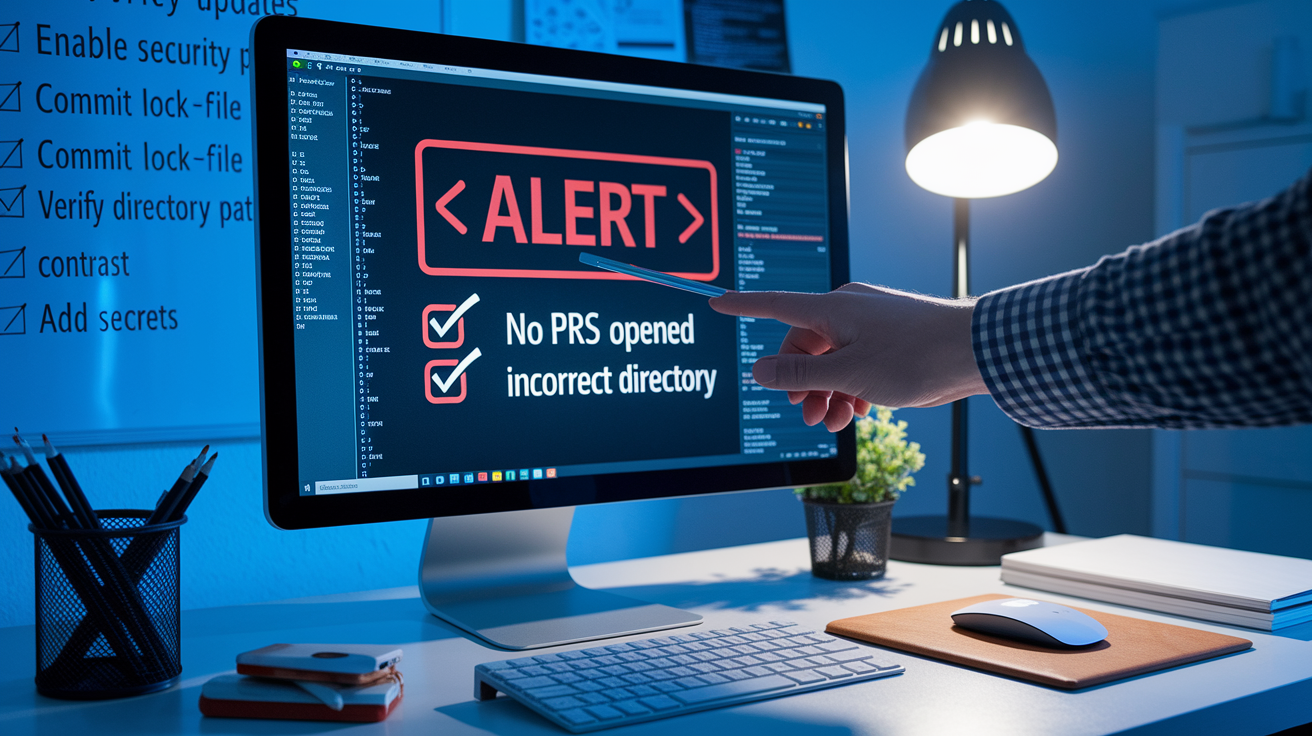
When Dependabot doesn’t open expected security PRs, the first place to check is the repository’s Security & analysis settings. If “Dependabot security updates” is disabled, Dependabot will surface alerts but won’t create pull requests. Confirm that both “Dependabot alerts” and “Dependabot security updates” are enabled. For private repositories, verify that your organization or enterprise plan includes access to Dependabot security features. Some tiers require GitHub Advanced Security licenses.
Missing or incorrect lockfiles are a common failure mode. If your repository doesn’t commit lockfiles (package-lock.json, Gemfile.lock, Cargo.lock, etc.), Dependabot may not detect the exact installed versions and will skip updates. Commit lockfiles to source control and configure your CI to validate or regenerate them on every build. Another frequent issue is an incorrect directory path in dependabot.yml. If you specify directory: "/backend" but your manifest lives at /backend/api/package.json, Dependabot will silently ignore the configuration. Set the directory to the immediate parent of the manifest file, or use “/” if the manifest is at the repository root.
Private registry authentication is another stumbling block. If your dependencies are hosted on a private npm registry, PyPI mirror, or Maven repository, Dependabot needs credentials to fetch package metadata. Add those credentials as Dependabot secrets (Settings, Secrets and variables, Dependabot), using names that match the ecosystem’s conventions (NPM_TOKEN, PIP_INDEX_URL, MAVEN_USERNAME). Dependabot may fail to apply security updates if credentials are missing or expired, and in some configurations it will create a security vulnerability issue instead of a PR when an update can’t be applied automatically.
Common causes and fixes:
- No PRs appearing. Cause: Security updates disabled in repo settings. Fix: Enable “Dependabot security updates” under Settings, Security & analysis.
- Missing lockfile. Cause: Lockfile not committed or not recognized by Dependabot. Fix: Commit the lockfile (package-lock.json, poetry.lock, Gemfile.lock) and ensure it’s up to date.
- Incorrect directory in dependabot.yml. Cause: Directory path doesn’t match manifest location. Fix: Verify the directory field points to the folder containing the manifest file.
- Private registry auth error. Cause: Missing or invalid credentials for private packages. Fix: Add Dependabot secrets with correct token or URL values.
- CI failures blocking merge. Cause: Tests fail with updated dependency or branch protection requires passing checks. Fix: Debug test failures locally, adjust code or configuration, and ensure CI is configured to run on Dependabot branches.
- Permission or rate-limit errors. Cause: GitHub App permissions insufficient or API rate limits exceeded. Fix: Verify repository access permissions for the Dependabot GitHub App and reduce update frequency if hitting rate limits.
Integration of Dependabot Security Updates with GitHub Advanced Security
GitHub Advanced Security (GHAS) enhances Dependabot by integrating advisory data with code scanning results and providing organization-wide visibility into supply chain risks. When GHAS is enabled, the security overview dashboard aggregates Dependabot alerts across all repositories, letting security teams prioritize remediation by severity, affected repository count, and time since disclosure. Code scanning alerts can reference the same CVE identifiers as Dependabot alerts, correlating source-code vulnerabilities with dependency vulnerabilities in a unified view.
GHAS also enables organization-level policies that enforce security update workflows. Administrators can require that all critical-severity Dependabot alerts be resolved within seven days or that certain high-risk repositories automatically merge patch-level security fixes after CI passes. These policies integrate with compliance frameworks and audit logs, providing evidence of timely remediation for regulatory reviews. Dependabot’s behavior with regard to opening PRs and alerting stays the same whether GHAS is enabled or not. The difference is in the aggregation, prioritization, and policy-enforcement layers that GHAS adds on top.
Key GHAS integration points:
- Security overview. Centralized dashboard showing all Dependabot alerts, code scanning findings, and secret scanning alerts across the organization.
- Policy enforcement. Org-level rules that require alerts to be resolved within time windows, block deployments if critical alerts are open, or enforce auto-merge criteria for low-risk fixes.
- Correlation with code scanning. Advisory identifiers link Dependabot dependency alerts to code scanning results, helping teams understand which source files or functions are affected by a vulnerable library.
Final Words
We walked through how GitHub spots vulnerable dependencies and how Dependabot opens real-time security PRs with CVE/OSV details, severity, changelog links, and lockfile updates. You also learned how to enable and configure dependabot.yml and how security updates differ from scheduled version bumps.
You saw supported ecosystems (now including uv), PR review and auto-merge rules, triage flows, troubleshooting tips, and GHAS integration for org-level policy.
Treat github dependabot security updates as an automated first responder: enable them, require CI, review changelogs, and let safe auto-merges cut noise. Small setup now saves you late-night pages.
FAQ
Q: What are dependabot security updates?
A: Dependabot security updates are automated pull requests GitHub opens when a vulnerability is detected in your dependency graph, including CVE or OSV details, severity, minimal version bump, and changelog links.
Q: Is dependabot security update free?
A: Dependabot security updates are free for public repositories; private-repo availability requires enabling Security & analysis on your repo, and billing depends on your GitHub plan and organization settings.
Q: Is dependabot secure?
A: Dependabot is secure: it pulls advisories from GitHub’s feeds and dependency graph, produces minimal fixes, and relies on your CI and review processes to catch regressions before merging.
Q: Does dependabot update dependencies?
A: Dependabot updates dependencies by opening automated security PRs immediately on advisories and running scheduled version-update PRs (daily/weekly/monthly) per dependabot.yml, following semver rules for safe bumps.